
AutoStow
Automatically sheath or draw your weapons with per-character controls, cast protection, manual overrides, and a lightweight event-driven design.
Details
Expansion
 Forever
 Categories
Developers

Having issues?
AutoStow
AutoStow is a lightweight addon that automatically sheathes or draws your weapons while respecting your manual controls, casting, and character state.
Choose between two weapon behaviors, customize your preferences for each character, and enjoy automatic weapon management without unnecessary resource usage.
Weapon Behaviors
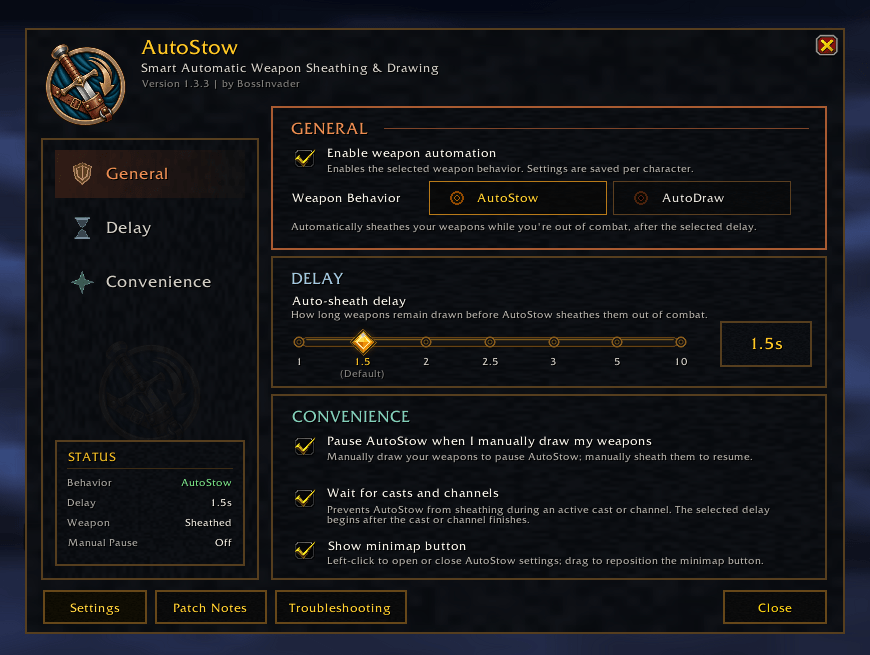
- AutoStow: Automatically sheathes your weapons when you're out of combat.
- AutoDraw: Automatically redraws your weapons after casting or other supported actions when it's safe to do so.
AutoStow is enabled by default. Both modes support melee and ranged weapons, including swords, staves, bows, guns, and crossbows.
Features
- Per-Character Settings: Customize weapon behavior and preferences independently for each character.
- Adjustable Delays: Choose between 1, 1.5, 2, 2.5, 3, 5, or 10 seconds.
- Manual Override: Temporarily pause automatic behavior by manually sheathing or drawing your weapons.
- Smart Protection: Respects casting, channeling, mounting, vehicles, and other restricted character states.
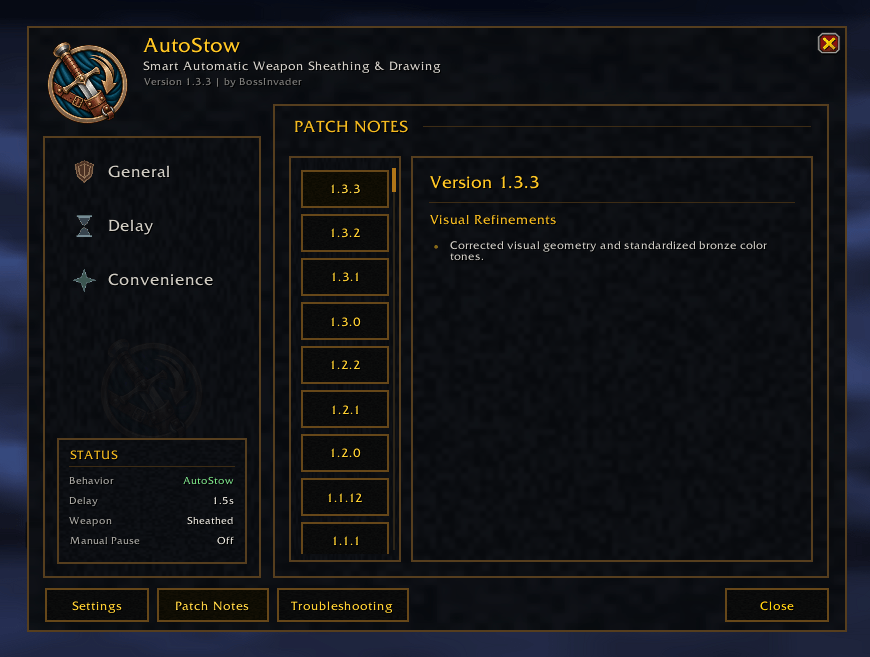
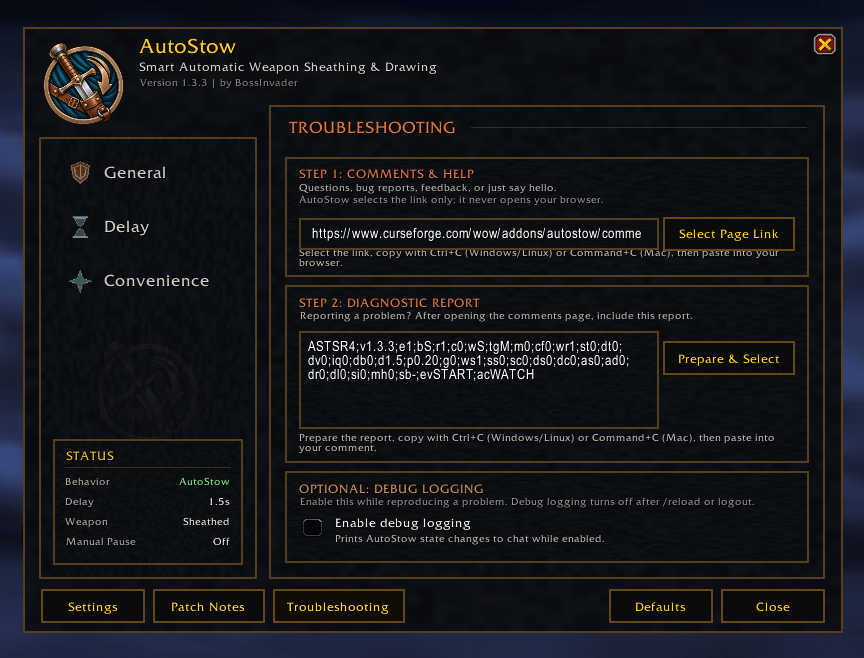
- Compact Interface: Access settings, live status information, patch notes, and troubleshooting tools.
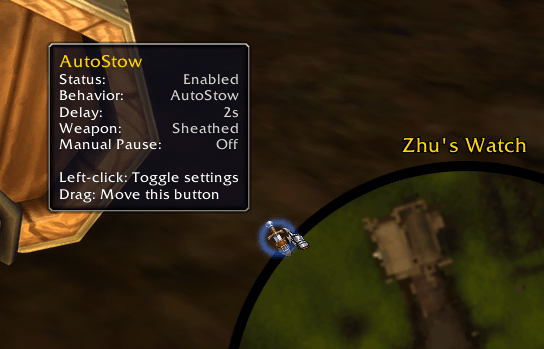
- Minimap Shortcut: Optional movable minimap button with a live status tooltip.
- Built-In Diagnostics: Generate compact, anonymous reports for troubleshooting.
Lightweight by Design
AutoStow uses efficient, event-driven processing to minimize resource usage.
Its safeguards prevent conflicting actions, respect your latest manual input, and avoid unnecessary continuous processing.
No external libraries or dependencies are required.
Commands
/autostowor/astow— Open settings./autostow status— Display current status./autostow debug— Toggle temporary debug logging.
Compatibility
Supports World of Warcraft Retail and World of Warcraft Forever.
Each version is distributed separately with the appropriate game-specific compatibility files while maintaining the same features, interface, and core functionality.
Select the correct download for your WoW client.
You must be logged in to leave a comment.