
ArcUI
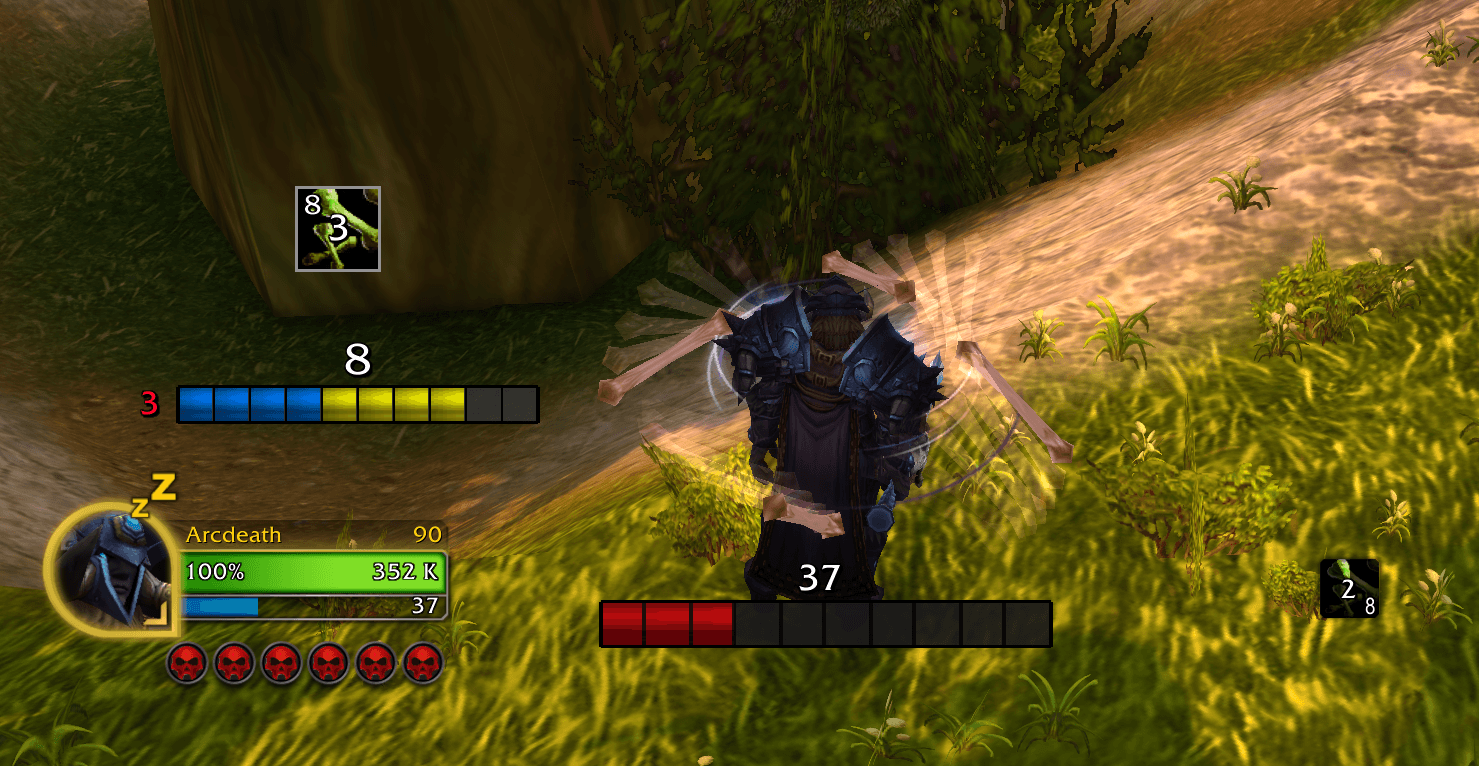
This addon creates bars/icons for buff and debuff that have stacks and does primary resources
Details
Addon ID:
24593
Addon Version:
1.4.0
Expansion:
1.60
Upload date:
Oct 06, 2026
Last Updated:
Oct 06, 2026
Downloads:
Less than 100
Website:
Source Link
Expansion
 Forever
 Categories
Developers

ArcForge
Creator
Having issues?
Arc UI
💬 Discord: discord.gg/mkfTJCkTkA ☕ Support Development: buymeacoffee.com/arccode
Playing WoW Forever? Arc UI Forever is now Arc Auras, with its own page: Arc Auras on CurseForge
The Ultimate Visual Tracking Suite for WoW
Arc UI transforms how you track buffs, resources, and cooldowns. Stop squinting at tiny buff icons — get clean, customizable bars, organized icon groups, and full control over Blizzard's CD Manager.
⚡ Core Features
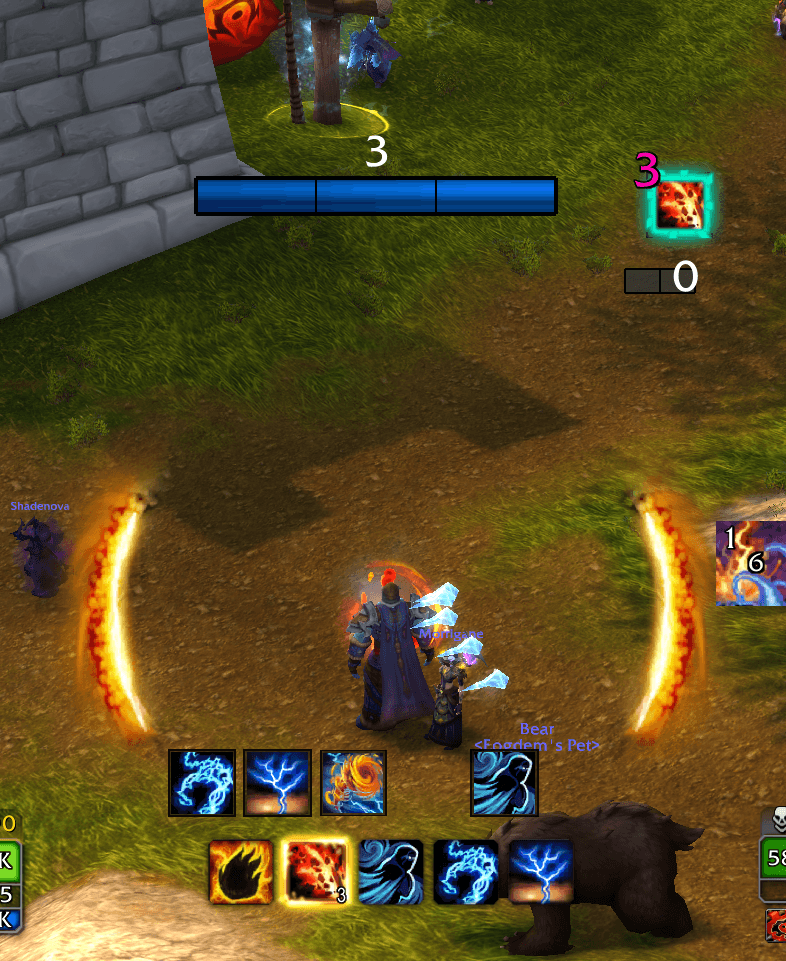
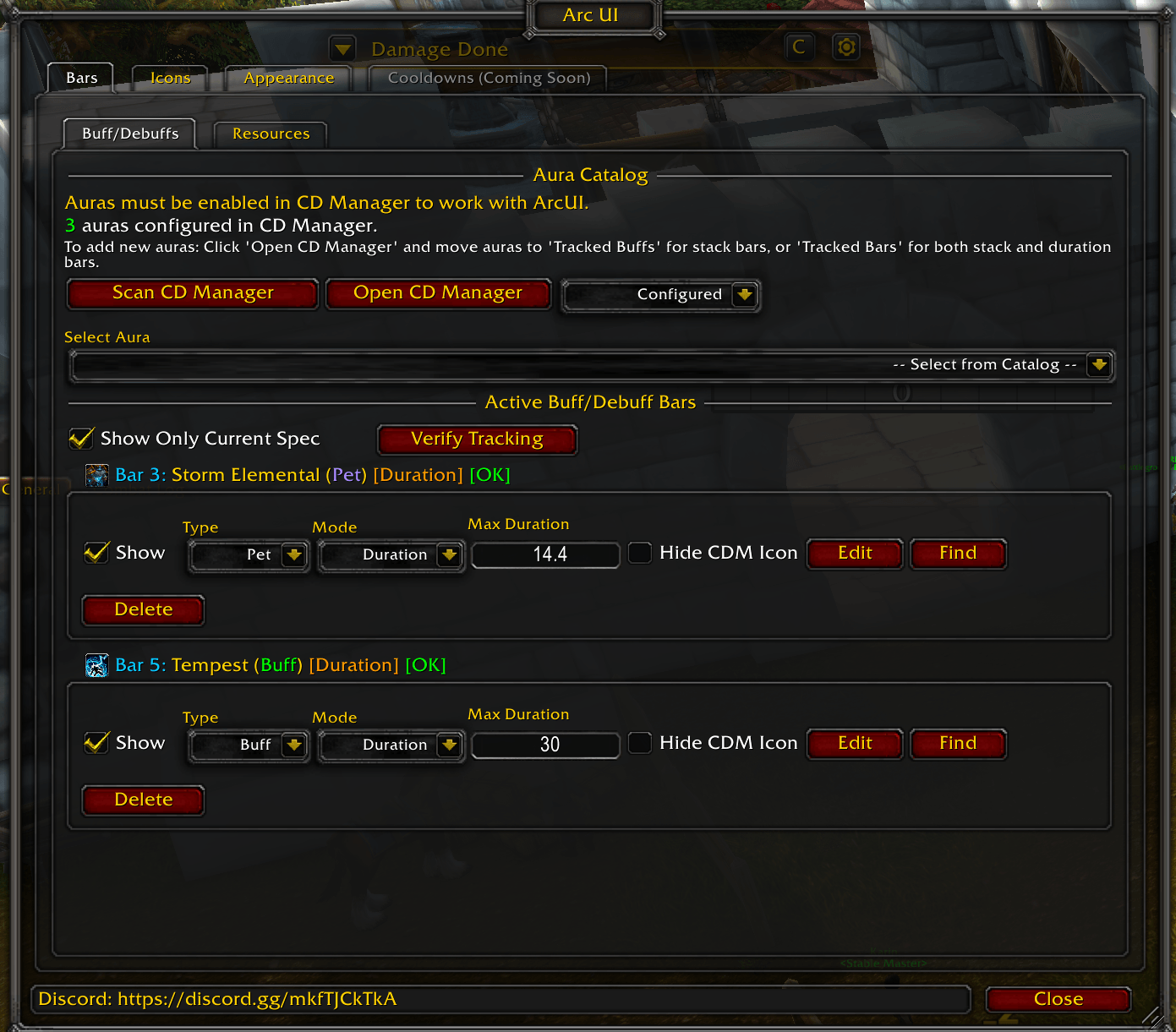
📊 Buff & Debuff Bars
- Track buffs on yourself or debuffs on your target
- Display as bars or icons with stack counts
- Gradient and threshold colors that change based on stacks
- Duration tracking with ColorCurve transitions
- Up to 30 tracking slots per character
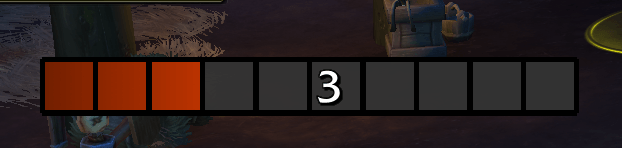
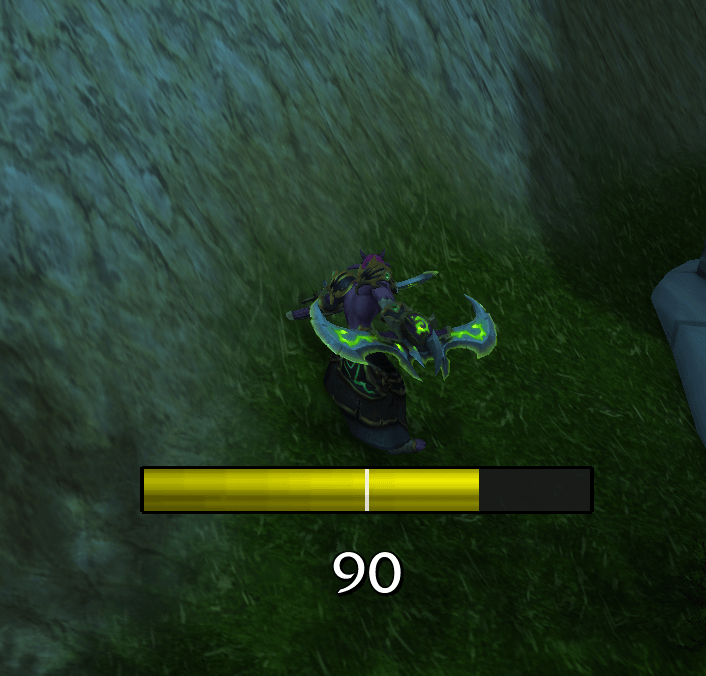
🔋 Resource Bars
- Track Mana, Rage, Energy, Focus, Fury, Maelstrom, and more
- Secondary resources: Coming Soon
- Threshold color changes and tick marks
- Multiple bars for hybrid classes
⏱️ Cooldown Charge Bars
- Track charge-based abilities (Lava Burst, Fire Blast, Roll, etc.)
- Visual charge progress with duration text
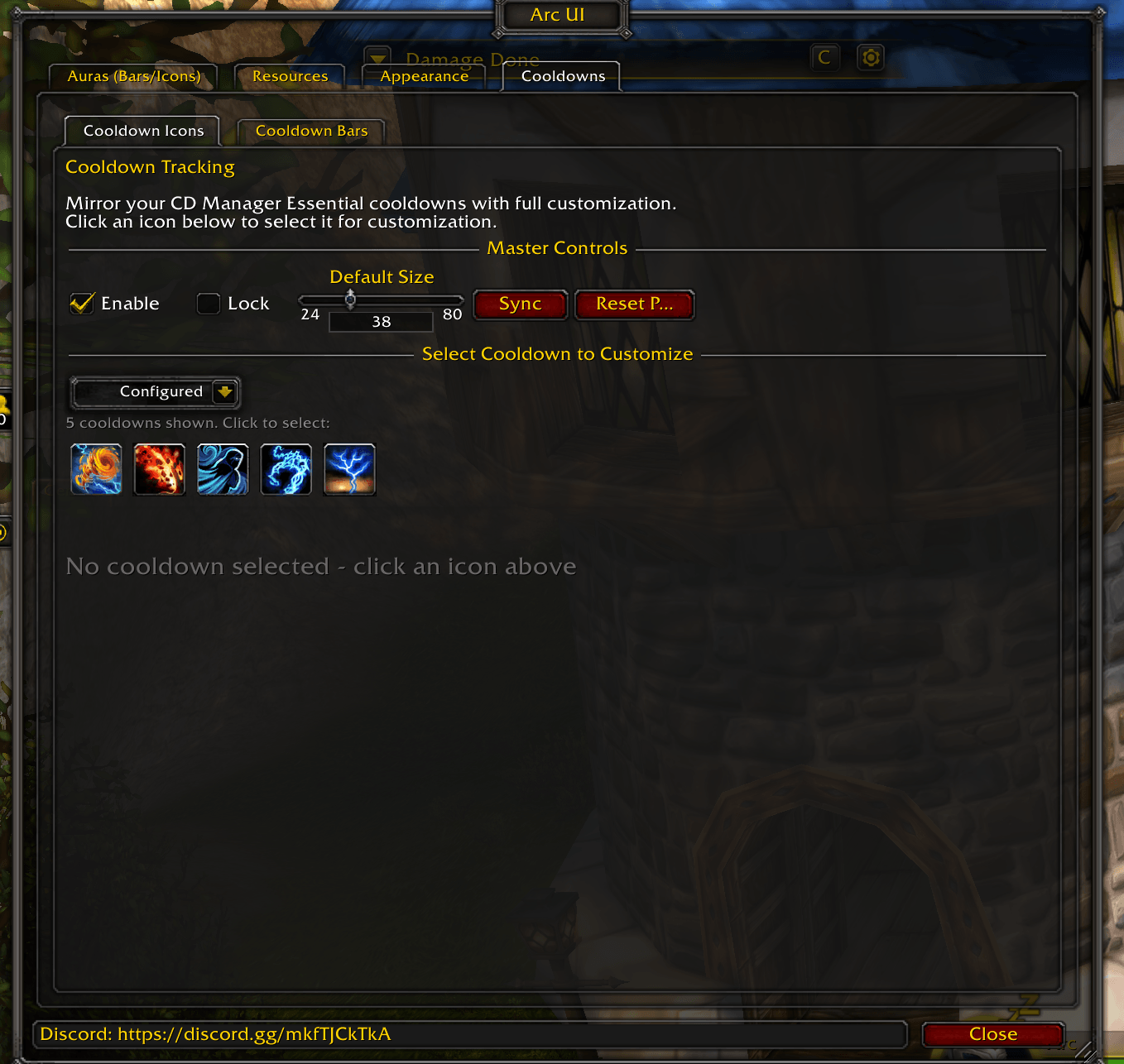
- Auto-detection from CD Manager
🎨 CD Manager Enhancement
Icon Groups & Positioning
- Drag & Drop - Organize CD Manager icons into custom groups
- Arc Manager Profiles - Save/load different layouts per talent build
- Free Icons - Position any icon anywhere on screen
- Fill Gaps - Auto-compact groups when abilities are unavailable
Icon Styling
- Scale, Resize, Zoom - Per-icon size and aspect ratio
- Borders & Shadows - Custom thickness, colors, insets
- Text Styling - Charge and cooldown text with custom fonts and shadows
- Range Indicator - Visual overlay for out-of-range abilities
- Cooldown State Visuals - Desaturation, alpha, and tint options
Arc Auras (Item Tracking)
- Track trinkets, potions, and on-use items not in CD Manager
- Same styling options as CD Manager icons
- Drag into groups or position freely
🔧 Customization
- Textures
- Fonts - Full customization with outline and shadow
- Colors - Per-stack, gradients, thresholds, backgrounds
- Import/Export - Share setups between characters
💡 Tips
- Click any icon while options panel is open to select it for editing
- Edit buttons appear on icons when the ArcUI panel is open
- Use Arc Manager Profiles to switch layouts based on talents
- Configure in CDM Icons button jumps directly to icon settings
🐛 Issues & Feedback
Found a bug or have a suggestion? Reach out on Discord!
💬 Discord: discord.gg/mkfTJCkTkA ☕ Support: buymeacoffee.com/arccode
You must be logged in to leave a comment.