

Alt+Z Forever
Fades your UI when you're not using it and brings it back on combat, targeting or mouseover. Lets you set the fade behavior of every element separately so the UI is exactly as immersive as you want.
Details
Expansion
 Forever
 Categories
Developers

Having issues?
Alt+Z Forever
Responsively fades the UI when you're not using it, as if you've pressed Alt+Z! Lets you set the fade behavior of every element separately so the UI is exactly as immersive as you want.
Made by Ordainty
What it does
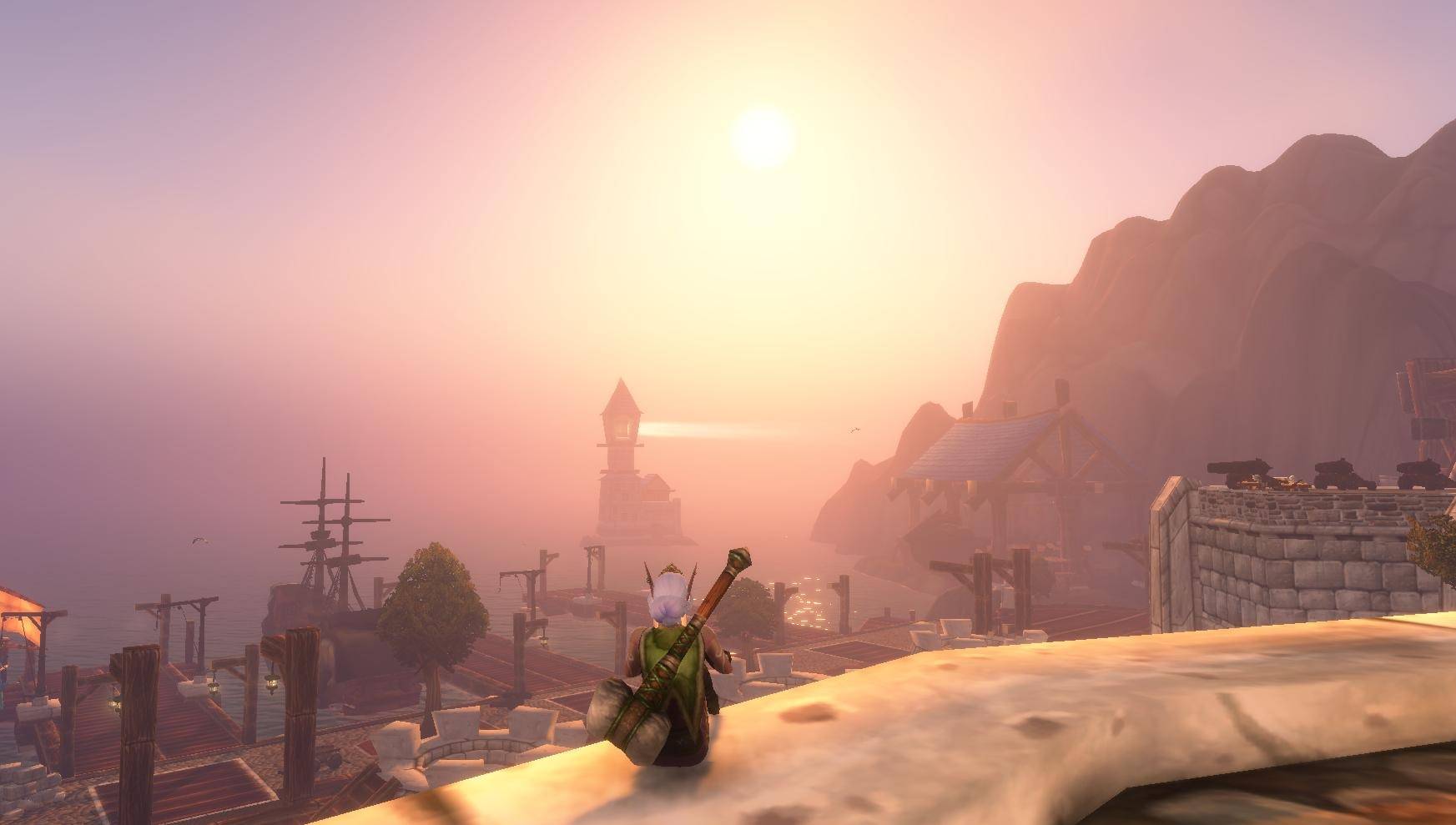
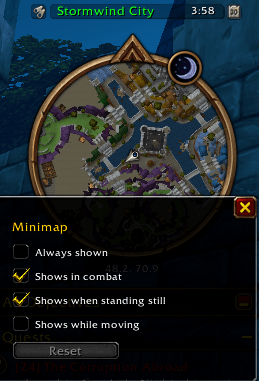
Your action bars, unit frames, minimap, chat and quest tracker all fade out, and so do other addons' frames. What's left is the world!
Nothing's out of reach, though:
- Combat brings back most of the UI.
- Picking a target shows your target and player frames.
- Casting a spell brings your bars back for a few seconds, even if the cast fails.
- Moving the mouse over something faded brings it back instantly, usually along with its neighbours.
Inside dungeons, raids, battlegrounds, arenas and scenarios, nothing fades unless you want it to.
Documentation
ordainty.github.io/alt-z-forever covers what fades, what brings it back, every setting, and every key and command.
Make it yours
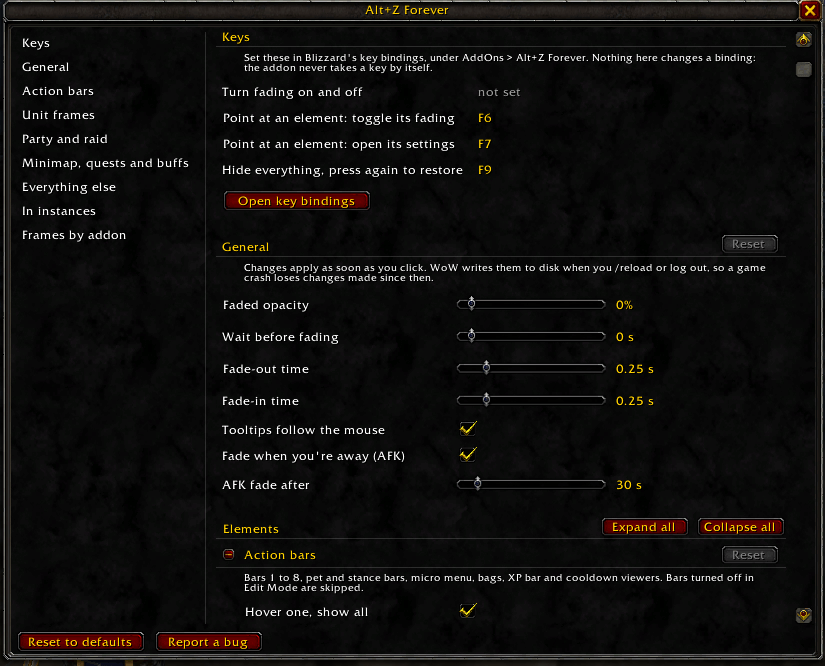
Every element has its own fade settings. You decide what fades, what stays, and what brings each piece back, so the UI shows as much or as little as you like.
Quick start
- Type
/azf menuto open the settings window. - Under Keys, select Open key bindings and bind the keys you want. The addon doesn't bind keys for you, so it can't clash with any of yours.
- Fade mode is already on when you log in. To switch it off and back on, press your Toggle fade mode key or type
/azf toggle.
Found a bug?
Type /azf report and tell me about it.
Credits
Alt+Z Forever is developed by Ordainty, and based on Conceal by Keirmot, used under the GNU General Public License v3. Alt+Z Forever is GPLv3 too.
You must be logged in to leave a comment.