
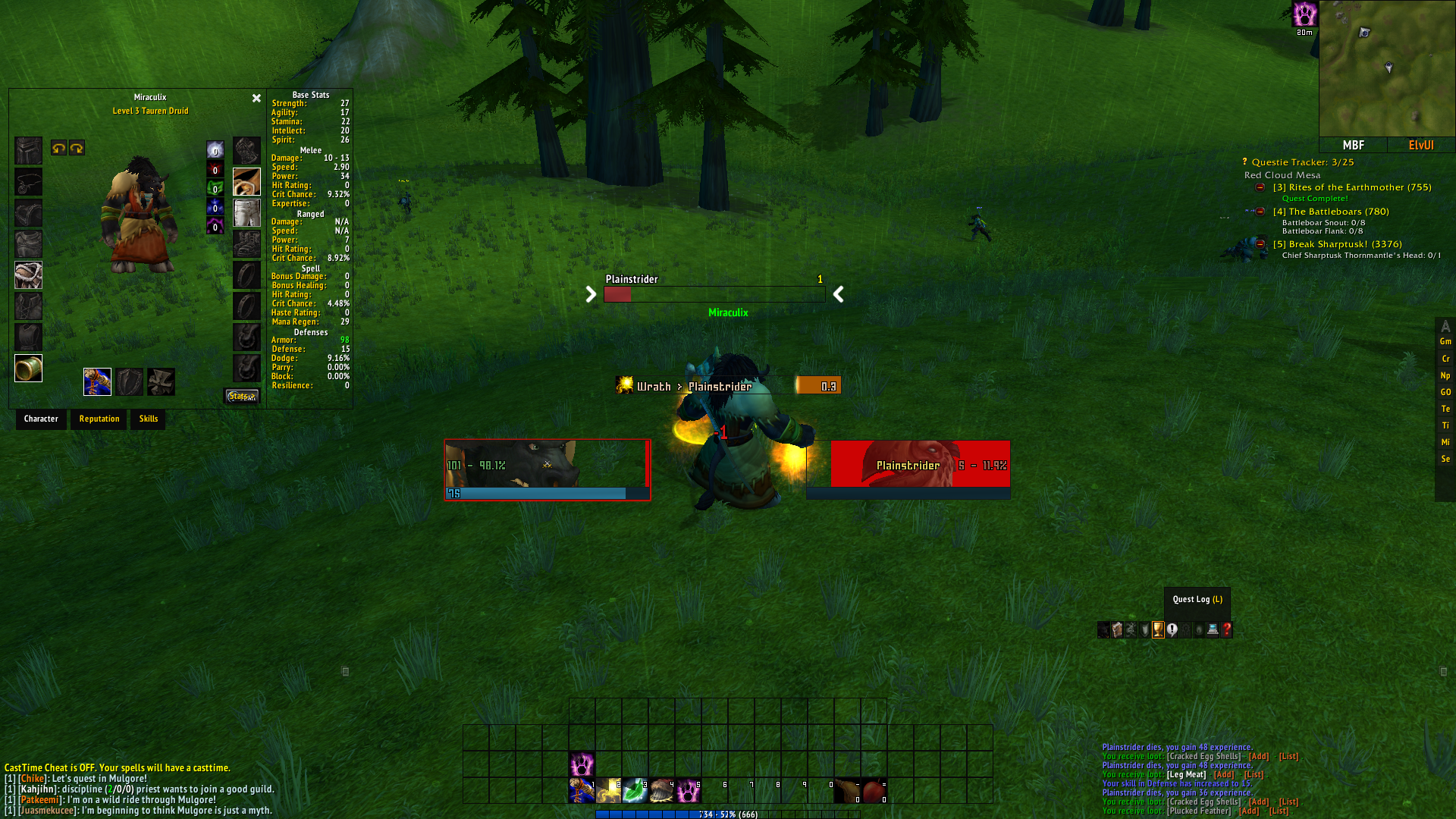

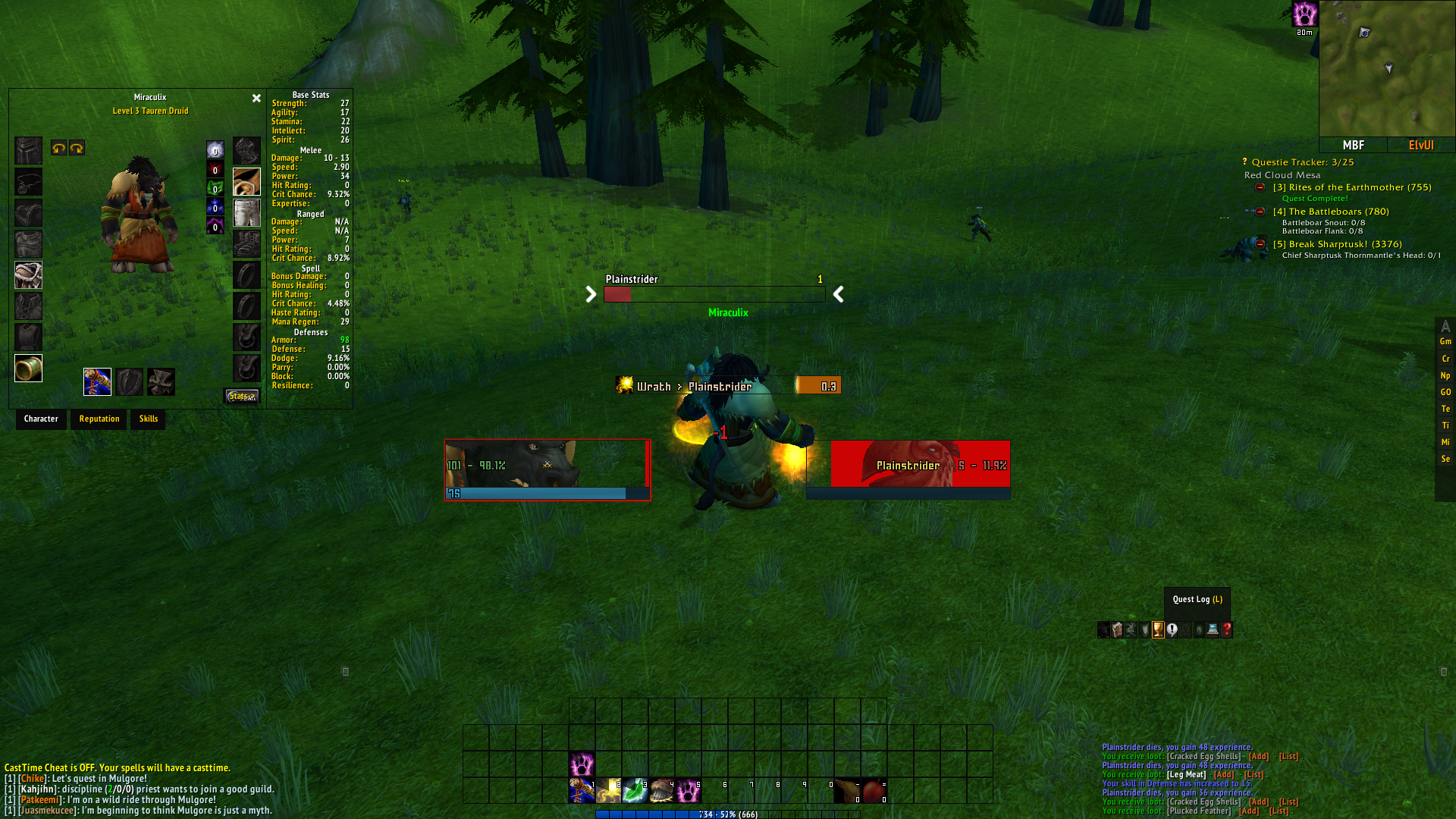
ElvUI Super Transparent
Profile Details
 ElvUI for WOTLK
 Type & Expansion
Classes
-
 Death Knight
 -
Druid
-
Hunter
-
Mage
-
Paladin
-
Priest
-
Rogue
-
Shaman
-
Warlock
-
Warrior
 Death Knight
  Druid
Druid  Hunter
  Mage
Mage  Paladin
  Priest
  Rogue
Rogue  Shaman
  Warlock
  Warrior
 Categories
-
General
 General
 Author

This is still a work in progress as i improve it, you will need a specific version of Minimapbuttonframe if you want to use it that works with ElvUI. Click here
Make sure you when you create a new folder for MBF that you name it MinimapButtonFrame, otherwise the addon will not list itself.
This was designed for 1080p resolutions, for other resolutions you may need to scale the interface differently and adjust positions.
Note: the micro bar is set to mouse over, hence why the position of it is included. Disable bar 5 and 6 if you prefer to have Detail or Skada there instead.
Client used: WoTLK 3.3.5.a HD
Private Server: Aldebaraan repack
Other addons i recommend to use with this:
Titan Panel
Nice Damage
ElvUI addon skins
Mapster (we use this for dungeon maps)
All stats
Work in Progress*
Updates:
V0.2a
Changed font size on buttons
Changed button number colors from white to cyan.
Changed transparency of the micro bar.
Code
How to install
1 Copy the entire code string shown above.
2 Open World of Warcraft and type /elvui in the chat to open the ElvUI settings.
3 In the ElvUI window, go to Profiles → Import Profile.
4 Paste the code string into the box.
5 Click Import to apply the profile.
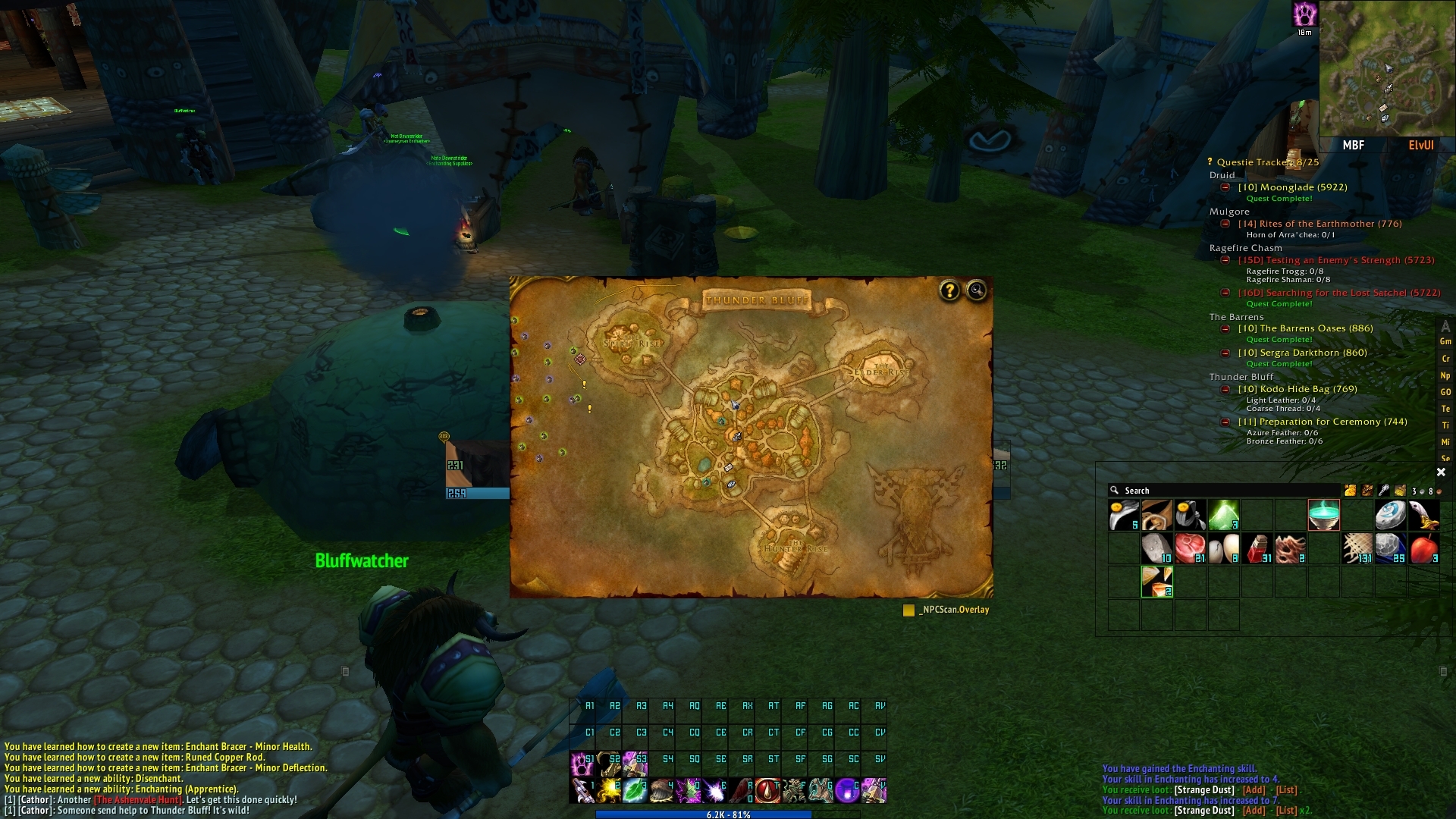
In addition to ElvUI, this profile requires extra ElvUI plugins to work properly. These plugins are essentially addons that need to be installed in the Interface/AddOns folder before importing the profile.