
Kader Raid Tools
Master Loot, Raid Warnings, Loot History, MS Changes and LFG Spammer.
Details
Expansion
 Wrath of the Lich King
 Categories
Developers

Having issues?
KRT - Kader Raid Tools
What Features Does It Offer?
It was mainly made for raid leaders and it offers a lot of useful features to really make raid leading as easy as possible. To enumerate the features it offers, we go step by step:
Grouping : LFM Spammer
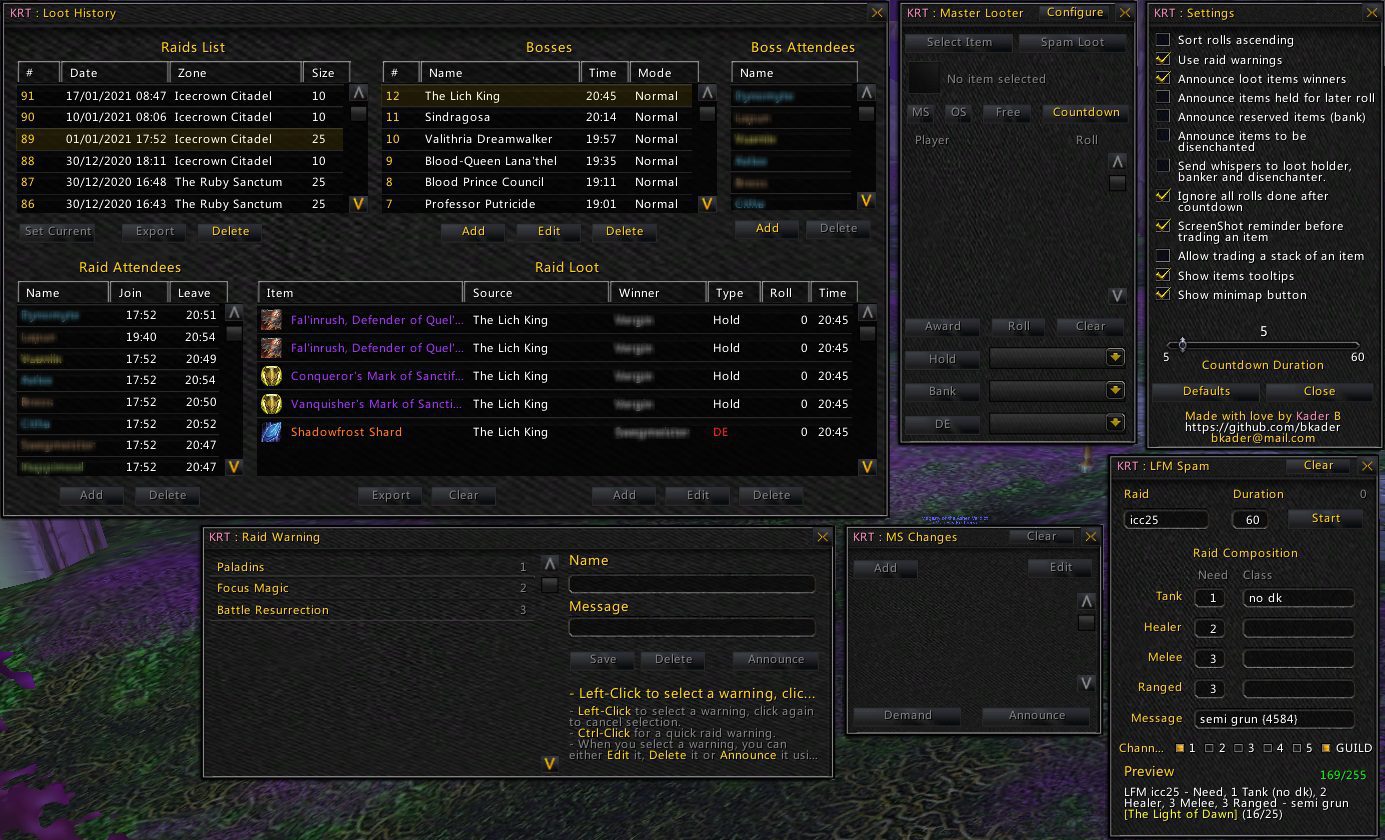
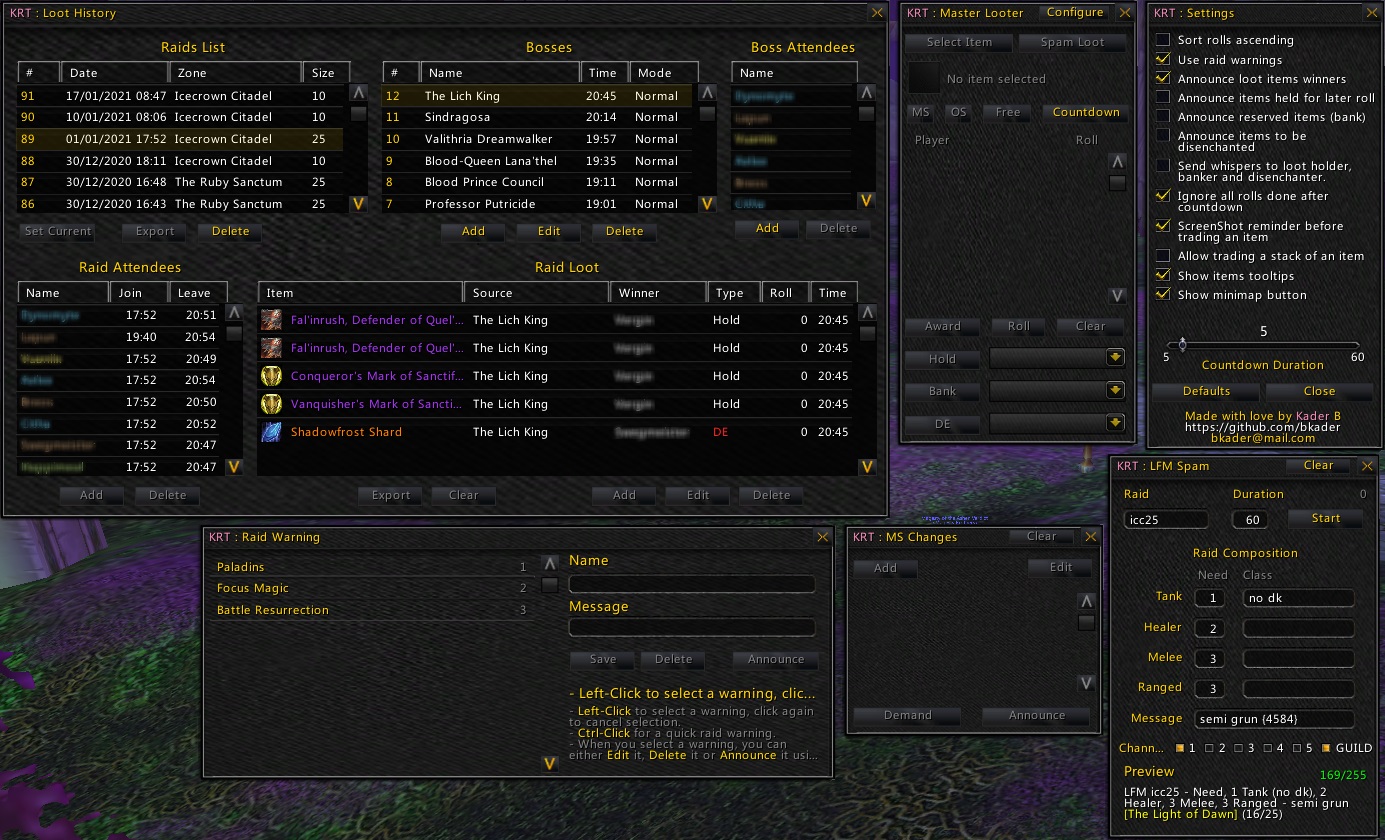
If you ever got tired of spamming channels to gather the people you need! Even worst, as your group grows you will have to change the text you're sending all the time. Why bother? I have made the LFM Spammer for this purpose. Simply right click the minimap button the go for it. Or, you can use the command /btm lfm to toggle the main window.
The window explains itself in a very easy way. Just name the raid you are grouping for and enter the composition you need (Tanks, Healers, Melee and Ranged DPS). If you need to add extra info to your final message just add it to that section.
The classes boxes are used in case you need specific classes, so all you have to do is to type them there, comma-separated.
A good thing about the Message section is that it can detect achievements IDs if you type them between curly brackets. Example: {1234}.
How am I supposed to know the ID?
Don't worry, I knew you would ask! I provided the command /btn ach xxxx that you can use to find the ID. Example: /btn ach fall of the lich king ... It will then give you the ID that you can use it in your message.
After you have set everything up, all you need to add is the spam duration, select the channels you want to spam then hit Start ... Done!
Notice:
- The spammer stops if you edit any box to avoid having messed up message.
- To save what you have put into a text box you have two options: either you hit Enter or simply click elsewhere.
- The spammed message is stored across all your characters, so next time you login on another simply edit the its details.
Raid Warnings (Pre-Saved)
Main Spec Changes (MS Changes)
Loot Master
Loot History
No changelog available.
You must be logged in to leave a comment.