
BlizzMove
Makes the default frames moveable via simple drag and drop


Details
Expansion
Categories
Developers

Having issues?
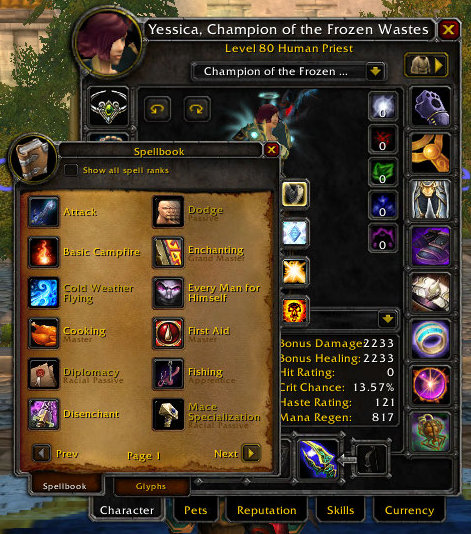
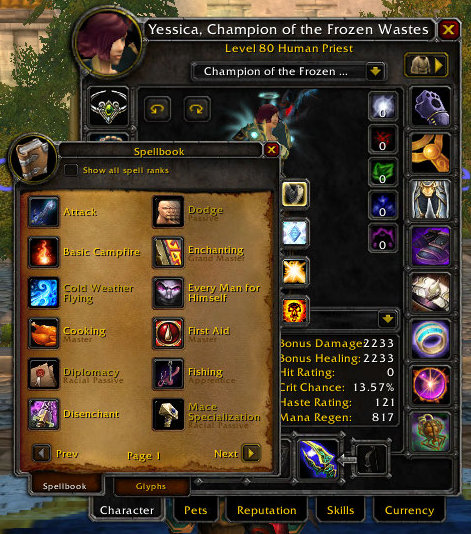
This addon makes the Blizzard windows movable.
To temporarily move a window, just click the title of the window and drag it to where you want it. Shift + right-click resets the position.
Use ctrl + scroll wheel over a window title to adjust the scale of the window. Ctrl + right-click resets the scale.
Use alt + drag to detach child frames from their parent. Alt + right-click re-attaches the child frame. (Examples of child windows are calendar event info frames, and similar)
Demo: https://www.youtube.com/watch?v=jPcpkQjCTZU
Limitations:
- The default Blizzard separate bag frames are not movable - the default combined bag frame is movable
- BlizzMove does not disable Blizzard's built-in panel positioning logic. This means that opening, for example a profession window, might close or move other windows. To disable this default Blizzard behaviour, you can install No Auto Close.
- Due to a blizzard bug, there are issues when you rescale the map in retail. This cannot be fixed by us, and if you want it to work, let blizzard know.
Access some in-game options, by typing /bm in chat.
You may look for additional plugins here.
Please use the issue tracker on GitHub if you have issues.
Join the BlizzMove discord.
Developers can hook their own frames into BlizzMove, to let us handle all the work to make your frames movable 🙂.
You must be logged in to leave a comment.