

ZoidsTools_F
ZoidsTools is a lightweight World of Warcraft quality-of-life addon built around small, practical interface improvements.
Details
Expansion
 Forever
 Categories
Developers

Having issues?
ZoidsTools Forever
Damage meters, movable windows and bags, quest tools, and everyday conveniences for WoW: Forever beta.
ZoidsTools Forever brings a collection of customizable tools together in one addon, with a consistent dark-and-gold style and settings accessible through /ztf or the minimap button. Use the features that suit your setup and adjust them from one place.
This is a standalone addon for WoW: Forever beta. The retail ZoidsTools addon is not required.
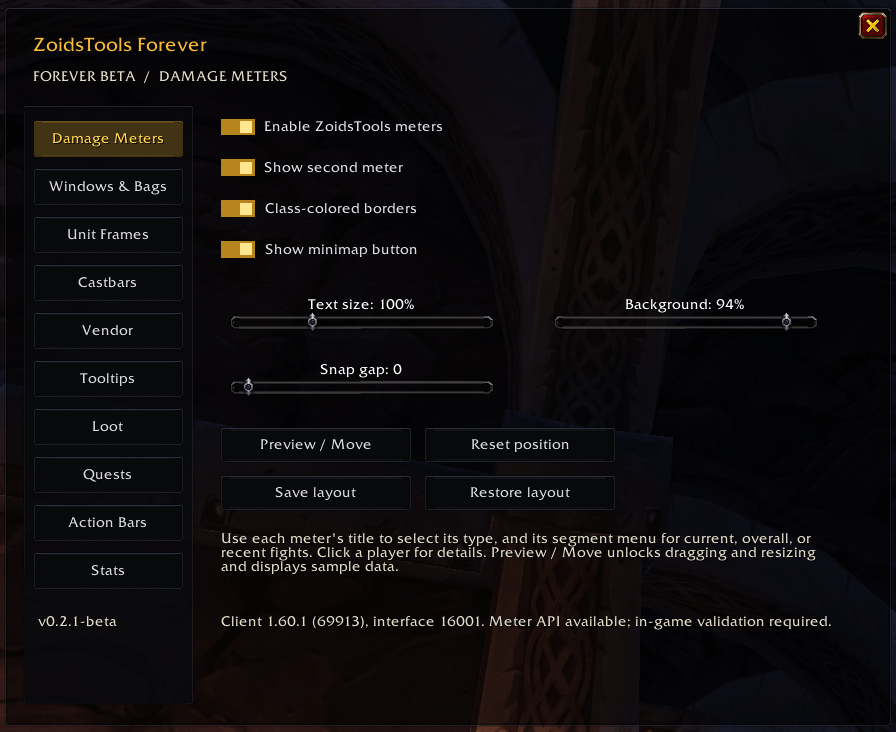
Damage Meters
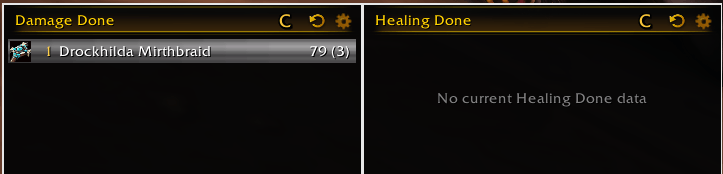
- Two customizable meter windows with damage and healing views.
- Current, overall, and recent combat segments.
- Player details, scrolling, snapping, and resizing.
- Adjustable text size, opacity, and class-colored borders.
- Sample-data preview to arrange your meters before combat.
Meters start disabled and require the beta client’s native damage meter API. Enabling them hides Blizzard’s meter windows.
Movable Windows & Bags
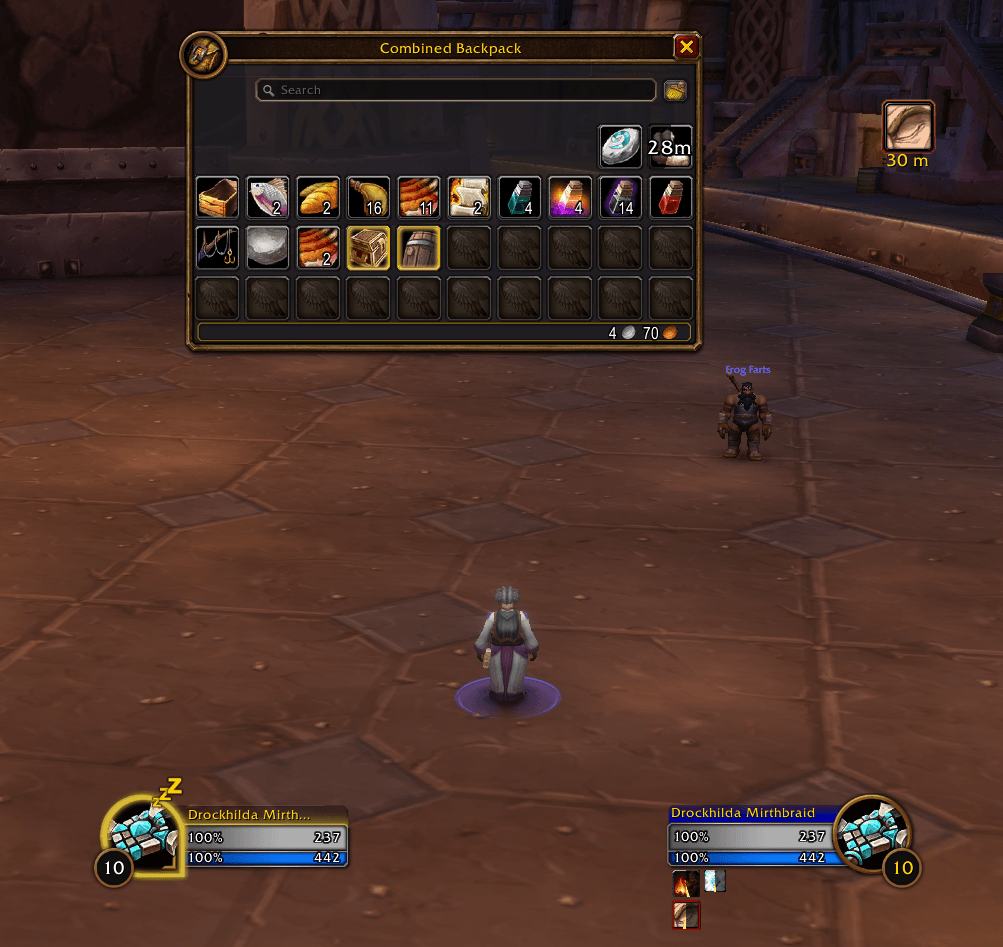
Move supported Blizzard windows and bags using convenient drag handles, with saved positions and adjustable scaling.
- Ctrl + mouse wheel over a Move handle to resize.
- Ctrl + right-click a Move handle to reset its position.
- Choose a shared bag anchor corner for consistent placement.
- Keep separate positions for bank windows.
- Reset saved positions or scales from settings.
Supported windows include character, quest, crafting, merchant, and auction panels. Protected changes wait until combat ends.
Completionist Quest Tracker
Keep track of quests with a compact, searchable tracker featuring area lists, quest tooltips, discoveries, and NPC details.
- Quest progress and discoveries tracked per character.
- Shared tracker position, lock, and minimized state.
- Filters and search to help find the quests you need.
Quest coverage is still being expanded during beta. Missing information remains marked as unknown.
Questing & Looting
- Quest automation: Optional auto accept and turn-in, with a configurable modifier key to pause. Quests with multiple reward choices remain yours to select.
- Fast Loot: Adjustable looting delay that follows your Auto Loot setting and modifier.
- Automatic reputation tracking: Switches your watched faction in supported home zones and neutral towns.
- Compact objective tracker: Minimize Blizzard’s tracker down to its expand button.
Campfire Item Bar
Quickly access usable campfire items while you have Welcoming Campfire or Campfire Nearby.
The movable bar shows carried items with stack counts, cooldowns, and tooltips, and hides during combat. Supported camping items are recognized across client languages, with English matching for additional beta content.
Combat & Interface Tools
- Range indicators: Full-icon red overlays for out-of-range abilities on Blizzard action bars.
- Castbar sizing: Adjust player, target, and focus castbar width and height, with an experimental preview.
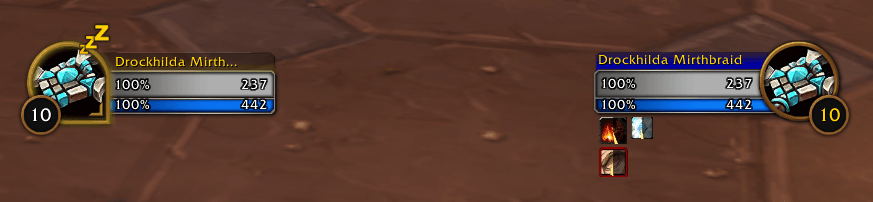
- Class-colored health bars: Optional class colors for supported Blizzard unit frames.
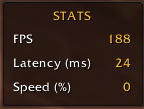
- Stats window: A compact display for FPS, world latency, and movement speed.
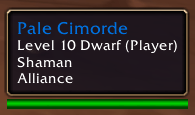
- Player tooltips: Class-colored player names.
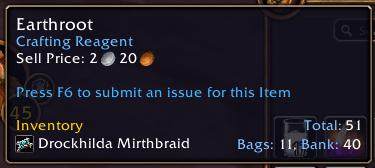
- Inventory tooltips: Item totals and per-character bag, bank, and equipped counts. Log into characters and visit banks to update their recorded inventory.
Consumables & Vendors
Optional food and drink macros update as your bags change, selecting suitable non-buff food and water. You can also include Healthstones, healing potions, or mana potions for combat use. Consumable detection currently relies on English item text.
Optional vendor automation includes junk selling and repairs using personal gold or guild funds. Hold Shift when opening a vendor to skip automation for that visit. Bulk-sold junk cannot be bought back.
Getting Started
Install ZoidsTools_F, then open settings with /ztf or the minimap button.
Useful commands:
/ztf preview— Preview and arrange the meters./ztf windows— Window and bag settings./ztf completionist— Completionist settings./ztfc— Minimize or expand Completionist./ztf campfire— Campfire bar settings./ztf quests— Quest automation and tracker settings./ztf status— Client and addon compatibility information.
Meters, quest automation, consumable macros, vendor automation, castbar sizing, and class-colored health bars start disabled so you can choose which to enable.
Languages & Beta Support (Sort of - Used Google Translate)
The addon automatically uses your client language, with English fallback. Bundled draft translations cover German, French, Spanish, Latin American Spanish, Italian, Brazilian Portuguese, Russian, Korean, Simplified Chinese, and Traditional Chinese.
Forever is still in beta, and client changes may affect individual features. In-game testing and translation feedback are welcome. When reporting a problem, include what happened, any Lua error, and the output of /ztf status.
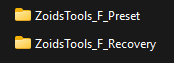
Upgrading to 0.2.7-beta: The temporary Recovery and Personal Preset companion addons have been retired. Existing main-addon settings remain intact, and positions and scales continue to save normally. Old companion addons can be disabled or removed.
You must be logged in to leave a comment.