
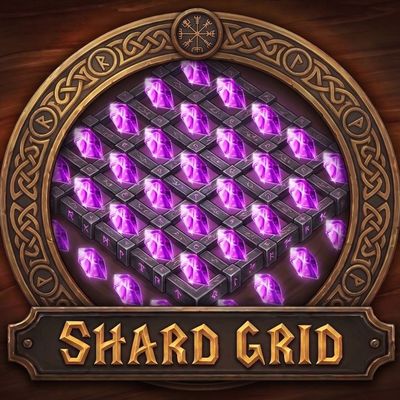
Shard Grid – Warlock Soul Shard Counter, Summon Requests, Soulstones & Healthstones
Everything a Warlock does with Soul Shards: a bag-style shard grid, a low shard alert, summon requests, a soulstone tracker and Healthstone trades. /shards for options.
Details
Expansion
 Forever
 Categories
Developers

Having issues?
Shard Grid
Everything you do with Soul Shards, organized.
Shards are the one resource a Warlock is always counting, and the game gives you nothing to count them with. Shard Grid puts them on screen as a bag-style grid that fills as you collect and empties as you spend, tells you before you run dry, and quietly clears out the ones cluttering your bags.
Then it handles what the shards are actually for.
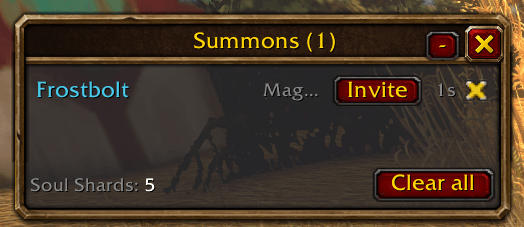
- Summons. Requests stop scrolling past in chat and queue up in a list instead. One click summons the player, whispers them, and tells your group where you are and that you need clickers.
- Soulstones. Who is carrying one, who cast it and how long is left, on bars built from the game's own cooldown art. One button reports the lot to your raid.
- Healthstones. Passed over the moment a trade window opens, or conjured on the spot when you have none to give.
It is drawn with the interface's own art and its options live in the game's own settings panel, so it looks like part of the UI rather than something bolted onto it. No dependencies, no libraries, one file.
Getting started
- Extract the download into your
InterfaceAddOnsfolder. You should end up with aShardGridfolder containingShardGrid.toc. - Log in on a Warlock. The grid appears by itself.
- Type
/shardsfor the options, or click the minimap button.
Drag the grid where you want it, and drag the grip in its corner to set how many columns wide it is. Everything else has a sensible default, so you can stop there if you like.
How to use it
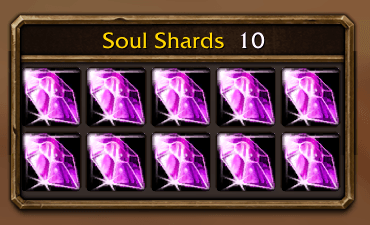
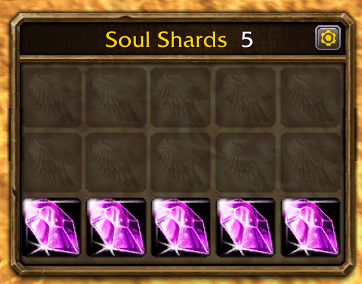
Reading the grid. Filled slots are shards, dim slots are room to spare, and the title counts them. With a soul bag the title reads 9/14, and shards sitting in your ordinary bags are added on the end in orange, with any past the number you have chosen to keep in red. A soul bag in the reagent slot counts just like one in an ordinary bag slot. Shards stay packed together, so the slot that empties when you spend one is always the one against the free space. Hover the grid for the full breakdown.
"Show empty slots" keeps the grid shaped like a bag, "Minimum rows" stops the window changing size as you collect, and "Empty slots first" puts the free space at the top.
Shards you gain are tossed into the grid out of a burst of purple light, and spent ones flash out of their slot, with a soft click as each one lands. Turn it off with the "Animate shards" option or /shards anim.
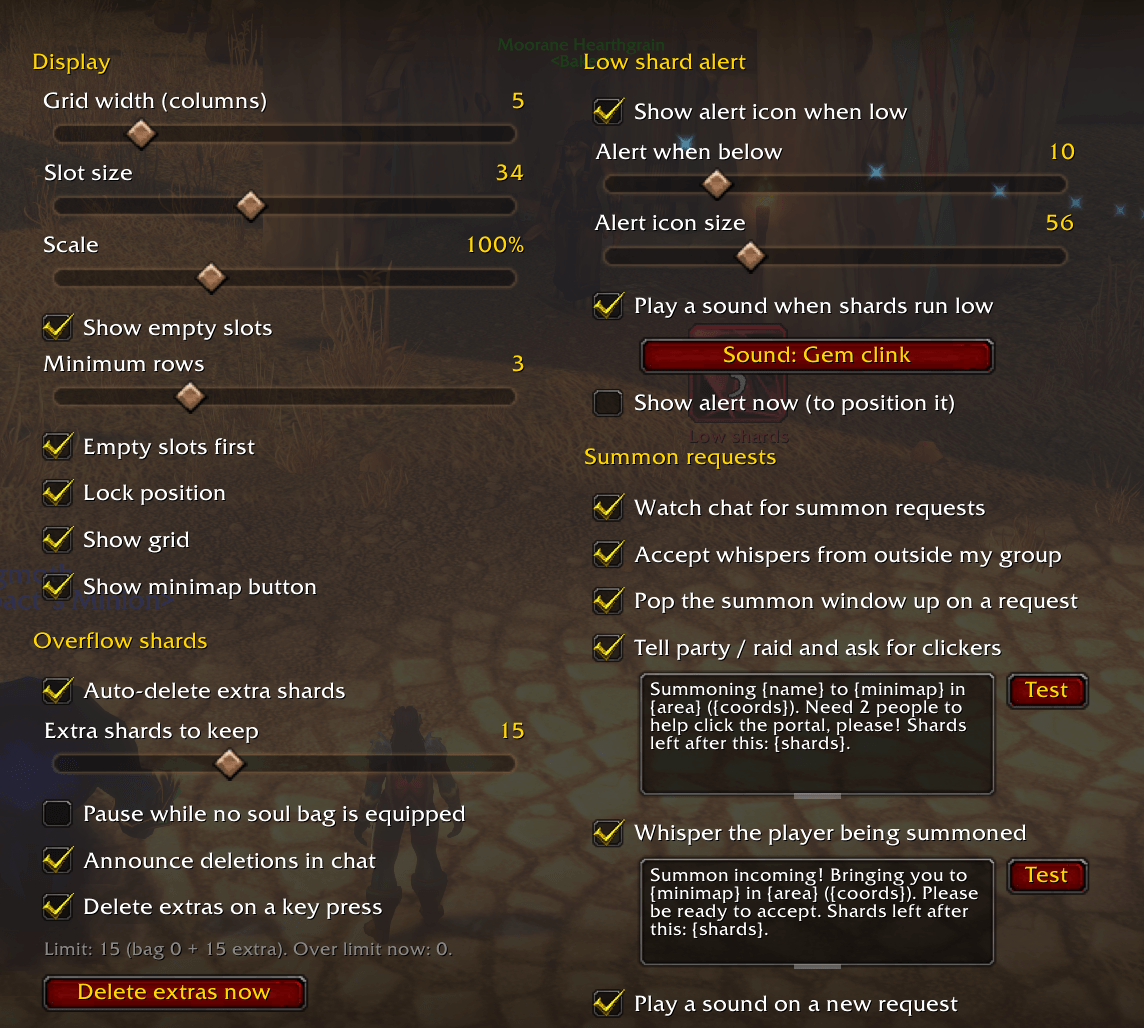
Not running dry. The low shard alert is on from the start and goes off below 5 shards; change the threshold to suit you. A separate icon appears and pulses whenever you drop below it, so you find out at the bank rather than at a summoning stone. Drag it wherever you want, and tick "Show alert now" to place it without waiting to run low.
Clearing the clutter. Tick "Auto-delete extra shards" and say how many you want beyond your soul bag's capacity. Anything over that is destroyed, and only ever from your ordinary bags. The allowance sits at its maximum while auto-delete is off, so switching it on never deletes anything by surprise: turn it on first, then bring the slider down. The game only lets an addon destroy an item during a real key press or click, so extras go one at a time as you play, or when you click the grid.
Summoning. Leave "Watch chat for summon requests" on and the window fills itself as people ask. Click a name to summon that player: it targets them, casts, whispers them that it is on the way, and posts your location to the group with a request for two clickers. Right-click a name instead to summon them without changing your target. Anyone who whispered from outside your group gets an Invite button first, and names clear themselves once the player arrives.
If you would rather work from the unit frames, turn on the floating summon button: target or hover a party member and click it. With nobody targeted it summons whoever has waited longest.
Both messages are yours to edit, with placeholders for the player's name, your zone, subzone, minimap zone text, coordinates and shards left. Each has a Test button, so you can read the wording before a stranger does.
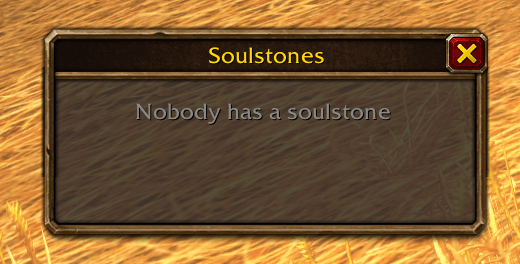
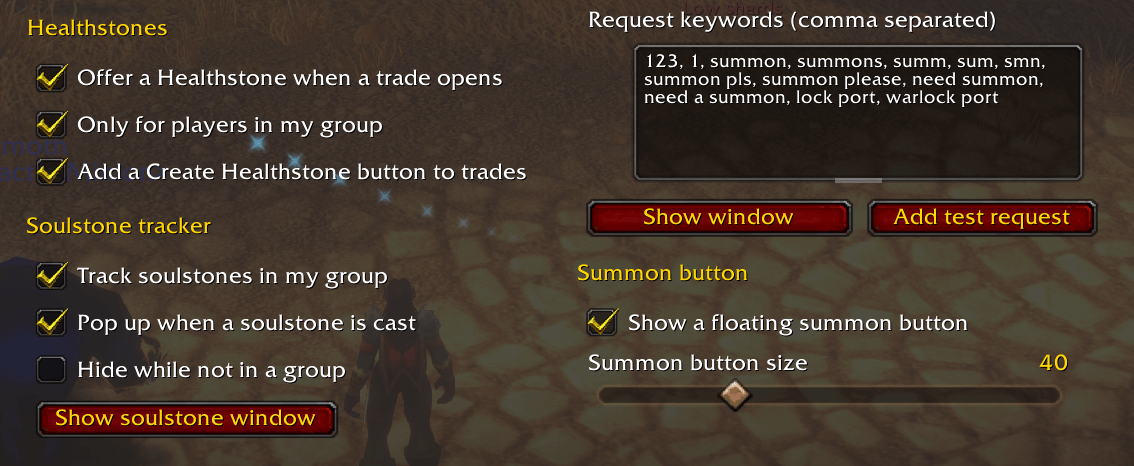
Soulstones. The tracker opens itself when a stone is cast and lists everyone carrying one, longest remaining first. Stones stay on it through combat too: the game hides buff details from addons while you fight, so the tracker keeps counting down from its last reading. The speech bubble at its top left reports the whole list to raid or party chat, names, casters and times, which is the quickest way to answer "who has stones?". Turn on the announcement if you would rather the group were told as you stone each person; only your own casts are announced, so several Warlocks will not repeat each other.
Healthstones. With the trade options on, opening a trade drops a Healthstone straight into it, and offers a button to conjure one when you have none. You still press Trade yourself.
Discord
Join my Discord for Feedback, Development Updates, Addon Ideas, Feature Requests, and Bug Reports.
You must be logged in to leave a comment.