

MeowBox – MeowUI Feature Extensions
A growing collection of feature extensions and quality-of-life tools designed for MeowUI.
Details
Expansion
 Forever
 Categories
Developers

Having issues?
MeowBox — MeowUI Feature Extensions
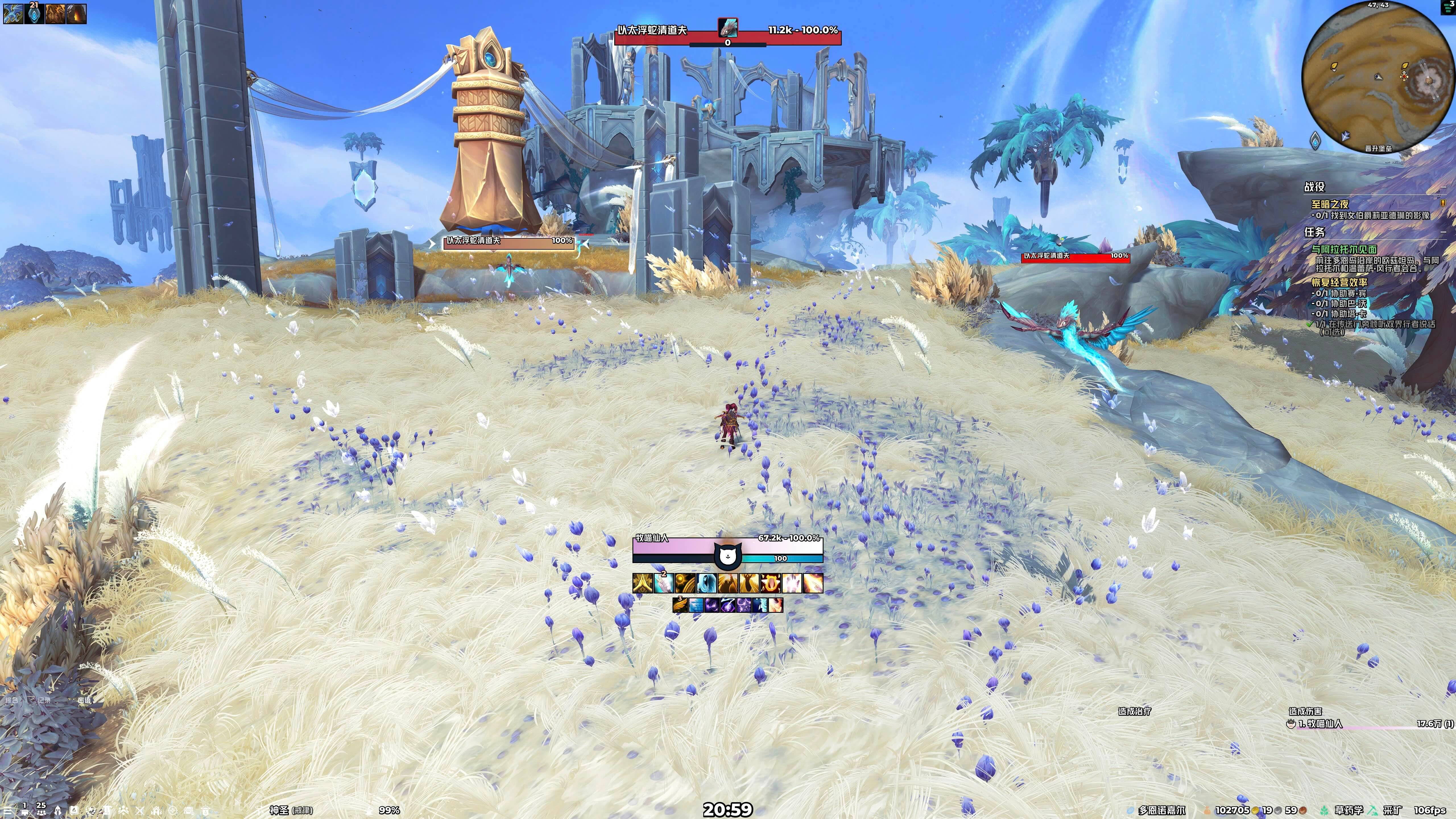
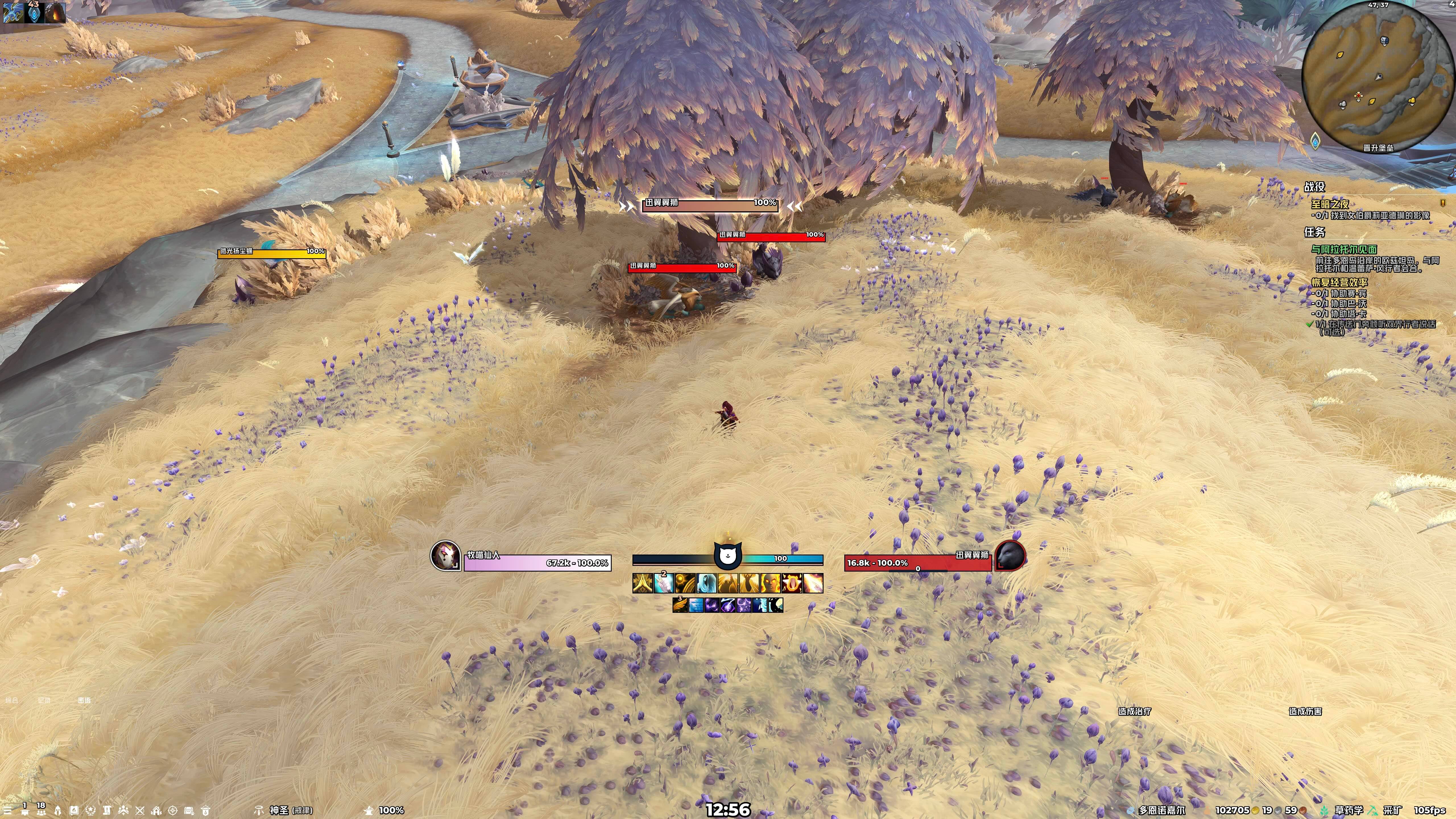
MeowBox extends MeowUI with practical tools for combat, groups, chat, and everyday interface use. Configure individual features to suit your layout and playstyle.
• Quick Focus: Set your focus through modified clicks, mouseover bindings, or a current-target shortcut, with optional automatic raid marking.
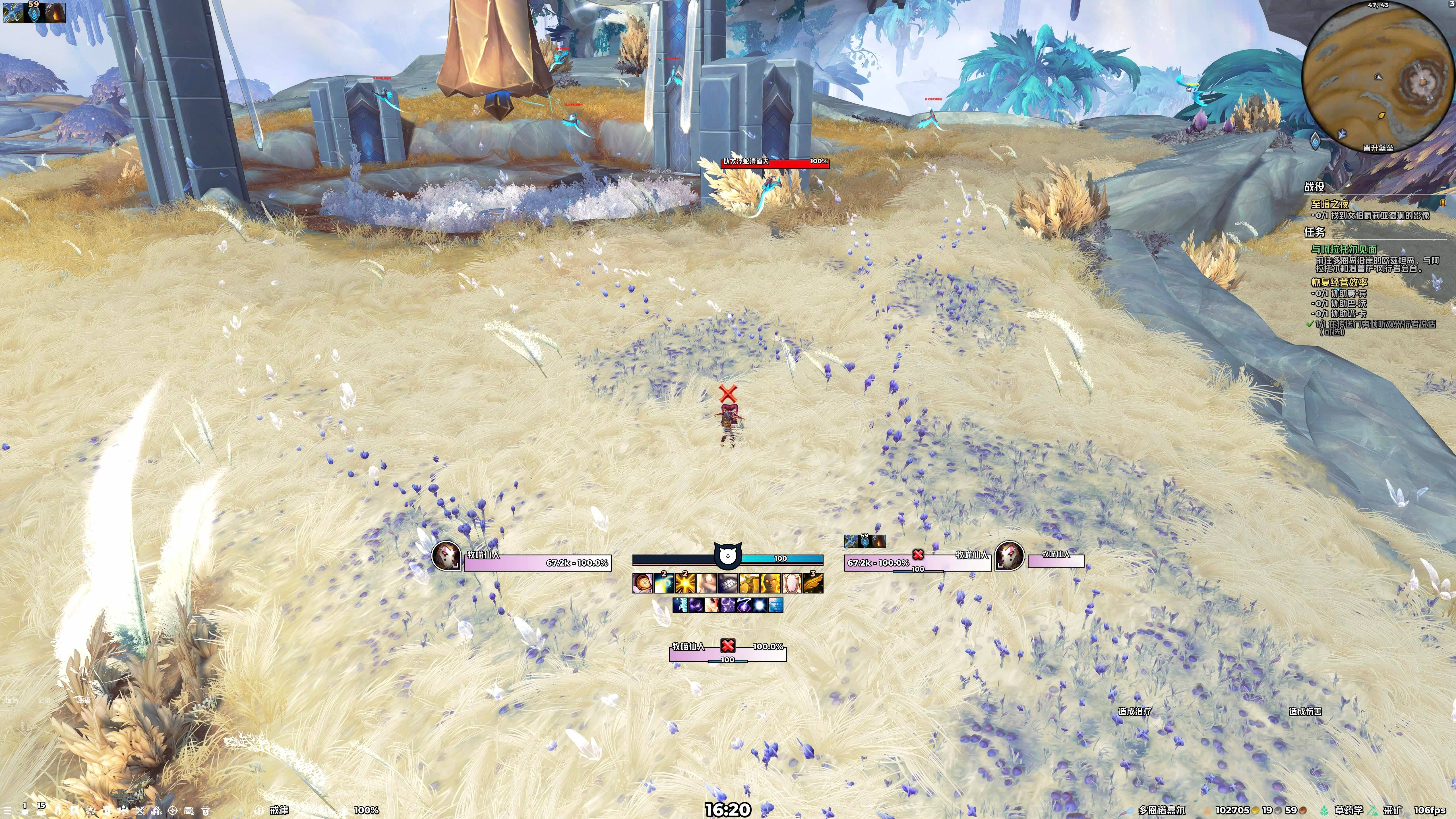
• Raid Marker Bar: Apply target markers, place world markers, clear markers, start ready checks, and launch pull countdowns.
• Chat Bar: Switch chat channels through compact buttons, customize channel labels and colors, and add your own command buttons.
• Stats Overview: Keep selected character stats visible, including item level, primary and secondary stats, and movement speed.
• Mythic+ Information: View dungeon names, best timed levels, scores, and party keystones; access unlocked dungeon teleports and see player Mythic+ ratings in tooltips.
• Boss Alerts: Customize Blizzard’s built-in warning text and timeline, including fonts, colors, sizes, and borders.
• Healer Mana Arcs: Display healer mana beside EllesmereUI party frames and inside raid frames, with adjustable appearance and previews.
• Tooltip Enhancements: Show a unit’s selected target, highlight when it targets you, and adjust item and equipment comparison tooltip font sizes.
• Merchant & Map: Expand the merchant window to four columns with 20 items per page, and resize the windowed world map and quest log.
• Interface Controls: Manage chat fading, hide Blizzard’s raid management side panel, and help preserve supported frame positions when changing EllesmereUI’s UI scale.
• Raid Marker Styling: Bring matching target-marker artwork to supported EllesmereUI nameplates, focus, party, and raid frames.
• Profiles & Setup: Save, copy, switch, and import MeowBox profiles; load recommended MeowUI Edit Mode layouts and import available Cooldown Manager presets for your class’s specializations.
Developed for World of Warcraft Retail and WoW Forever, and designed specifically for MeowUI. Requires EllesmereUI.
Part of the MeowAddon collection: MeowBox provides feature extensions, MeowKit supplies shared resources, and MeowRing adds dynamic visuals and combat displays.
────────────────────
MeowBox 喵盒 — MeowUI 功能扩展
MeowBox 为 MeowUI 补充战斗、组队、聊天与日常界面工具,各项功能可按需设置,让界面更贴合自己的布局与使用习惯。
• 快速焦点:通过组合点击、鼠标指向快捷键或当前目标快捷键设置焦点,并可自动添加团队标记。
• 团队标记条:集中操作目标标记、地面光柱、标记清除、就位确认与开怪倒数。
• 聊天条:通过紧凑按钮快速切换聊天频道,自定义频道缩写与颜色,并添加自己的命令按钮。
• 属性速览:常驻显示选定的角色属性,包括装等、主属性、副属性及移动速度。
• 大秘境信息:查看副本名称、最高限时层数、评分与队伍钥石,使用已解锁的副本传送,并在鼠标提示中查看玩家大秘境总分。
• 首领预警:调整暴雪原生预警文字与时间轴的字体、颜色、大小和边框,使其融入整体界面。
• 治疗法力弧:在 EllesmereUI 小队框体旁及团队框体内显示治疗者的法力状态,支持外观调整与预览。
• 鼠标提示增强:显示单位当前选中的目标,选中你时可高亮提示,并支持调整物品与装备对比提示的字号。
• 商人与地图:将商人商品区扩展为四列、每页 20 件商品,并可调整窗口模式下世界地图与任务日志的大小。
• 界面显示控制:管理聊天框闲置淡出,隐藏暴雪团队管理侧边菜单,并在调整 EllesmereUI 界面缩放时帮助保留支持框体的位置。
• 团队标记美化:统一支持的 EllesmereUI 姓名板、焦点、小队与团队框体上的目标标记外观。
• 配置与安装:保存、复制、切换和导入喵盒配置,载入 MeowUI 推荐的编辑模式布局,并批量导入当前职业各专精可用的冷却管理器预设。
面向《魔兽世界》正式服与无限服开发,专为 MeowUI 设计。需要安装 EllesmereUI。
MeowAddon「喵插件」系列:MeowBox 提供功能扩展,MeowKit 提供共享素材,MeowRing 提供动态视觉与战斗信息显示。
You must be logged in to leave a comment.