

Forever Rotation (Multi language)
Open source (MIT). Development stopped — forks welcome on GitHub. Rotation helper for Forever Classic: HUD of next 3 spells, skull flash. Not a bot. 11 languages.
Details
Expansion
 Forever
 Categories
Developers

Having issues?
Forever Rotation (Multi language)
Created by Vohnka — https://wow-forever.fr
Development status: Active development by Vohnka has stopped. The project is open source and free to use. Anyone may fork it on GitHub and continue improving it for the community.
Source code: https://github.com/ssablon/ForeverRotation (public, MIT)
Rotation helper for WoW Forever Classic (camelot client, interface 16001). The interface is translated in 11 languages (English fallback).
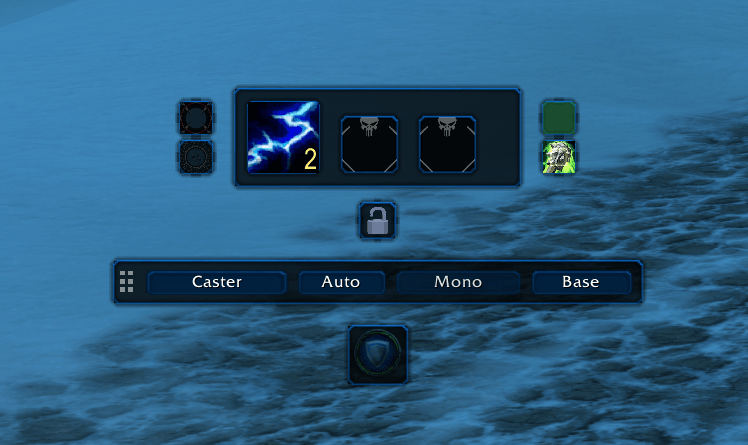
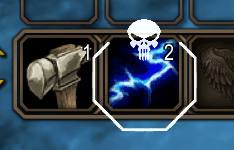
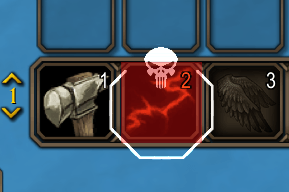
It shows the next three spells on a HUD and flashes a skull on the matching action-bar button. It also tracks heals, long defense buffs, interrupts, purges, cleanses, and weapon imbues. This is not a bot — you still press the keys.
What you see
-
Next ability, then the two after that
White skull on the button to press
Green / blue / red flashes for heal, defense, and weapon
Classic swing, dual-wield, auto-shot, and energy timing
Spellflash colors
-
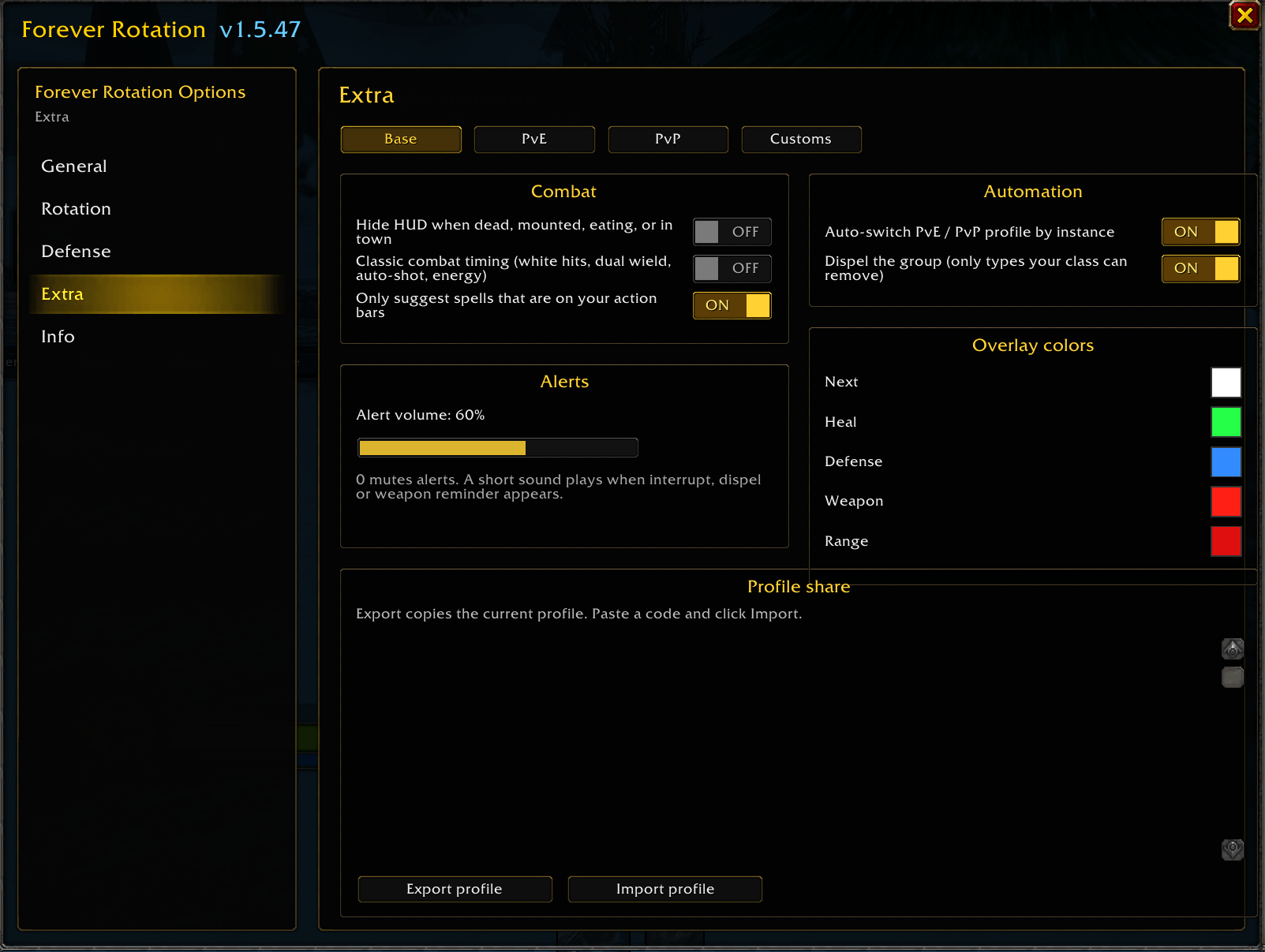
White — next ability
Green — heal (only when someone is missing health)
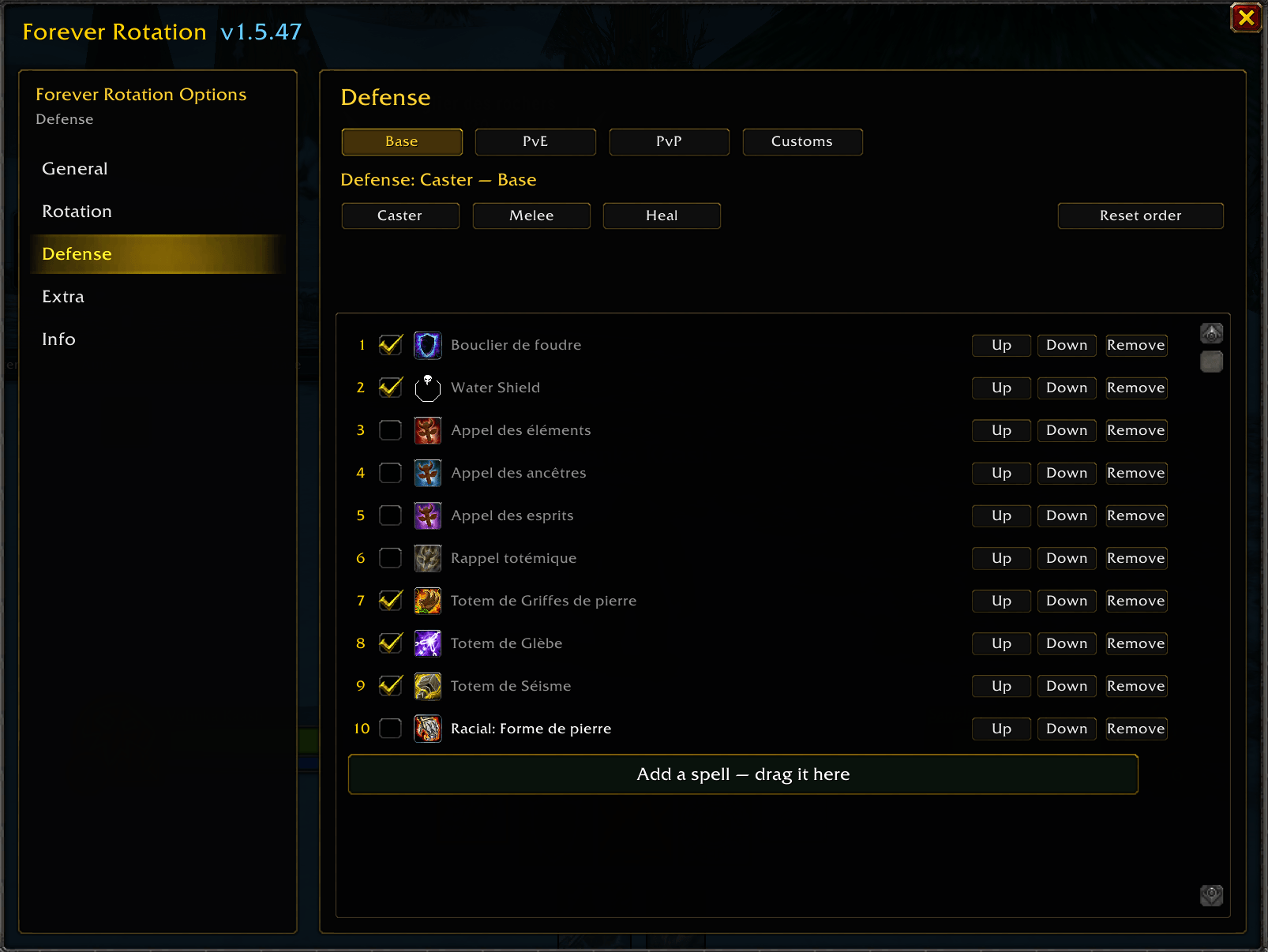
Blue — long defense buff (blessings, auras, buffs > 1 min)
Red — weapon enchant / poison
Profiles and classes
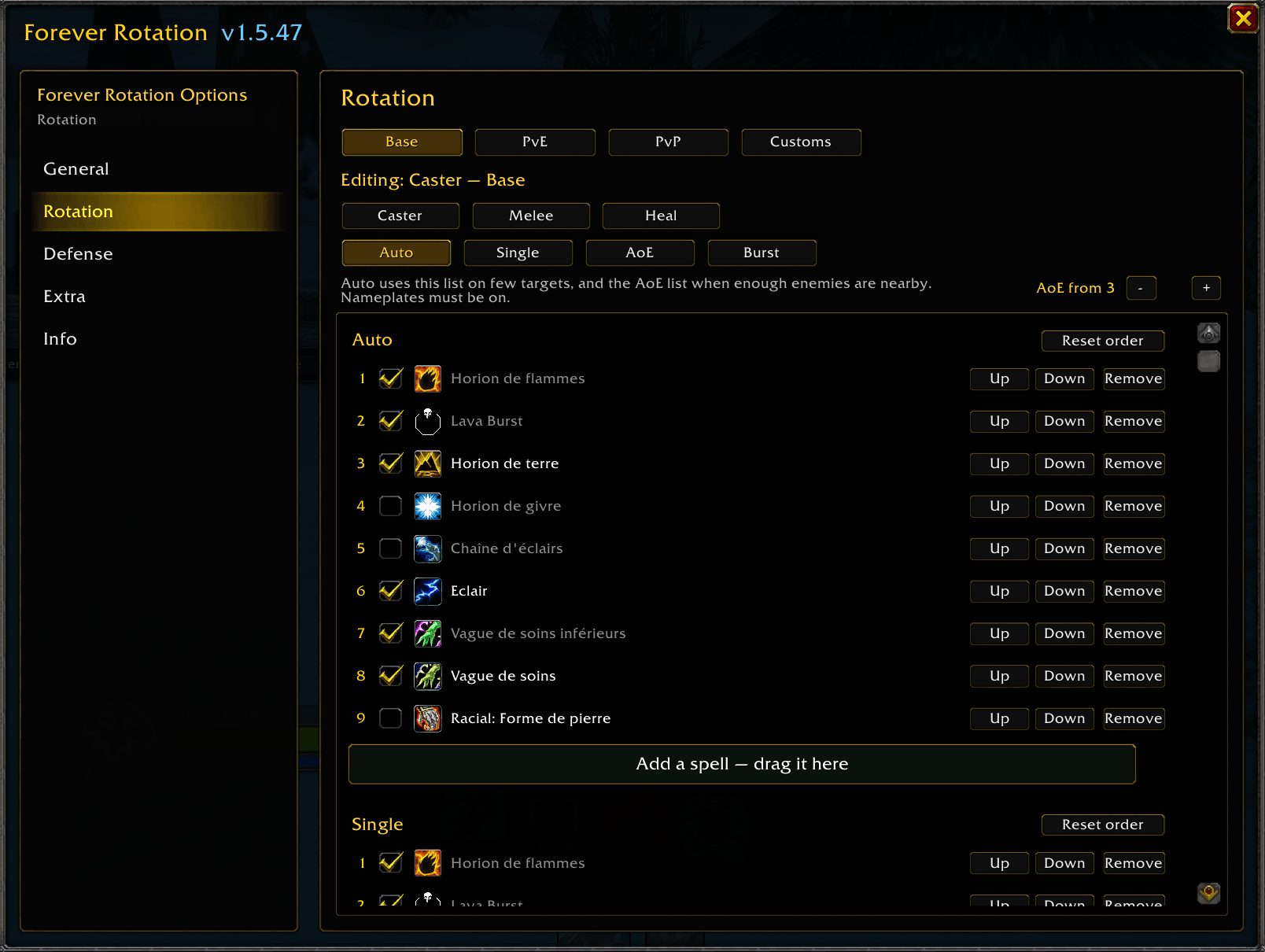
Base · PvE · PvP · Custom — each has its own lists. A reset touches the current profile only.
Warrior, Paladin, Hunter, Rogue, Priest, Shaman, Mage, Warlock, Druid.
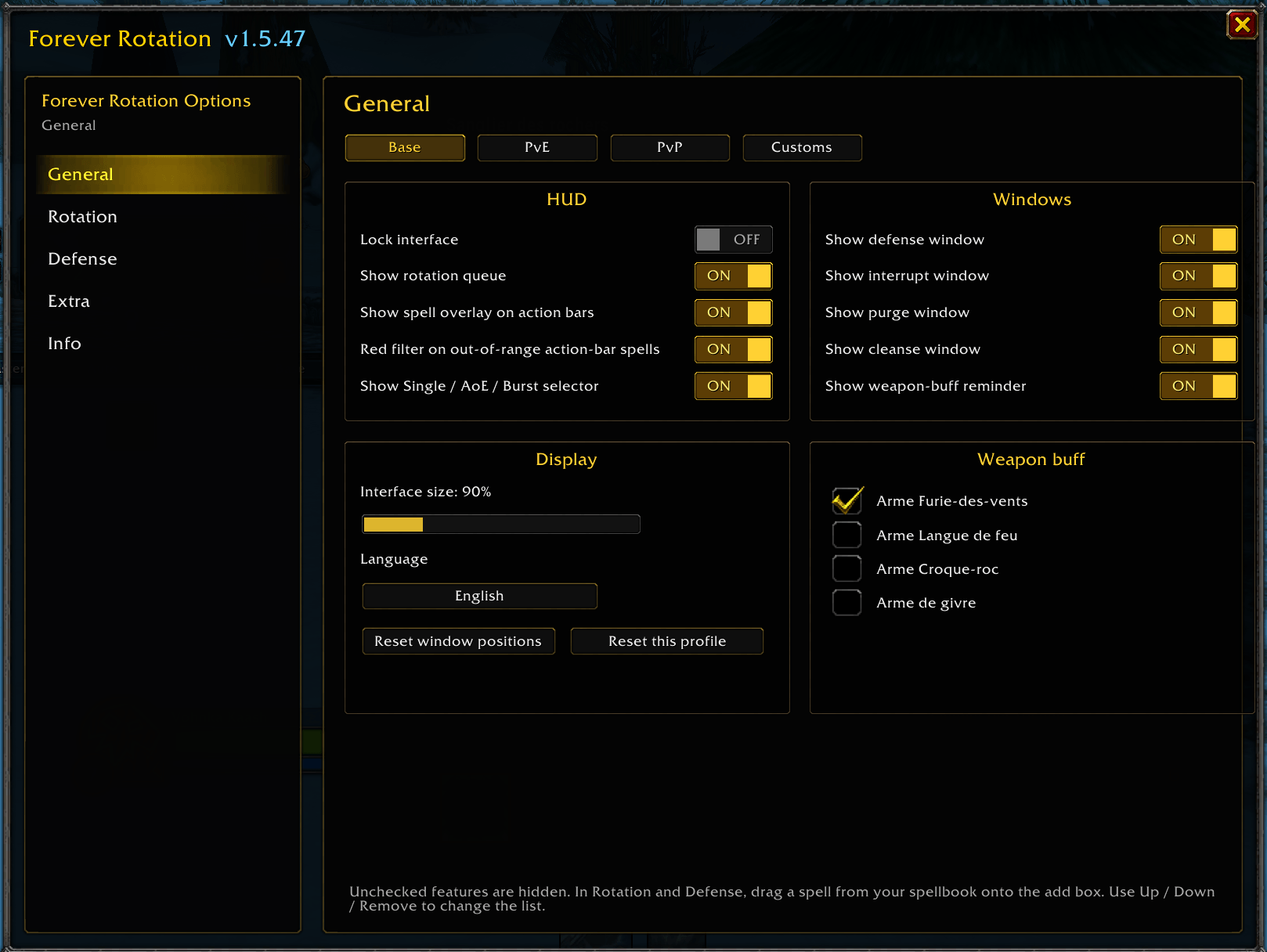
Optional: hide the HUD while idle, bar-only suggestions, auto PvE/PvP profile, group dispel, Classic physics cues.
Install
-
Close the game client.
Copy the WoWForeverRot folder into World of Warcraft_classic_beta_InterfaceAddOns</li>
Restart → Addons → enable Forever Rotation.
The CurseForge app often installs into official Classic. On Forever, unzip by hand into _classic_beta_.
Commands
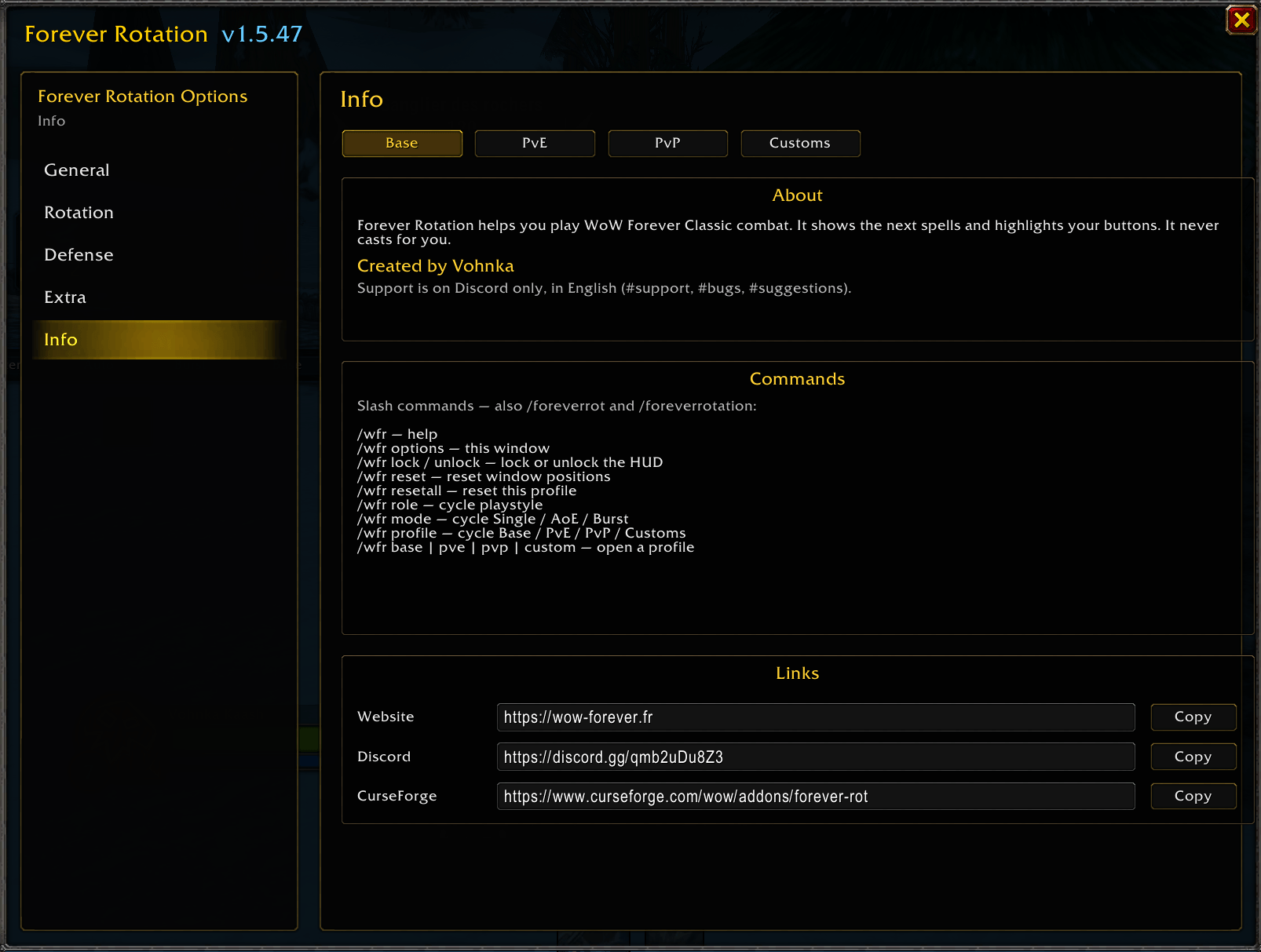
/wfr, /foreverrot, or /foreverrotation
-
/wfr lock / unlock — lock or move the HUD
/wfr menu — options (add, toggle, reorder)
/wfr profile / base / pve / pvp / custom
/wfr mode — Auto / Single / AoE / Burst
/wfr role — dps / tank / healer
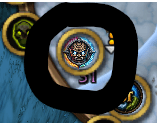
Minimap button: left-click = options, right-click = lock.
Support & contributing
-
GitHub (source / forks): https://github.com/ssablon/ForeverRotation
Website: https://wow-forever.fr
Discord: https://discord.gg/qmb2uDu8Z3
Community discussion is on Discord in English (#support, #bugs, #suggestions). Screenshots help. Do not use CurseForge comments for support.
Credits
Forever Rotation was created by Vohnka for WoW Forever. Development by the original author has ended; the code is released so others can maintain or improve it.
License: MIT — free to use, modify, and redistribute.
You must be logged in to leave a comment.