

Forever Immersion (UI Fade)
Fades UI elements you don't need based on your situation, with mouseover reveal. Built for the WoW Forever beta client.
Details
Addon ID:
25416
Addon Version:
1.3.0
Expansion:
1.60
Upload date:
Oct 06, 2026
Last Updated:
Oct 06, 2026
Downloads:
Less than 100
Website:
Source Link
Expansion
 Forever
 Categories
Developers

Uggezen
Creator
Having issues?
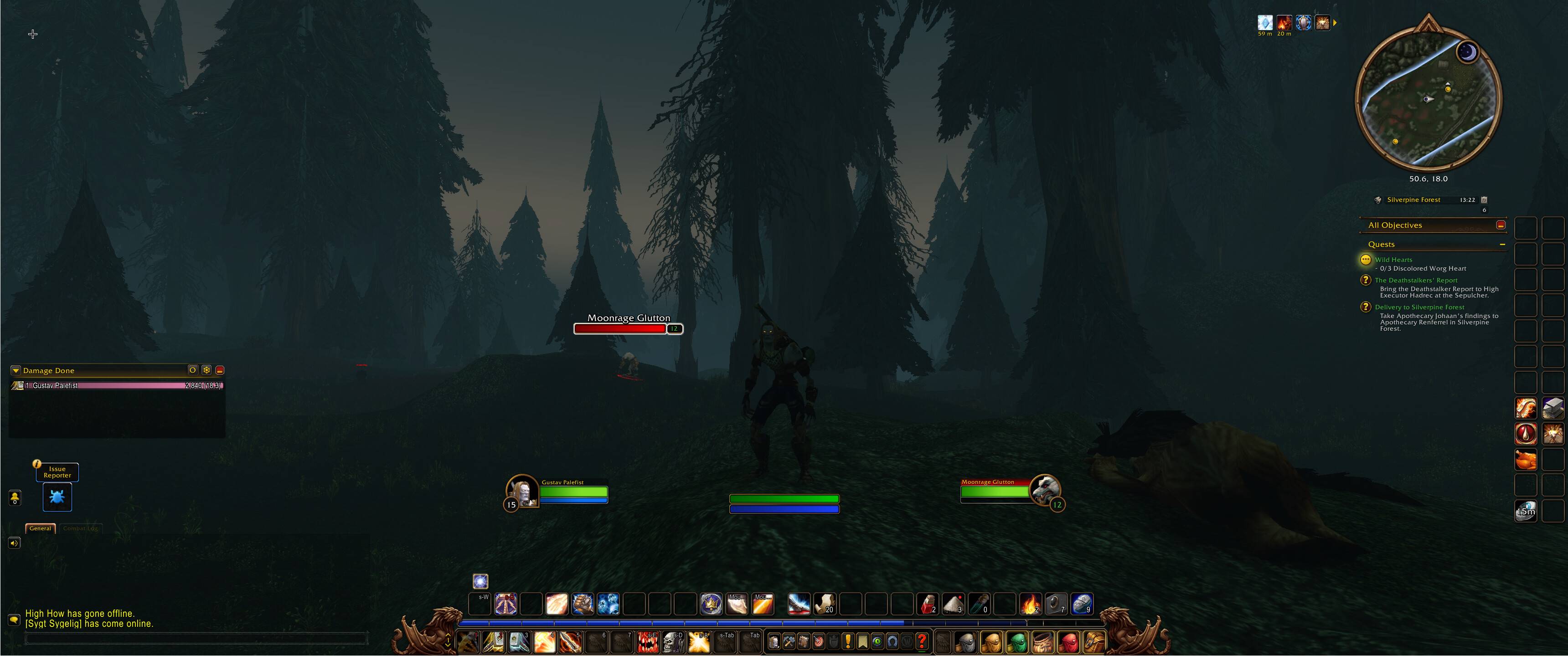
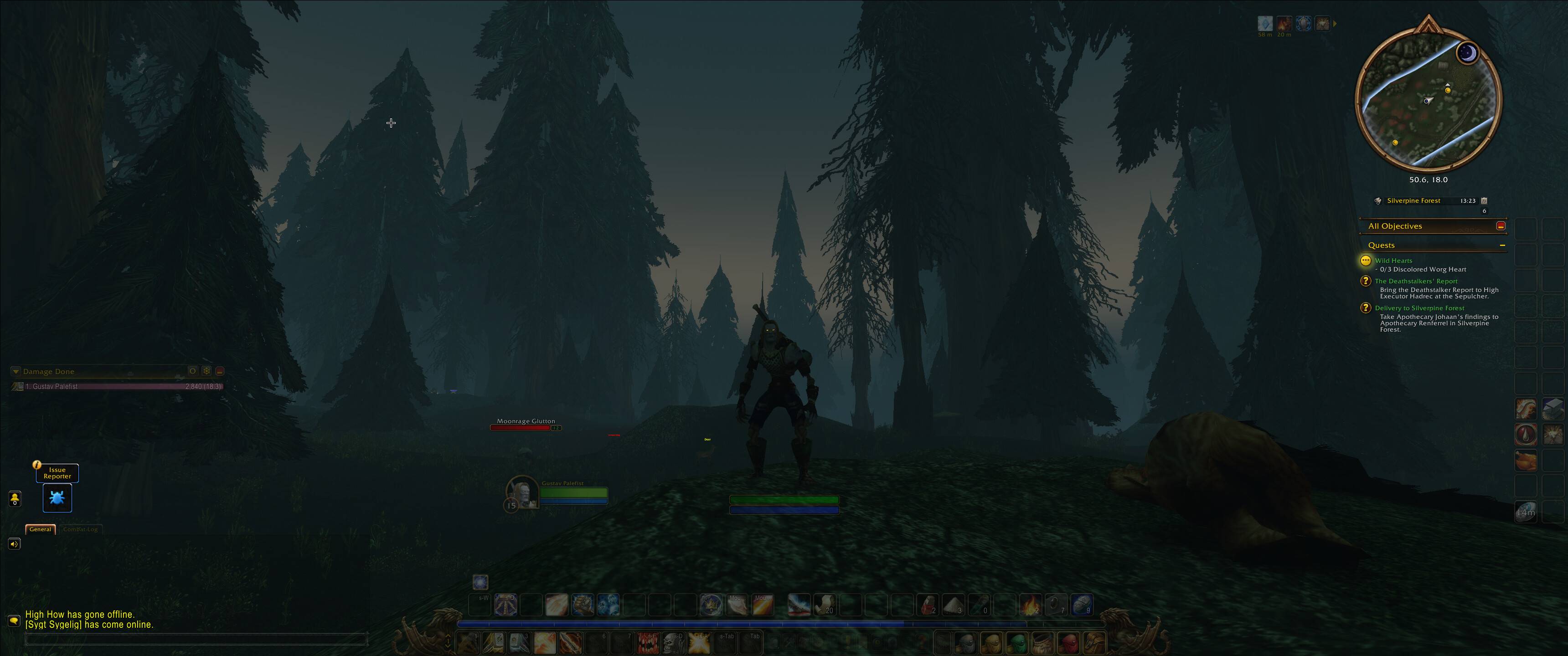
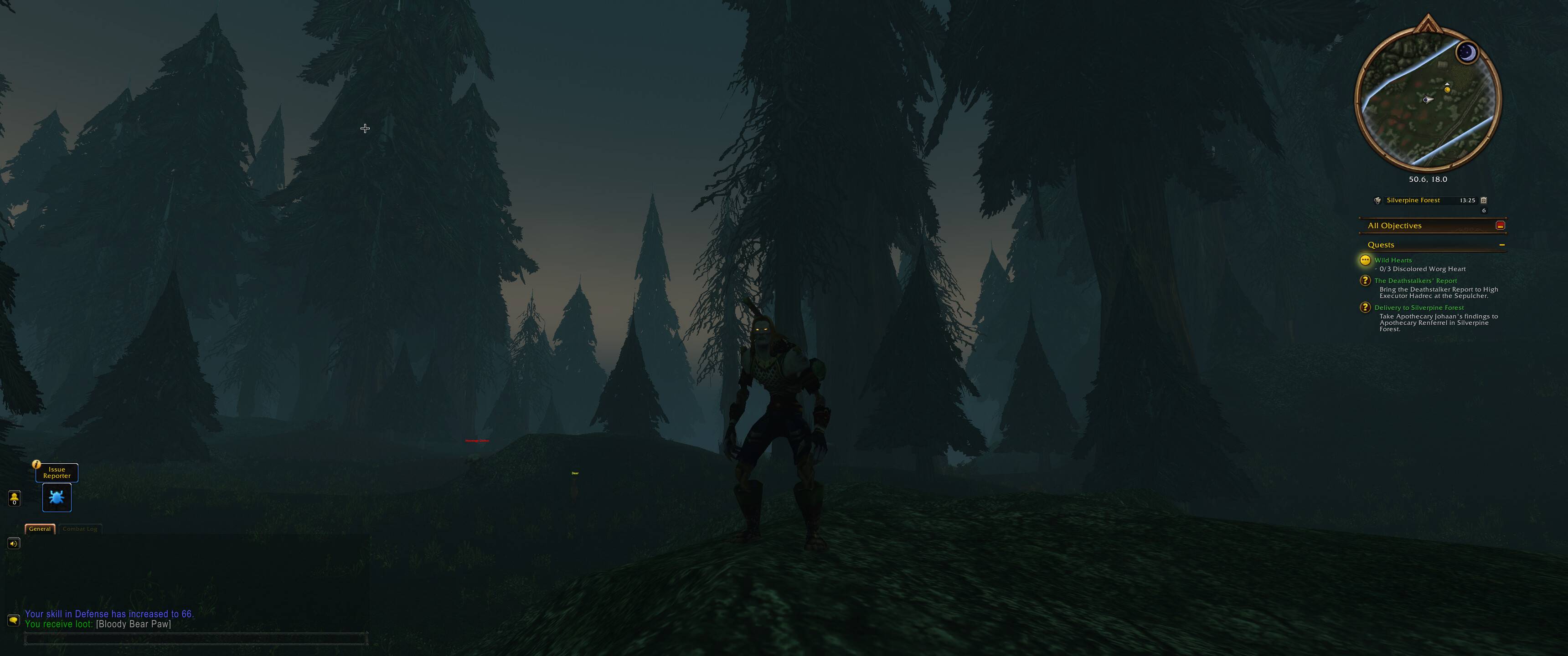
Forever Immersion fades the parts of your UI you don't need right now, and brings them back the moment you do, so the world stays in focus.
Built for the WoW Forever client.
What it does
Situations are checked in this order: Combat, Target, Mounted, Resting, Idle. On top of that, four more add parts while they apply: Bags open, Spellbook open, Hotkey held, and Inside an instance. Everything is alpha-only, so it's safe in combat.
- Edit on screen. Like Blizzard's Edit Mode: the settings close and a box is drawn on every part of your real UI. Pick a situation and click a part to show or fade it there. Your UI really switches to that situation while you edit.
- Hover groups. Parts in a group show together when you mouse over any of them, so the whole bottom bar comes back at once. Make, rename and fill groups on screen, or on the settings pages.
- Add any frame, including other addons' (a damage meter, for example): click Add a frame, then click it on your screen. Or type its name.
- Presets to start from: Default, Minimal, Group play, Show everything. With Undo.
- Fading drawn as a curve while you set it: fading out (two stages: part-way first, then out) and fading in.
- A situation can linger for a few seconds after it ends (combat: 10s), and every part can have its own fading.
- Chat comes back on new messages; choose which: whispers, party, raid, guild, instance.
- A hotkey that shows chosen parts while held, or toggles them. Bind it right from the settings.
- Everything shows while Edit Mode is open. Action bars that Edit Mode hides itself are flagged, since fading can't bring those back.
- Works with the other Forever addons: the Cooldown Tracker's icons and bars and the Journal's goal tracker fade along by themselves.
- Per character, with profiles you can load on another character or share as text.
Settings
Options > AddOns > Forever Immersion, or /fi. Pages: Overview, Fading, Elements, Showing again and Profiles.
Commands
/fiopens the settings/fi editopens Edit on screen/fi pickadds a frame by clicking it/fi elementsopens the Elements page/fi toggleturns fading on or off/fi friendlytoggles whether a friendly target counts as Target
Install
Copy the ForeverImmersion folder into your Forever install's InterfaceAddOns folder and reload the UI.
You must be logged in to leave a comment.