
Forever Companion: Discovery Journal
Know every quest, NPC and zone of WoW Forever. Tooltips show quests and loot, a zone guide tracks your progress, your finds are shared with your guild, and an autobiography records your character's life, down to every km walked.
Details
Expansion
 Forever
 Categories
Developers

Having issues?
Forever Companion: Discovery Journal
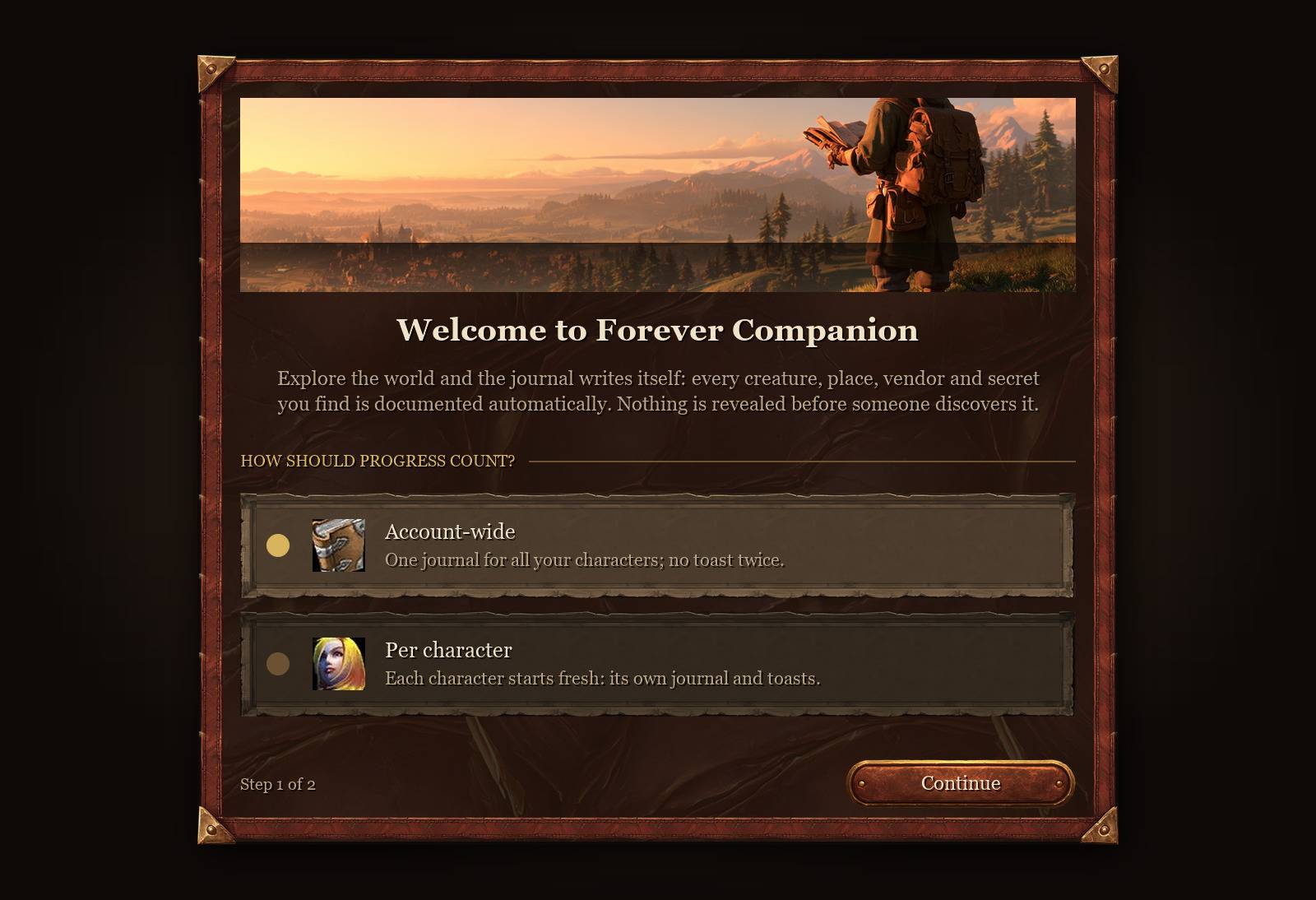
Forever Companion combines a comprehensive game database with an automatic journal that records your adventures as you play. Track quests, discover hidden locations, catalog creatures, and follow your character’s progress—all from one lightweight addon.
Informative, Compact Tooltips
Find useful information directly in your tooltips:
- Quest Givers: View available quests, their status, and your overall completion count. Quickly distinguish completed quests, active objectives, quests ready to turn in, and those you haven’t started.
- Creatures: See active quest objectives with live progress, relevant quest item drops, and notable loot from rares and bosses.
- Items: Identify quests an item starts, is required for, or is rewarded by, along with its sources, locations, and drop coordinates.
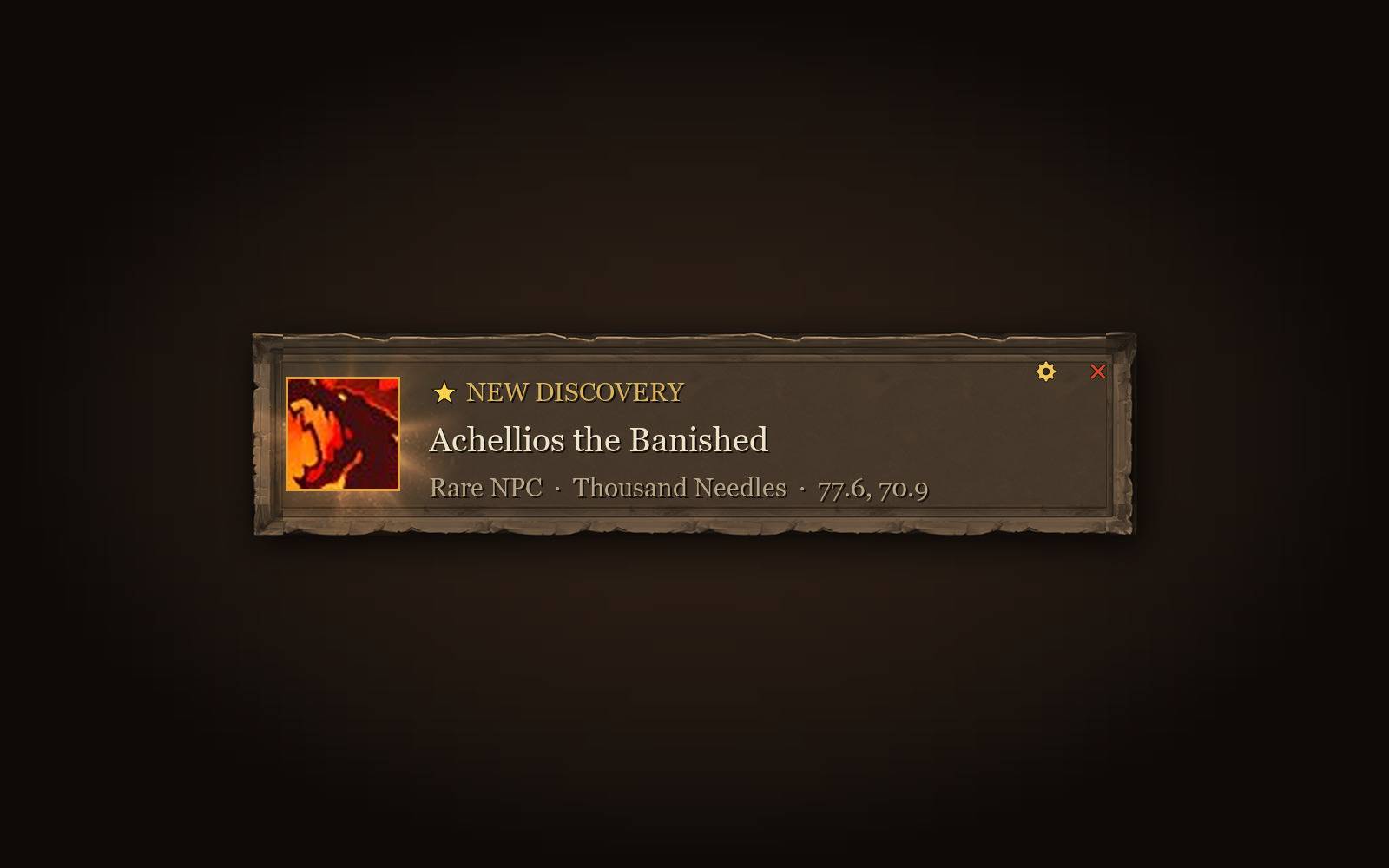
- Rares & World Bosses: Check the time since their last recorded spawn and the current layer.
- Additional Details: Display NPC IDs and identify quests already completed by your other characters.
Zone Progress Guide
Open the guide from the world map to explore any zone’s objectives for Alliance or Horde:
- Quests: Browse quests grouped by quest giver, with live status tracking.
- Rares & Bosses: See which targets you’ve defeated and which remain.
- Treasures & Secrets: Track discovered locations and hidden items.
- Flight Paths: Review your faction’s transport network and discovered flight points.
- Dungeons & Achievements: Find dungeon quests and follow zone achievement objectives step by step.
An overall progress bar helps you see how much remains. Hide completed objectives with one click and set waypoints directly from the guide.
Quest Markers on Nameplates
A golden diamond with an exclamation mark identifies creatures needed for your active quests. Markers disappear when the relevant objective is complete and reposition during combat to keep your view clear.
Automatic Journal & Bestiary
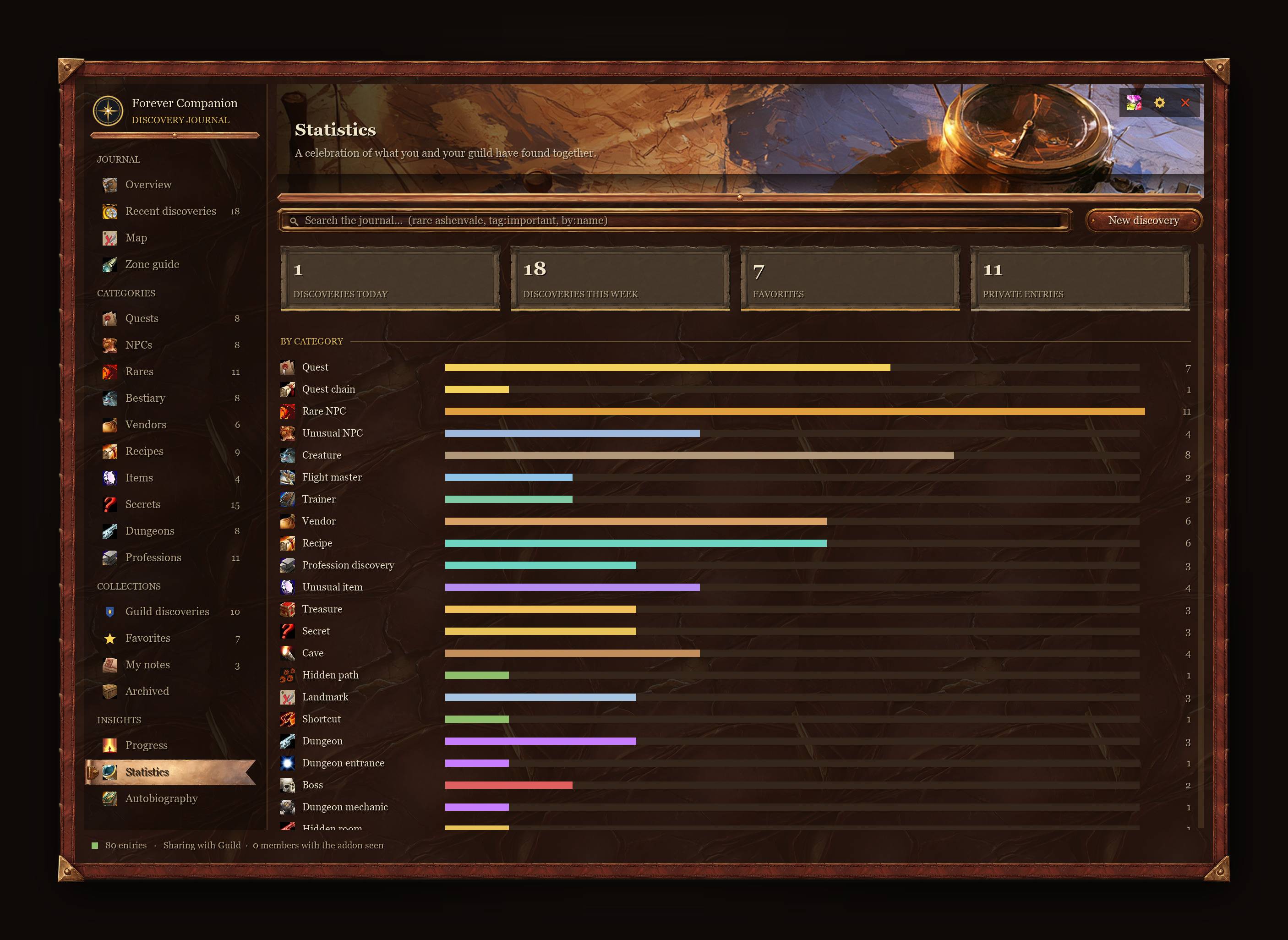
Build a record of the world through your own discoveries.
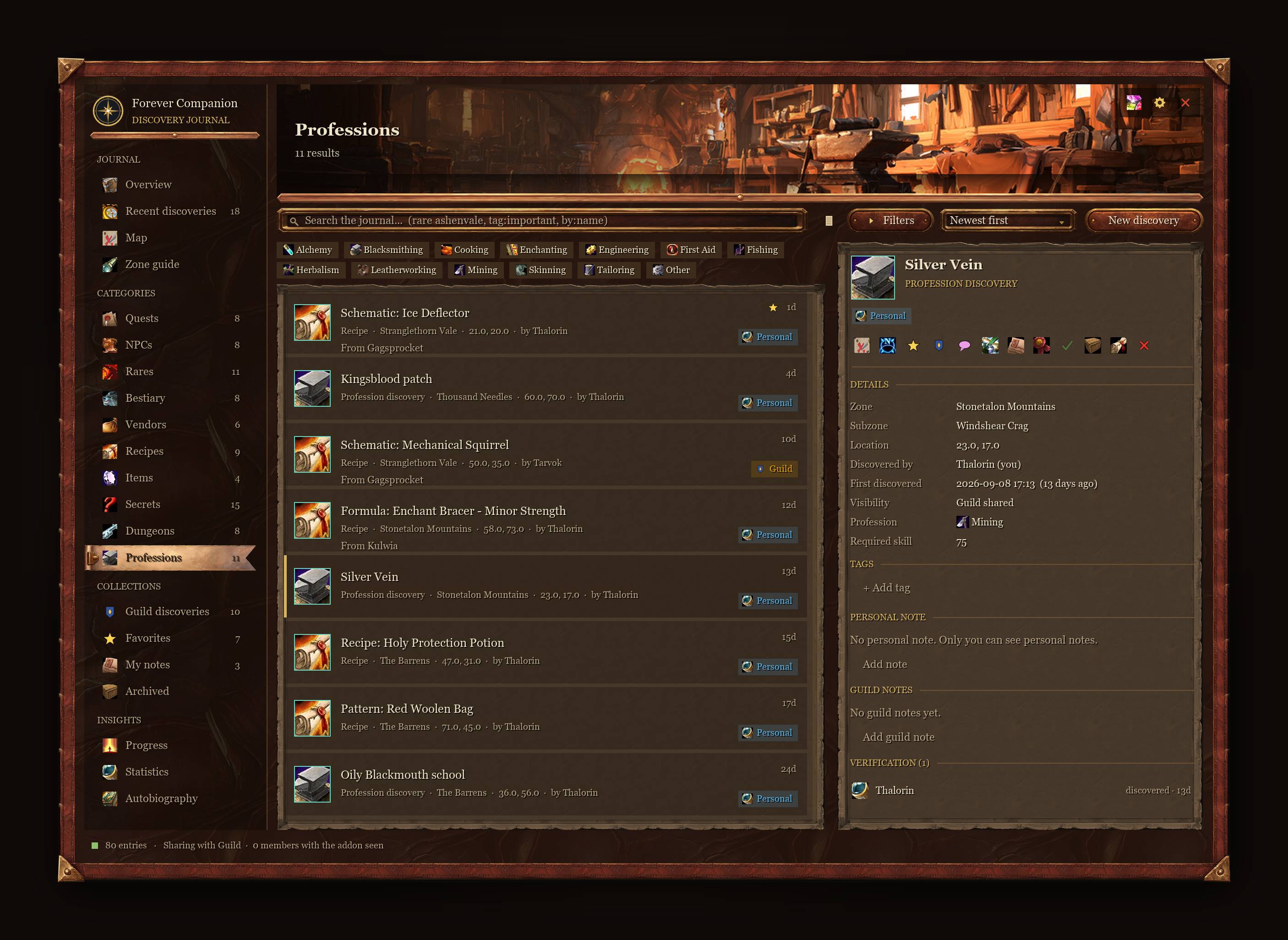
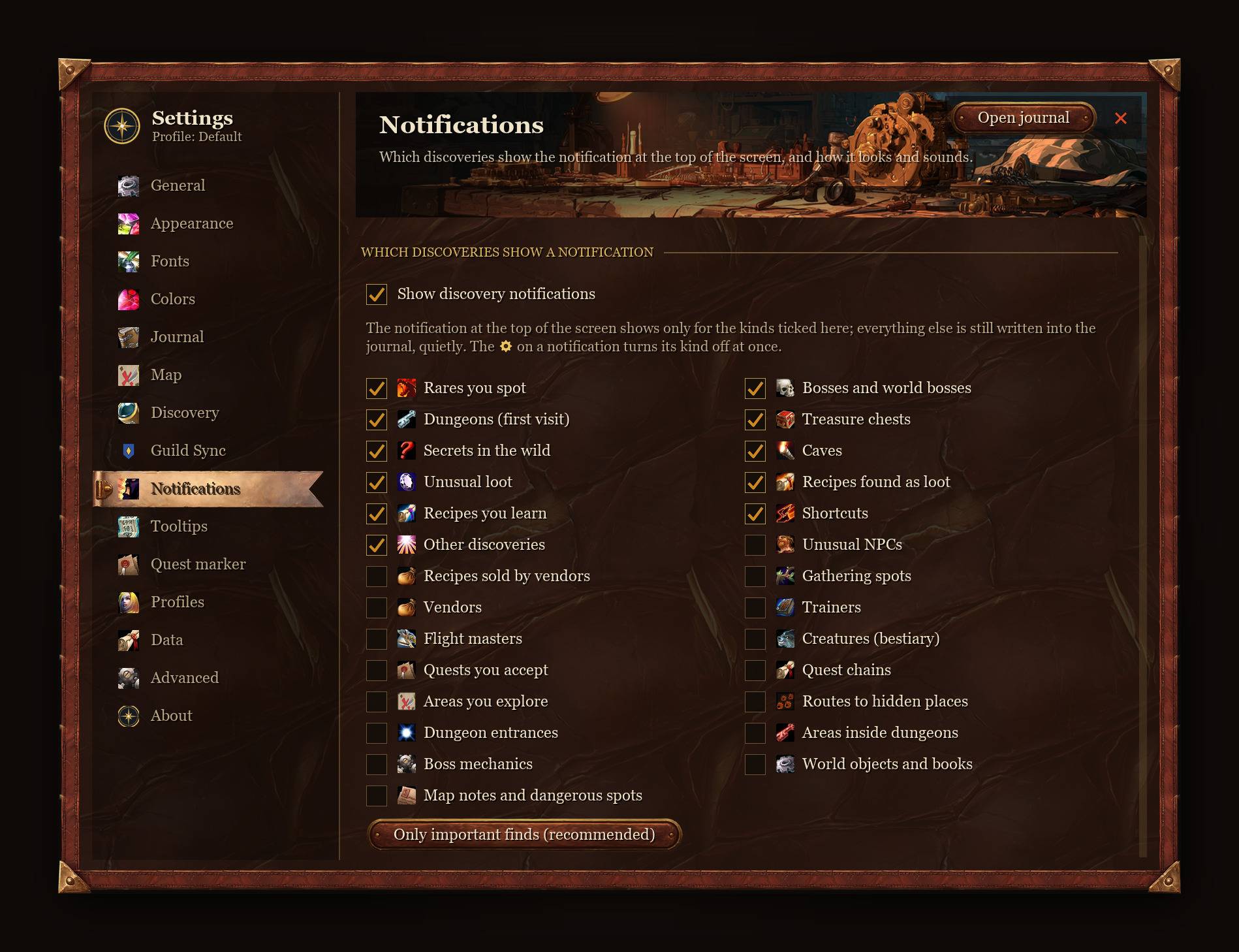
- Automatic Entries: Record rares, world bosses, vendors and their stock, recipes, trainers, flight paths, treasures, caves, secrets, and gathering nodes.
- Creature Bestiary: Catalog encountered creatures, including their level, type, and observed loot drops.
- Search & Organization: Find entries with filters such as
rare ashenvale,tag:important, andby:name. Organize discoveries with custom tags, favorites, personal notes, and archives. - Rare Tracking: View estimated respawn times and receive visual or audio alerts when a rare is nearby or defeated.
World Map & Minimap Integration
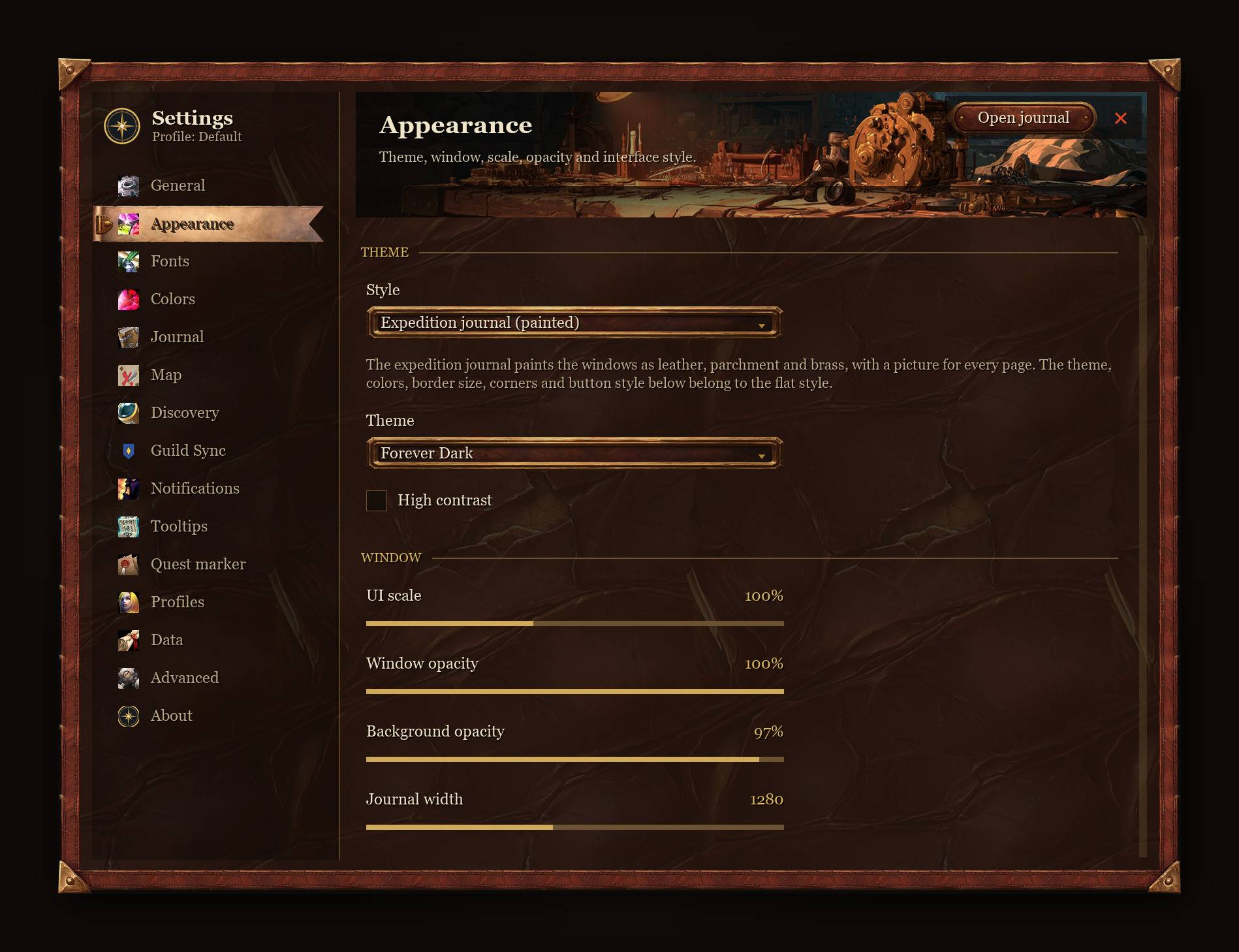
Display your discoveries with clean, customizable pins on both maps. Forever Companion supports round and square minimaps, native map waypoints, and TomTom.
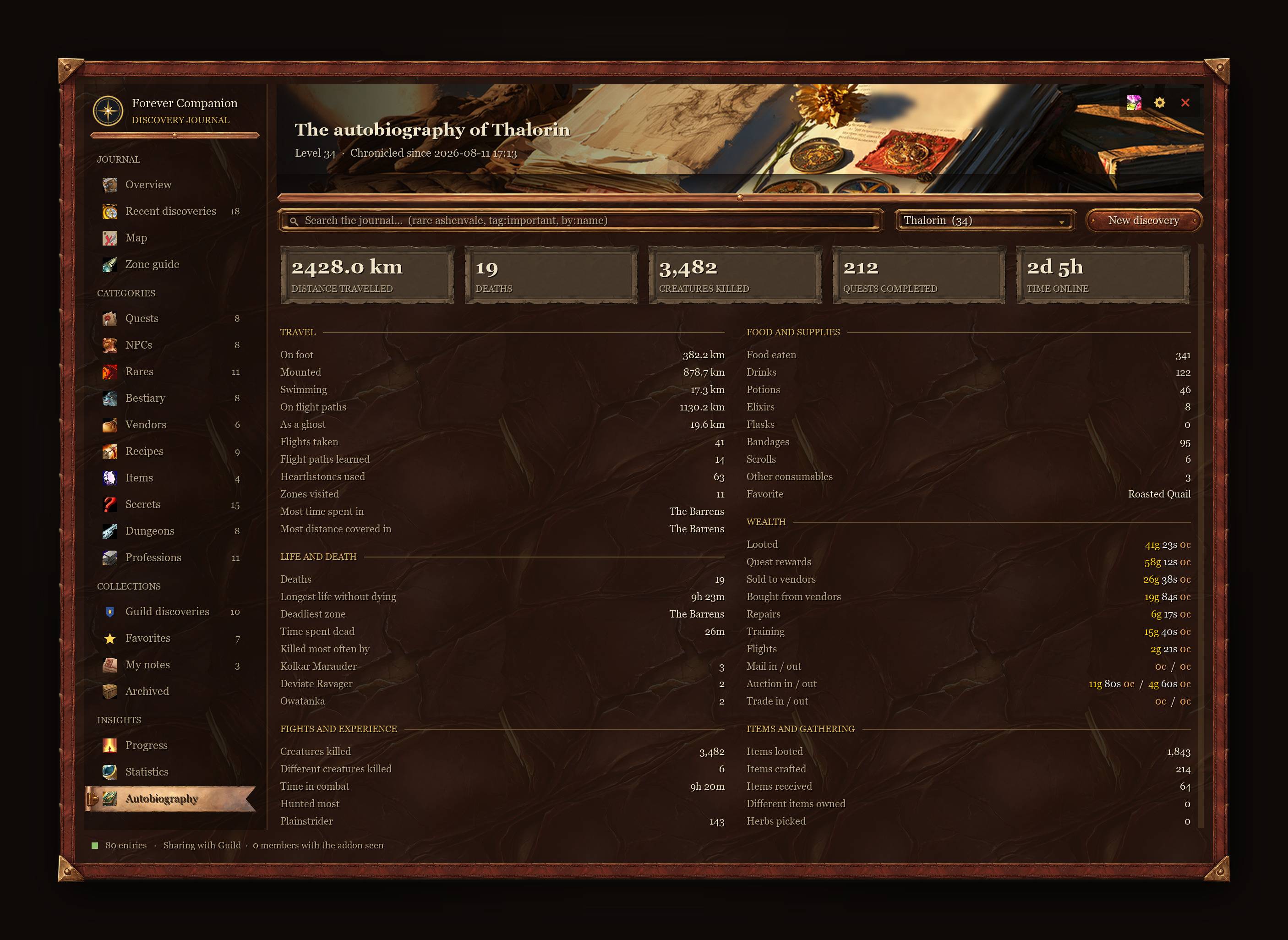
Character History & Statistics
Follow your character’s journey through a dedicated statistics page:
- Distance traveled on foot, mounted, swimming, flying, or in ghost form.
- Death history, most frequent killers, and sources of experience.
- Completed quests, gathered resources, and consumables used.
- Gold earned and spent, duels, and reputation gains.
- Level-up milestones, first visits to zones, and boss kills.
- Combined statistics across your characters.
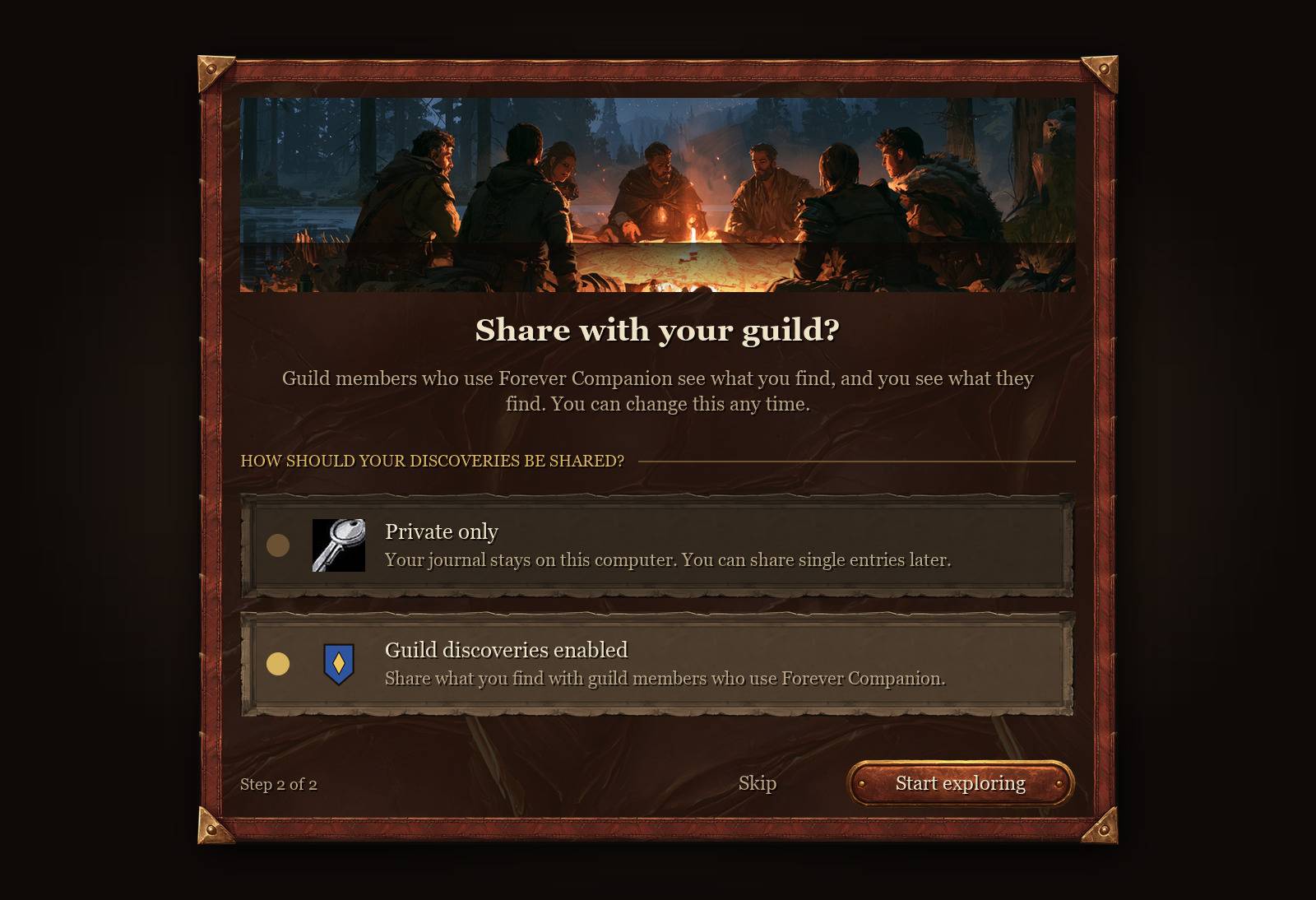
Guild Discovery Sharing
Share discoveries and build knowledge together:
- Exchange discoveries through a guild network with verification between guildmates.
- Share guild notes and clickable journal links in chat.
- Contribute to a collaborative quest database as you play.
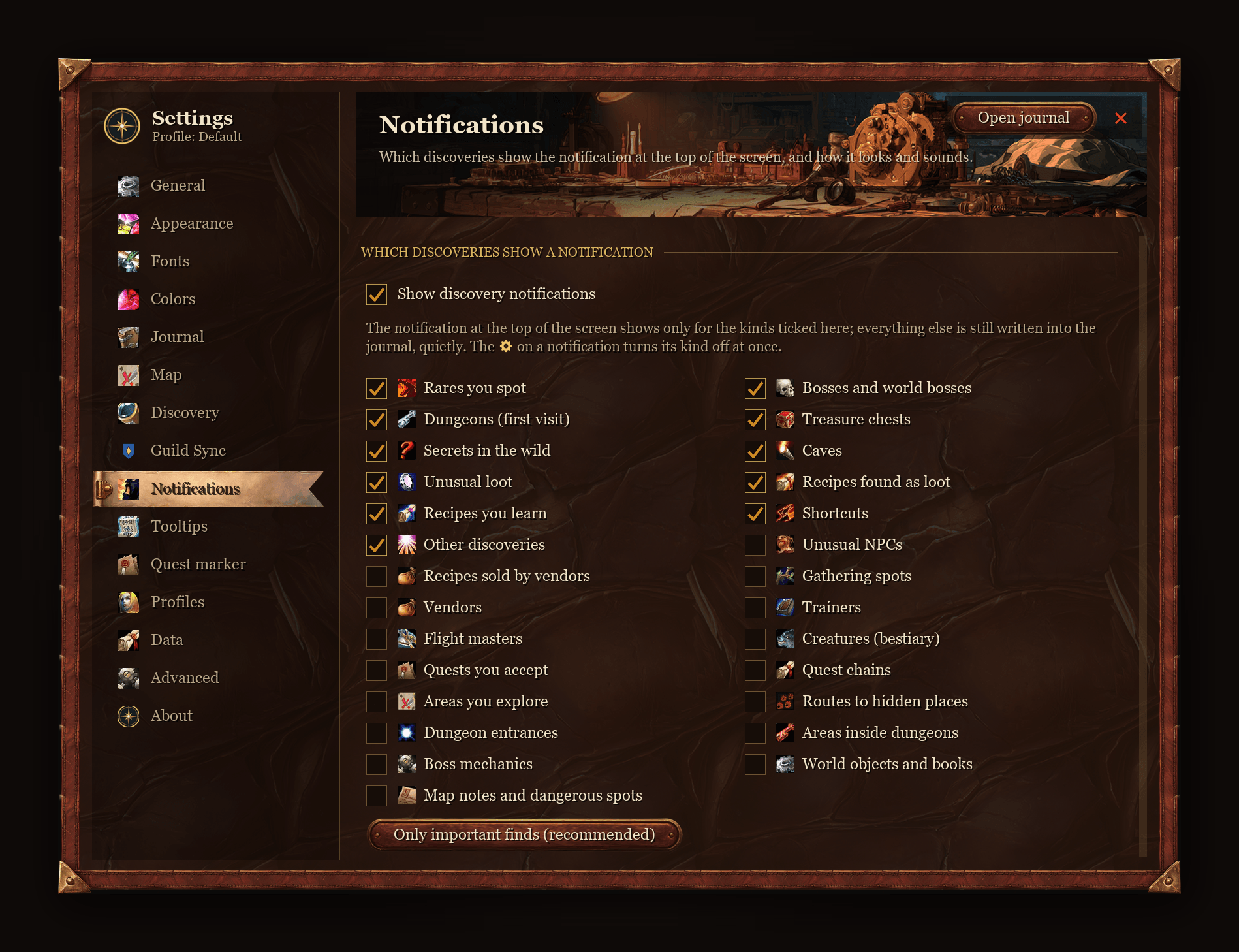
You control what gets shared. Personal statistics remain private, and all synchronization features can be disabled.
Commands & Controls
| Command | Action |
|---|---|
/fc | Open the main journal |
/fc help | Show all available commands |
/fc zone | Open the current zone’s guide |
/fc add | Add an entry or personal note |
Minimap icon
- Left-click: Open the journal.
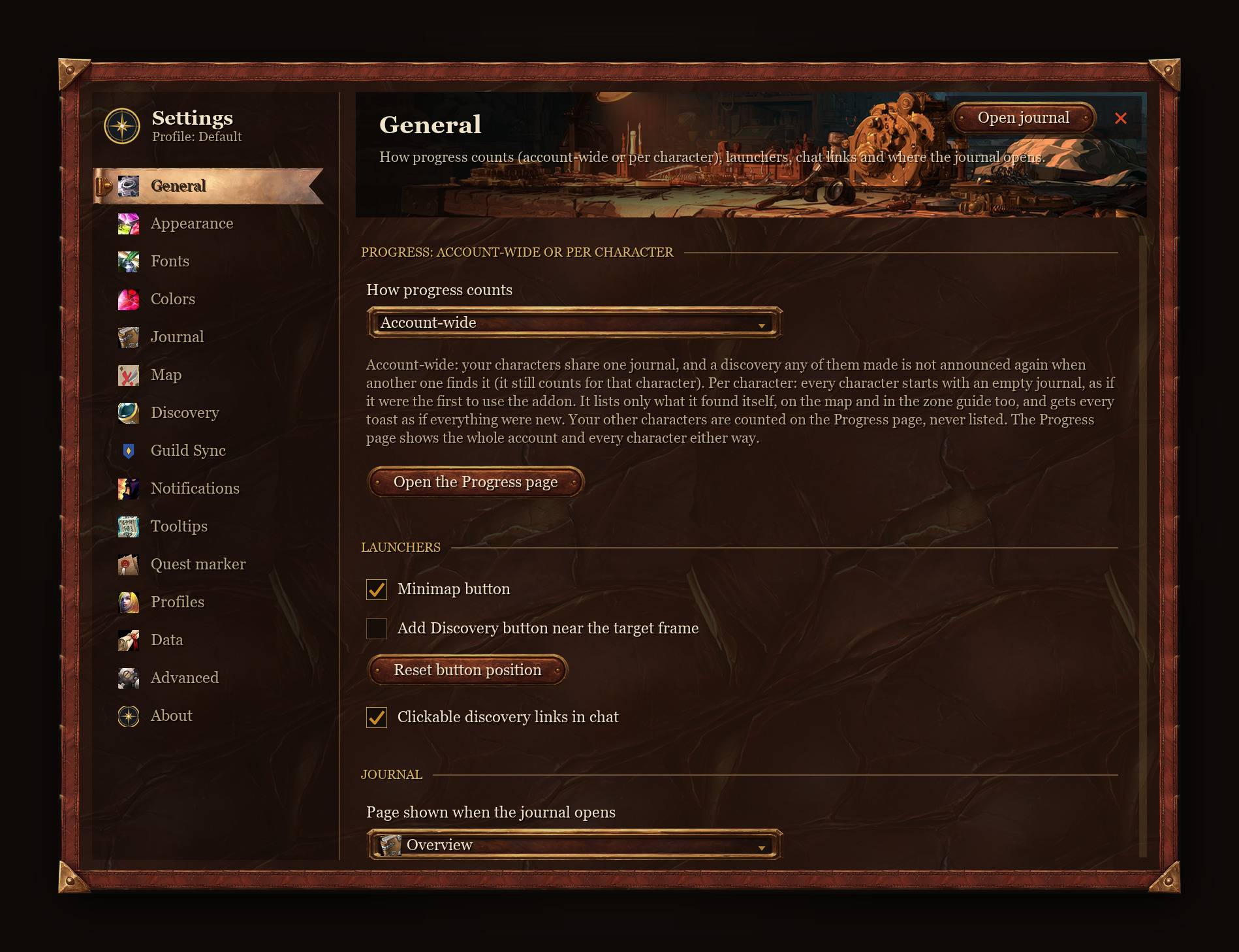
- Right-click: Open settings.
- Middle-click: Open the zone guide.
World map icon
- Left-click: Open the zone guide.
- Right-click: Open map filters.
- Alt + Right-click: Add a local note.
Support Development
If you enjoy my work, consider supporting me on Patreon. Your support helps me dedicate more time to new features, updates, and improvements, while keeping my addons free for everyone.
Thank you for your support!
You must be logged in to leave a comment.