
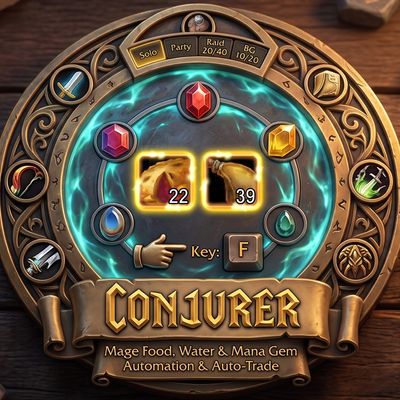
Conjurer – Mage Food & Water, Auto Trade to Party & Raid
Conjure mage food, water and mana gems to the amounts you set by holding one key or clicking, with profiles for solo, party, raid and battlegrounds. Auto trade shares by class to your group, eat and drink with one button, and get a low stock alert.
Details
Expansion
 Forever
 Categories
Developers

Having issues?
Conjurer
Food and water for every mage. Set how much of each rank you want, click play, hold one key (or just click), and the game conjures until every target is met. Then hand out shares by class to your party or raid straight into the trade window, and eat and drink with one button.
Features
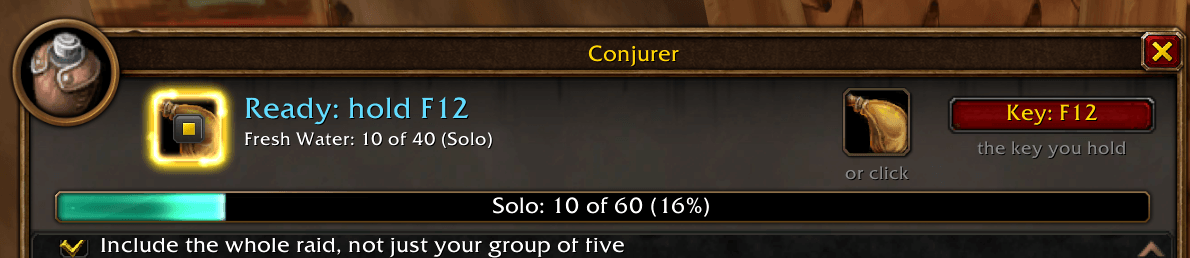
- Hold one key to conjure. Uses the game's own Press and Hold Casting. Conjurer knows how much each cast makes at your level and stops exactly at your target, then a chime tells you to hold again for the next row.
- Or conjure by click. A button in the window and on the quick access bar conjures once per click, no key needed, always the next row still short of its target. Click any water, food or mana gem icon to conjure exactly that item and rank.
- Never wasted. Out of mana, your next press drinks your best conjured water, and the spell is back the moment you start drinking, so you conjure again whenever you're ready. With your bags full, the hold ends on the last cast that fits.
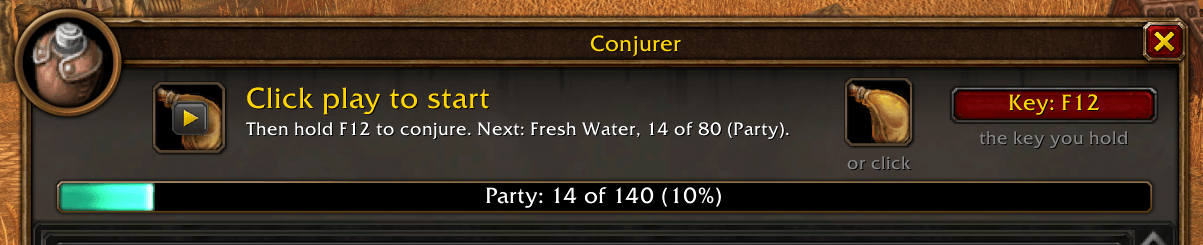
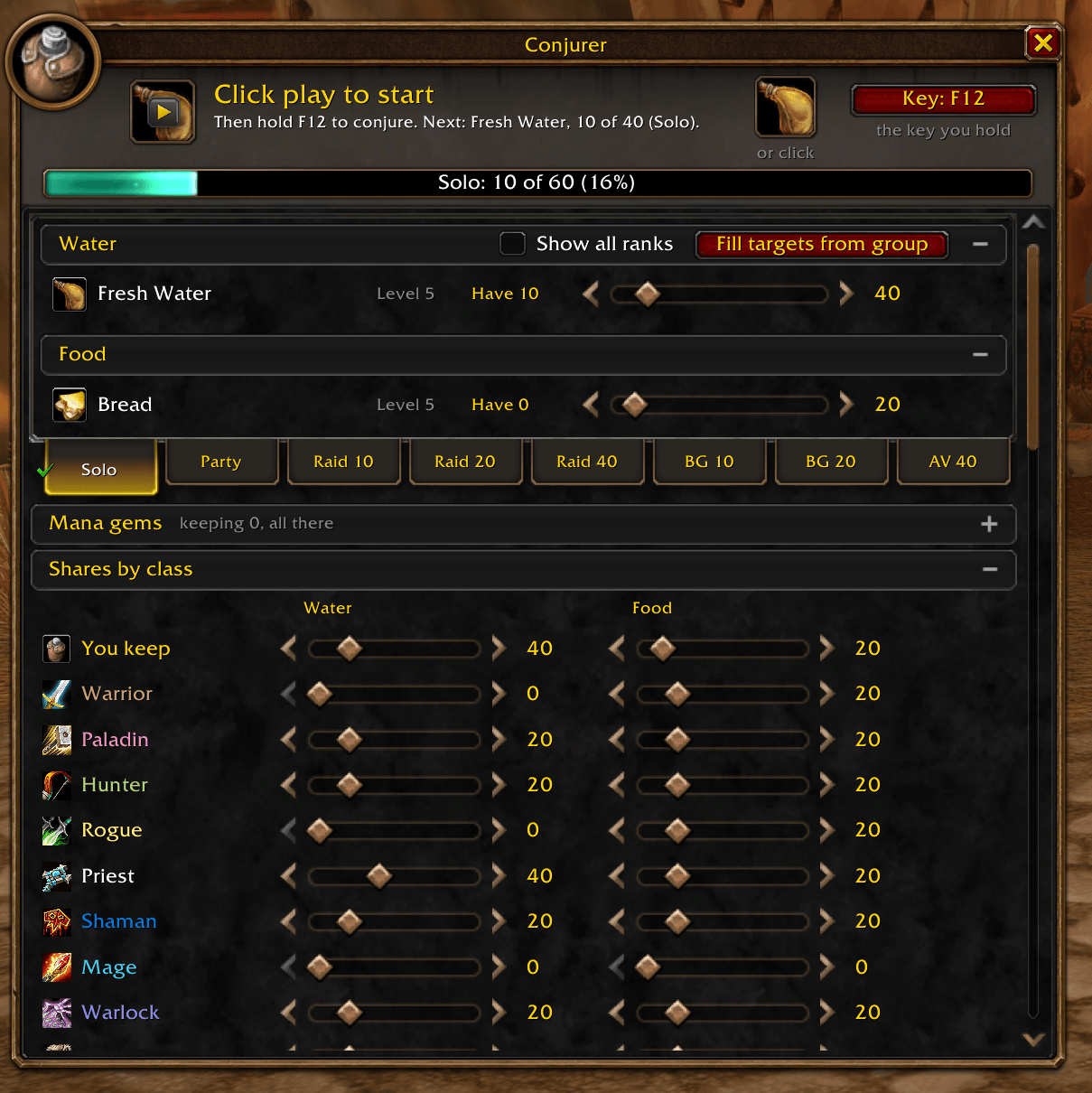
- Profiles for every group size. Solo, Party, Raid 10, Raid 20, Raid 40, and battlegrounds of 10, 20 and 40 a side (Warsong Gulch, Arathi Basin, Alterac Valley). Ready always conjures for the size of your group right now, and a check on its tab shows which one. Click another tab to set its amounts ahead of time.
- Mana gems. Keep one of each gem you tick. Missing ones are conjured first, out of combat.
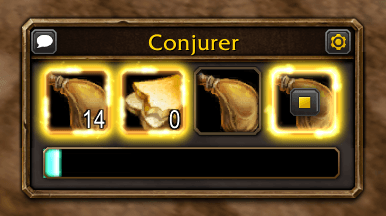
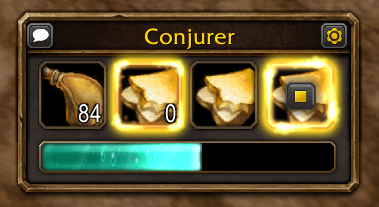
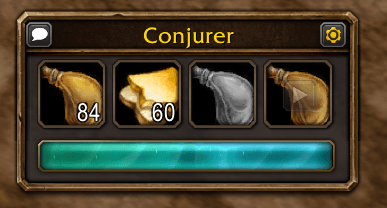
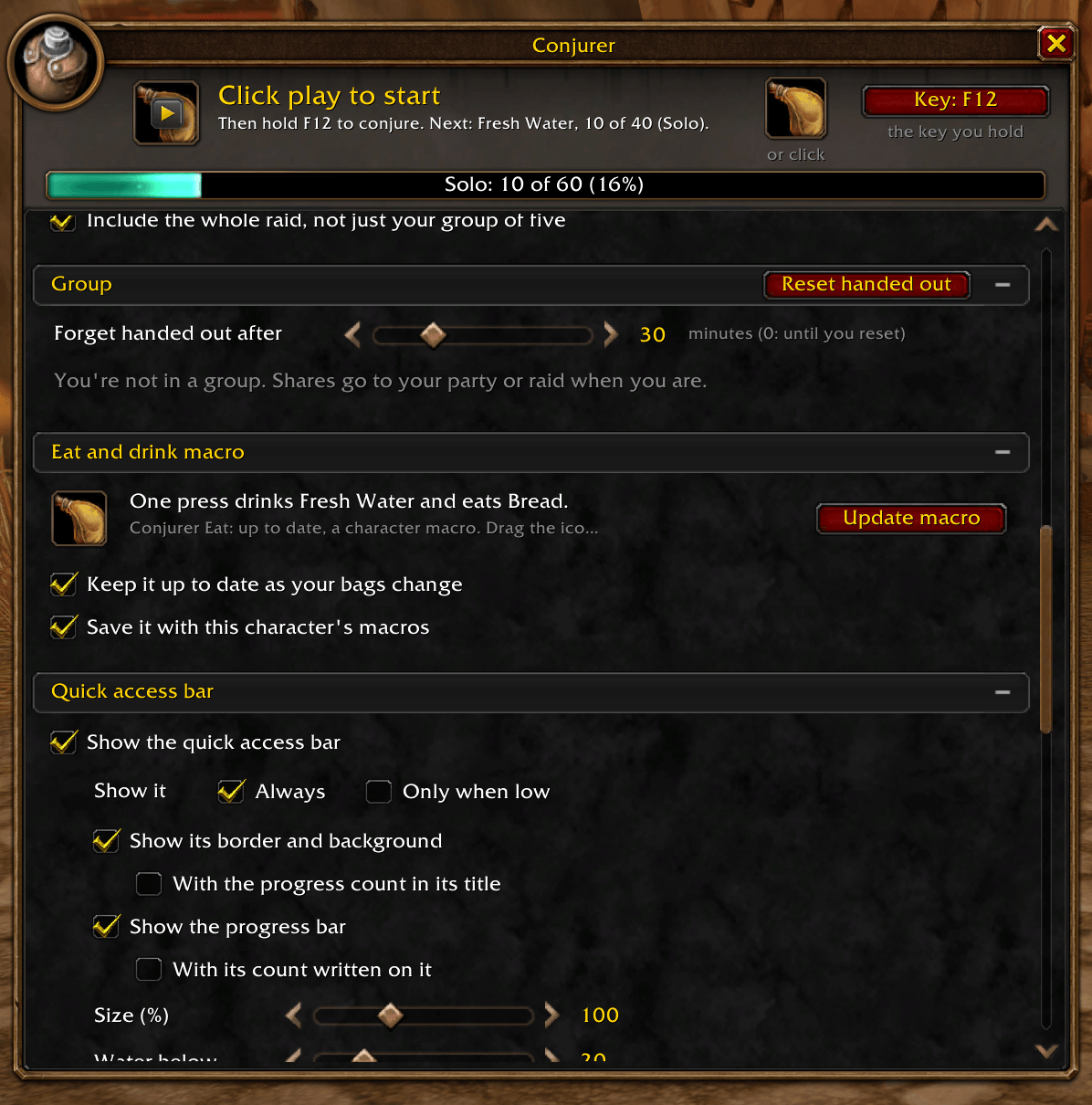
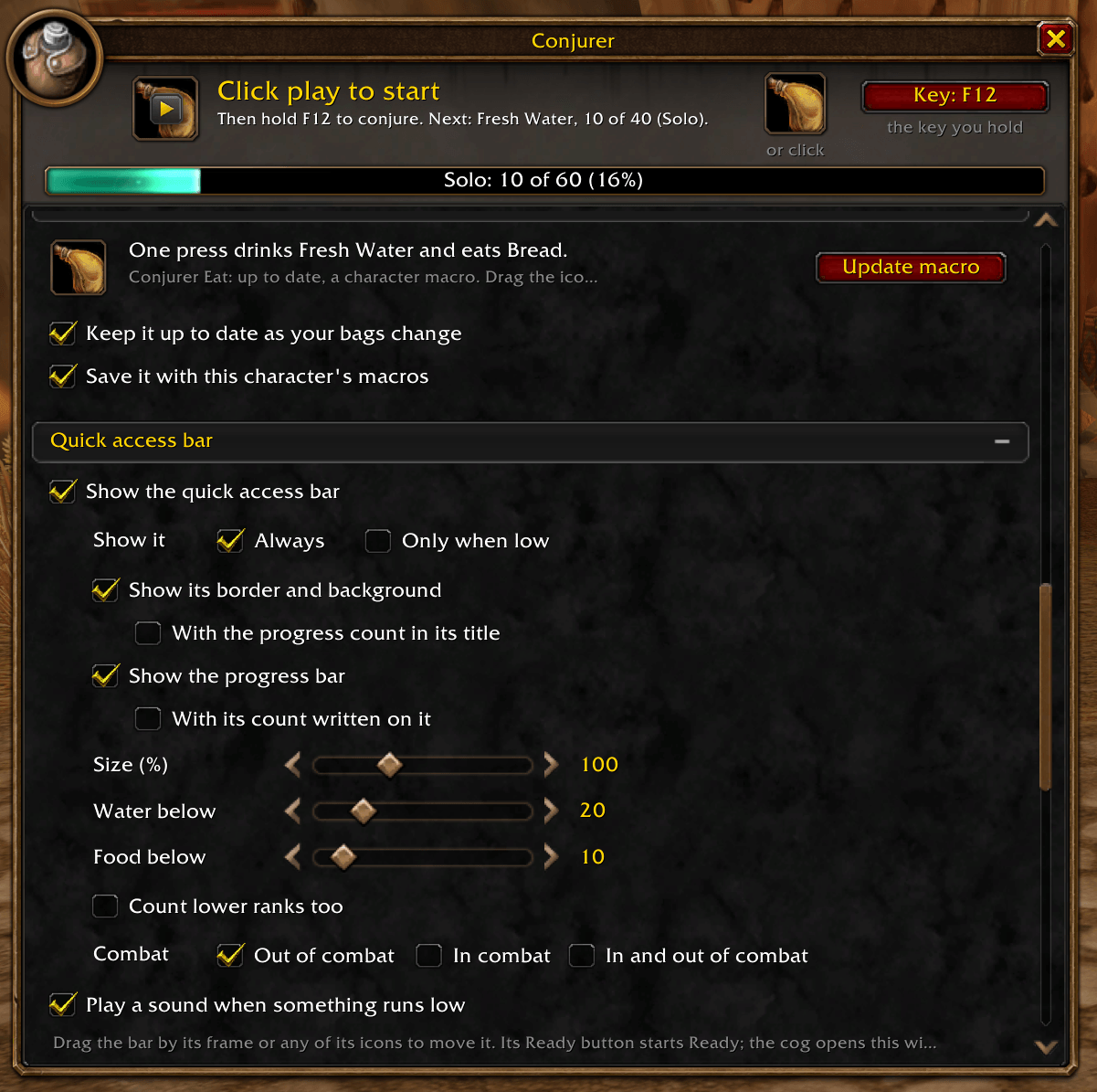
- Quick access bar. Your water and food with how many you have, a click-to-conjure button and a Ready button that glows while you're conjuring, in a small panel like the bag window's with the settings cog and the announce button in its title bar. Keep it on screen all the time or only when you run low, in or out of combat, make it from half to twice as big, or take the panel away and keep just the buttons.
- Progress at a glance. The professions book's own skill bar, with its flowing blue-green fill, shows how far you've got toward every target, under the quick access bar and across the window. Hover it for every row, or put the count in the quick access bar's title.
- Shares by class. Set how much water and food each class gets. When a group member trades you, their share goes into the trade window at the best rank they can use. You still press Trade yourself. The Group list shows who is ready, short, out of range or already handed out, and hand-outs are forgotten after a time you choose.
- The trade window, your way. + Water and + Food add a stack at a time, Clear takes it all back out, and what you conjure with a trade open goes straight in. Your stacks are tidied first, so people get whole stacks. Strangers get their share too, up to amounts you set.
- Tooltips and tidy bags. Hovering a player shows what they'd get and whether they've had it, and loose conjured stacks are merged into whole ones after you conjure, when Ready goes off and when a trade closes.
- Fill targets from group. One click sets your targets to what your group is owed plus what you keep for yourself.
- Eat and drink with one button. A macro that drinks your best conjured water and eats your best conjured food together, kept up to date as your bags change.
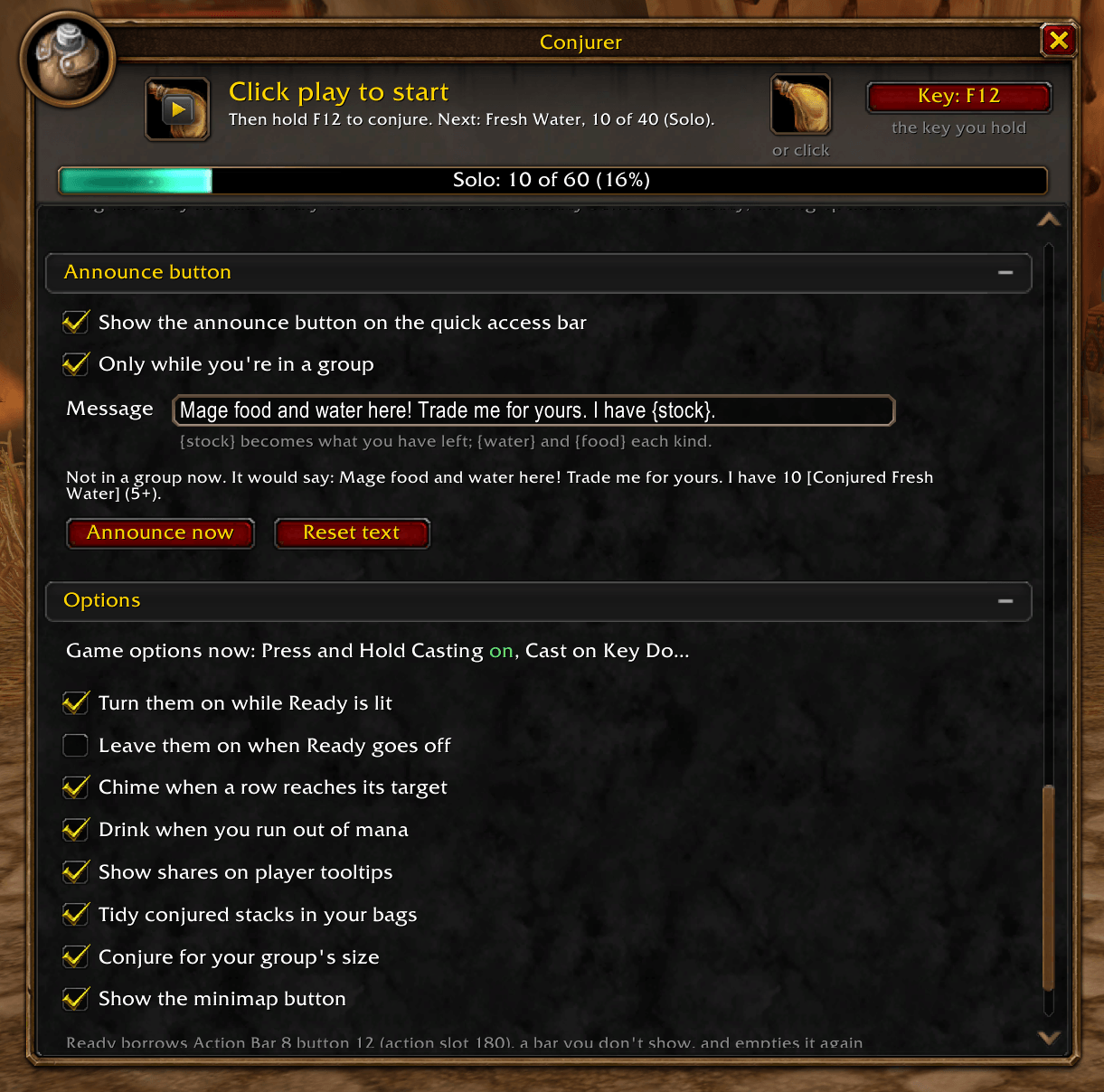
- Announce button. Optional, in the quick access bar's title bar: one click tells your party, raid or battleground (or the people around you) to trade you for food and water, with how much you have left as links people can shift-click, in your own words.
- Looks like it belongs. A Blizzard-style window built from the game's own art, with sections you can fold away, and a minimap button.
Getting started
- Type /conjure or click the minimap button.
- Set how many of each rank you want with the sliders.
- Click the play button on the Ready icon, in the window or on the quick access bar. It lights up.
- Hold F (or the key you pick). Let go and hold again when the chime says the next row is up.
How holding to conjure works
The game only repeats a held cast for its own action bar buttons. While Ready is lit, Conjurer borrows one empty button on an action bar you don't show, puts the next conjure spell on it, and points your key at that button's own key binding. When you're done, the button is emptied and your key goes back to what it normally does.
- Press and Hold Casting and Cast on Key Down are switched on for you while Ready is lit and put back afterwards, or you can turn them on for good from Options.
- Ready switches off the moment you enter combat, and a secure state driver takes the key away even if the addon is too late.
- Nothing happens without you: you hold the key, and you finish every trade yourself.
Commands
- /conjure opens the window (/conjurer works too)
- /conjure ready turns Ready on or off
- /conjure fill sets targets from your group
- /conjure reset puts the window back in the middle of the screen
- /conjure debug prints what Conjurer found on your client
Discord
Join my Discord for Feedback, Development Updates, Addon Ideas, Feature Requests, and Bug Reports.
You must be logged in to leave a comment.