
CombatNotify
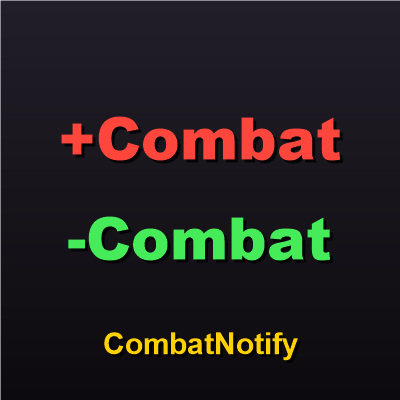
Shows +Combat / -Combat scrolling text when you enter or leave combat, with adjustable speed, size, colors and position.
Details
Addon ID:
27923
Addon Version:
CombatNotify.zip
Expansion:
1.60
Upload date:
Oct 06, 2026
Last Updated:
Oct 06, 2026
Downloads:
Less than 100
Website:
Source Link
Expansion
 Forever
 Categories
Developers

DreggzCode
Creator
Having issues?
CombatNotify
Never miss the moment you pull aggro or drop out of combat. CombatNotify shows a short +Combat / -Combat message in scrolling text whenever you enter or leave combat.
Features
- +Combat (red) when you enter combat, -Combat (green) when you leave.
- Built-in scrolling text you can fully adjust:
- Scroll speed
- Scroll distance
- Font size
- Screen position
- Scroll up or down
- Drop shadow or outline
- Custom text and colors for both messages.
- Optional sound alert.
- Can send messages to MikScrollingBattleText, Parrot, SCT, or Blizzard's own floating combat text instead.
- Lightweight: no libraries, and it only reacts to two events.
Options
Open the options with /cn, or go to Game Menu > Options > AddOns > CombatNotify. Use the Test button to preview changes as you make them.
Slash commands
| Command | What it does |
|---|---|
/cn | Open the options panel |
/cn test | Show both messages |
/cn toggle | Turn CombatNotify on or off |
/cn enter <text> | Change the enter-combat message |
/cn leave <text> | Change the leave-combat message |
/cn reset | Restore default settings |
Notes
- Speed, size and position settings apply to the built-in display. Other scrolling text addons and Blizzard's floating combat text use their own settings.
- If the display you picked isn't available (for example, Blizzard floating combat text is turned off), CombatNotify falls back to its built-in text.
Found a bug or have an idea? Leave a comment on this page.
You must be logged in to leave a comment.