

BisCouncil Loot Summary | Analytics Tool for BisCouncil, TMB, Gargul, and RCLootCouncil Data
Transform your loot history, prios, and wishlist data into clean data visualizations without leaving the game. Supports BC, TMB, Gagrul, and RCLC data
Details
Expansion
 Forever
 Categories
Developers

Having issues?
Now supports the following data sources:
- BisCouncil (but not supported in forever)
- ThatsMyBis
- Gargul
- RCLootCouncil
BisCouncil Loot Summary let’s you see your guild's loot, prio, and wishlist data in seconds without leaving the game.
For TMB users:
To use your TMB data, go to:
- thatsmybis.com ->
- Guild ->
- Exports ->
- find the 'Loot Received, Wishlists, Prios, and Notes' section ->
- click view csv ->
- copy/paste into BCLS import frame for TMB ->
- click the preview import button
- copy/paste into BCLS import frame for TMB ->
- click view csv ->
- find the 'Loot Received, Wishlists, Prios, and Notes' section ->
- Exports ->
- Guild ->
For users who just want to use their Gargul, RCLootCouncil Data
BCLS now works directly with gargul and RCLC data. Just create any CSV export (any kind you want, the addon will auto-detect the export type and ingest properly) and paste it into the import frame.
For those who have a BisCouncil Account:
Go to guild Manager -> Exports -> BisCouncil Export. Don't have a BC account? visit https://www.biscouncil.com/ to get set up.
To learn more, join the discord or visit our site:


Core Features:
BisCouncil Loot Summary lets guilds import, explore, and share loot data directly in game.
Scope Toggles
- BisCouncil
- ThatsMyBis
- Gargul
- RCLootCouncil
Each scope loads its most recent import and adjusts available reports based on the data provided by that system. The WoW Forever version supports ThatsMyBis, Gargul, and RCLootCouncil.
Report Types
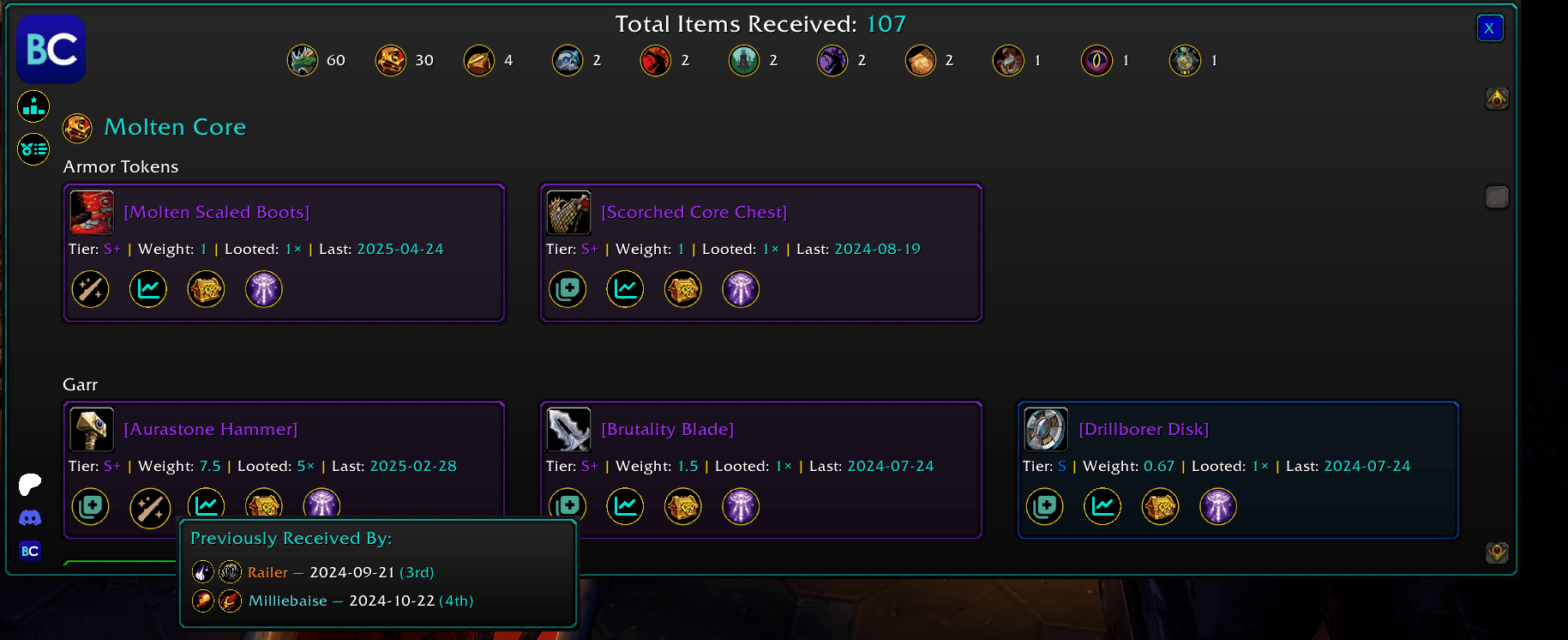
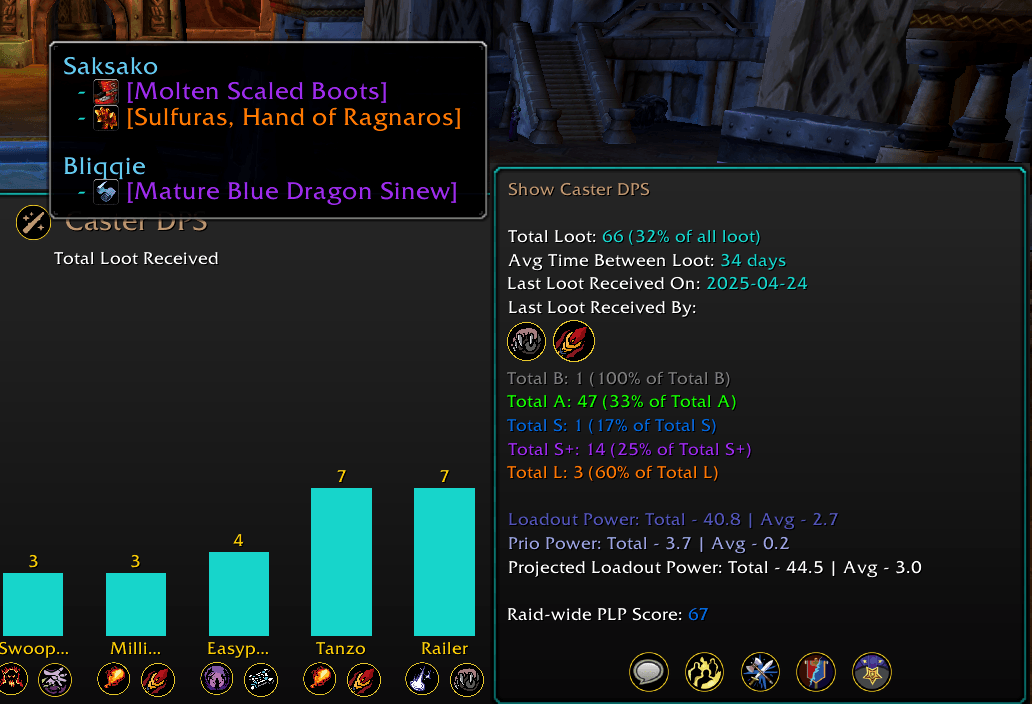
- Loot Distribution
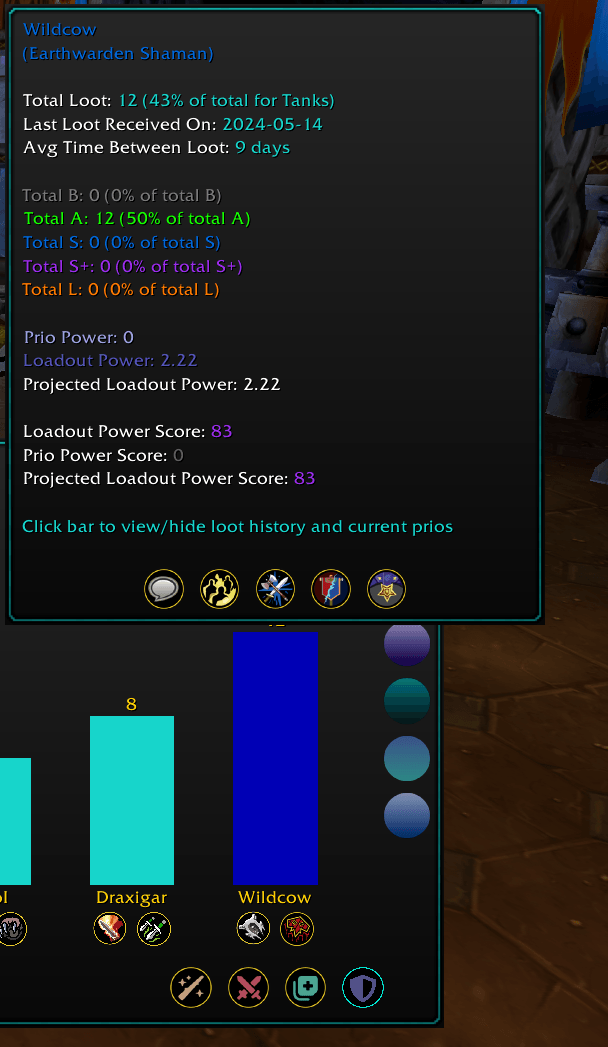
- Raider Details
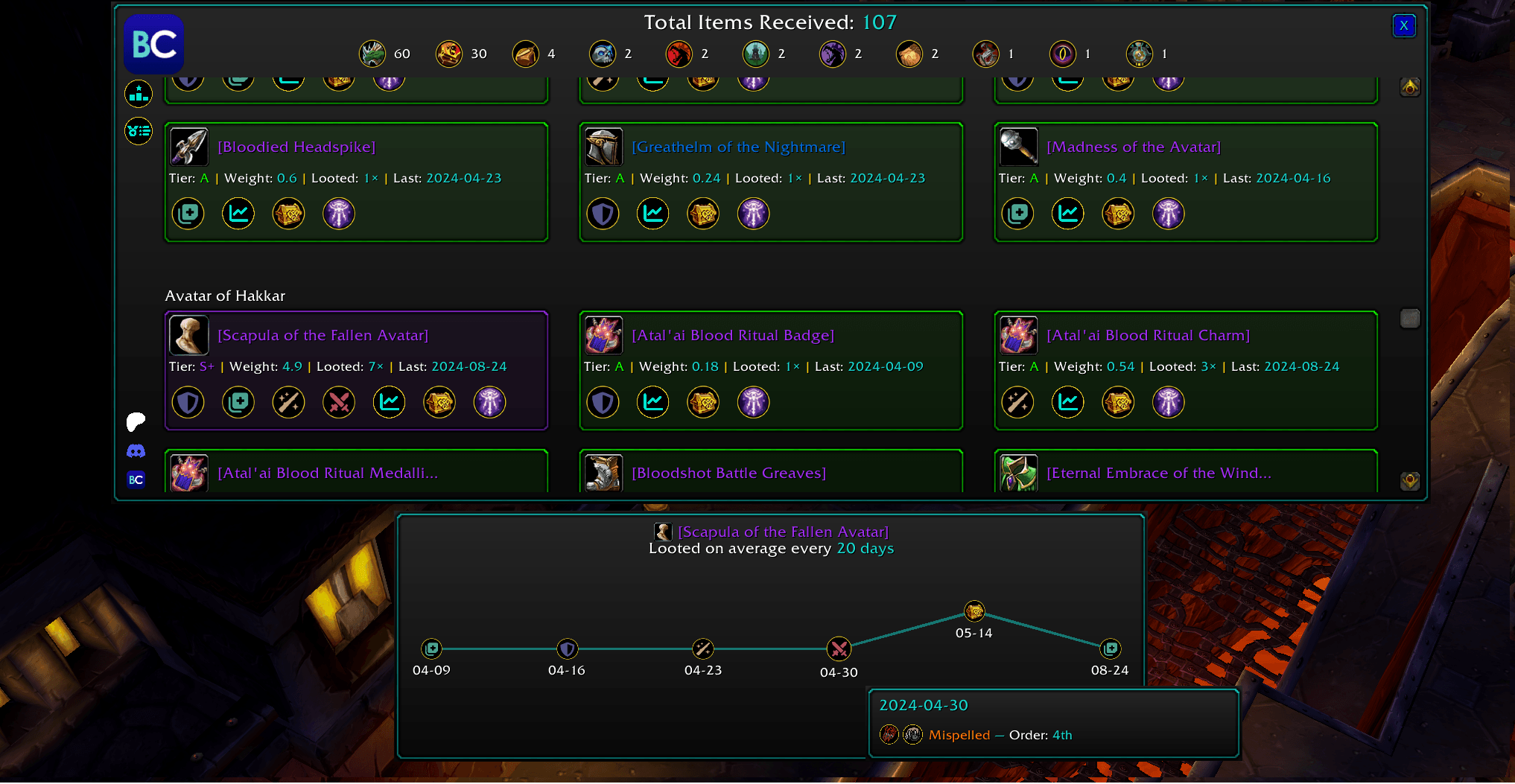
- Loot Timeline
- Wishlist
- Prios
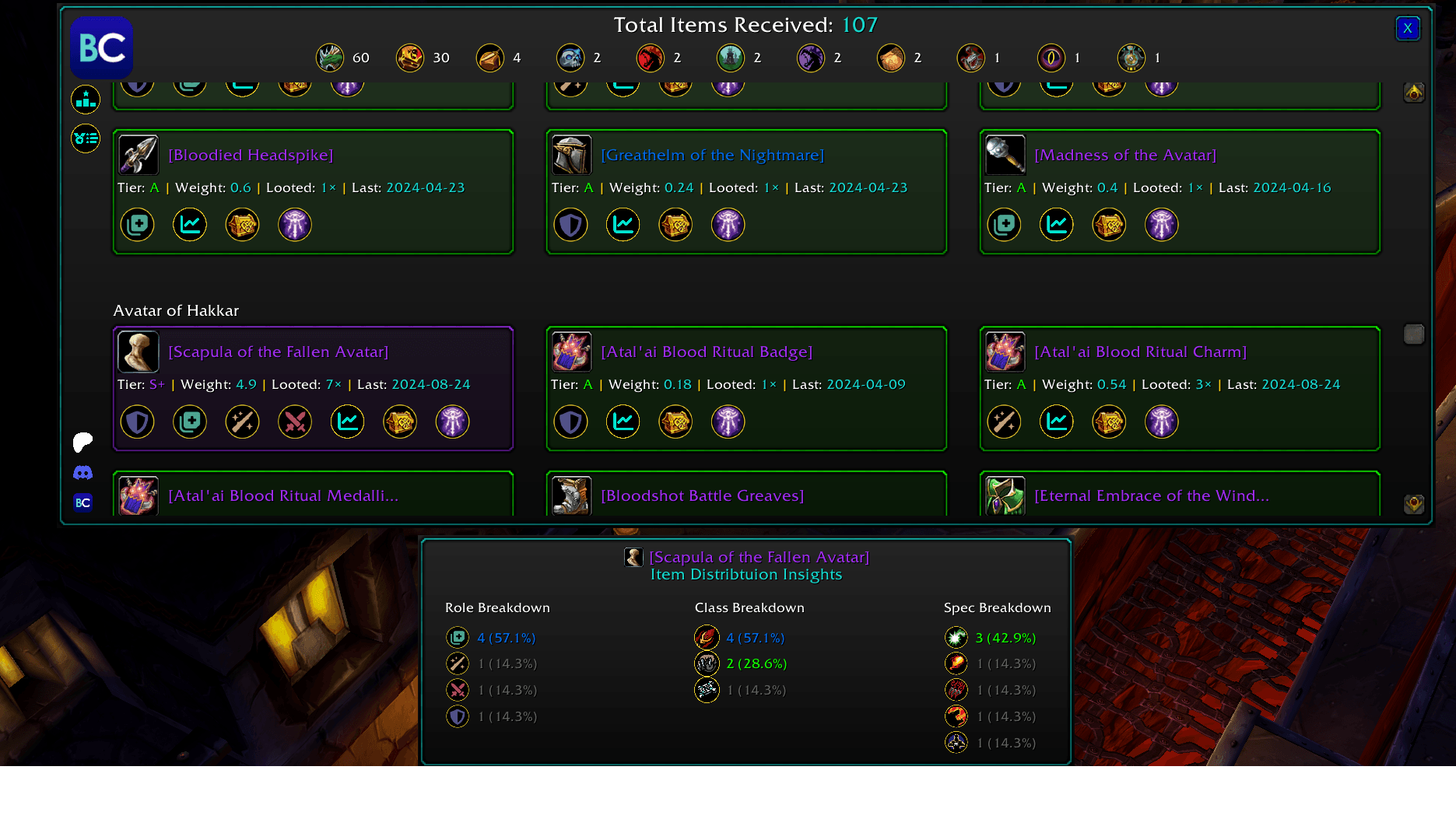
- Role Insights
- Class Insights
- Item Distribution
- Encounter Distribution
- Date Distribution
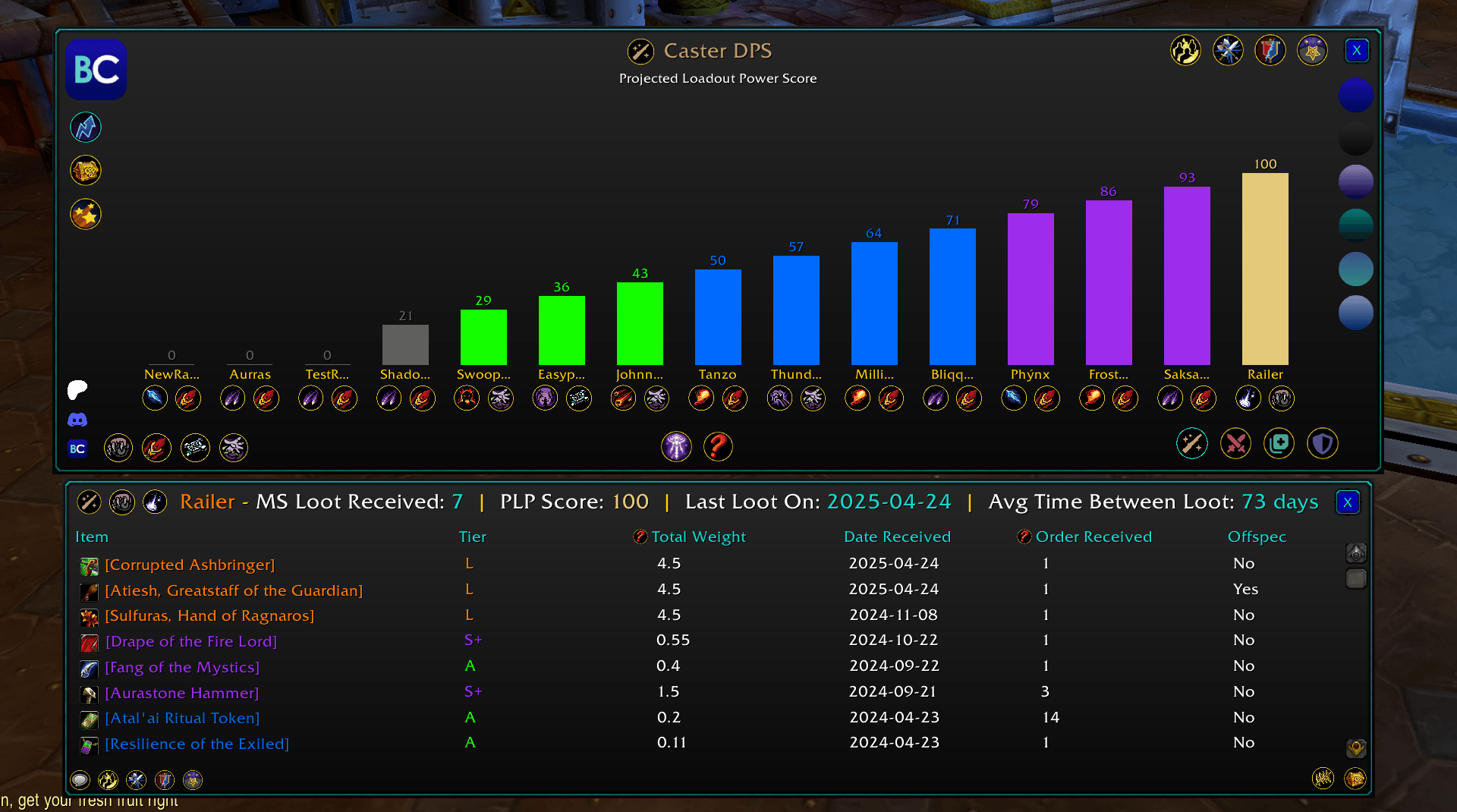
- Projected Loot Score
- Projected Loot Distribution
- RCLootCouncil Response Analytics
- Interactive Shared Reports
Reports can be filtered by class / instance / response (for rclc data)
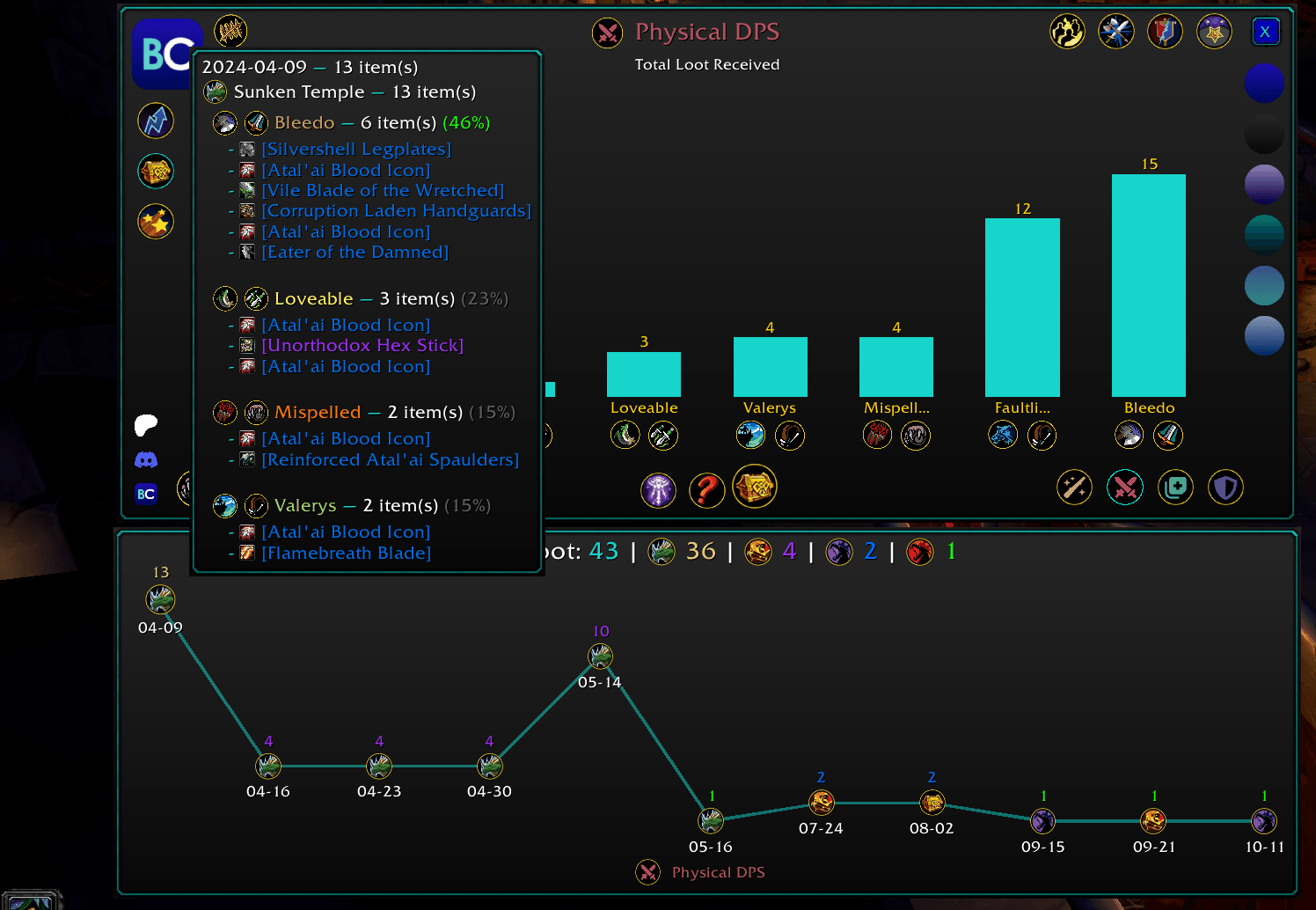
Loot Distribution
- Raider distribution
- Class distribution
- Role distribution
- Item distribution
- Encounter distribution
- Date based distribution
- Loot counts and percentage shares
- Detailed loot history for individual awards
Raider Details
- Loot received
- Wishlist items
- Prios
- Item tiers
- Loot timeline
- Personal distribution statistics
- Notes and award information
Available fields depend on the selected scope.
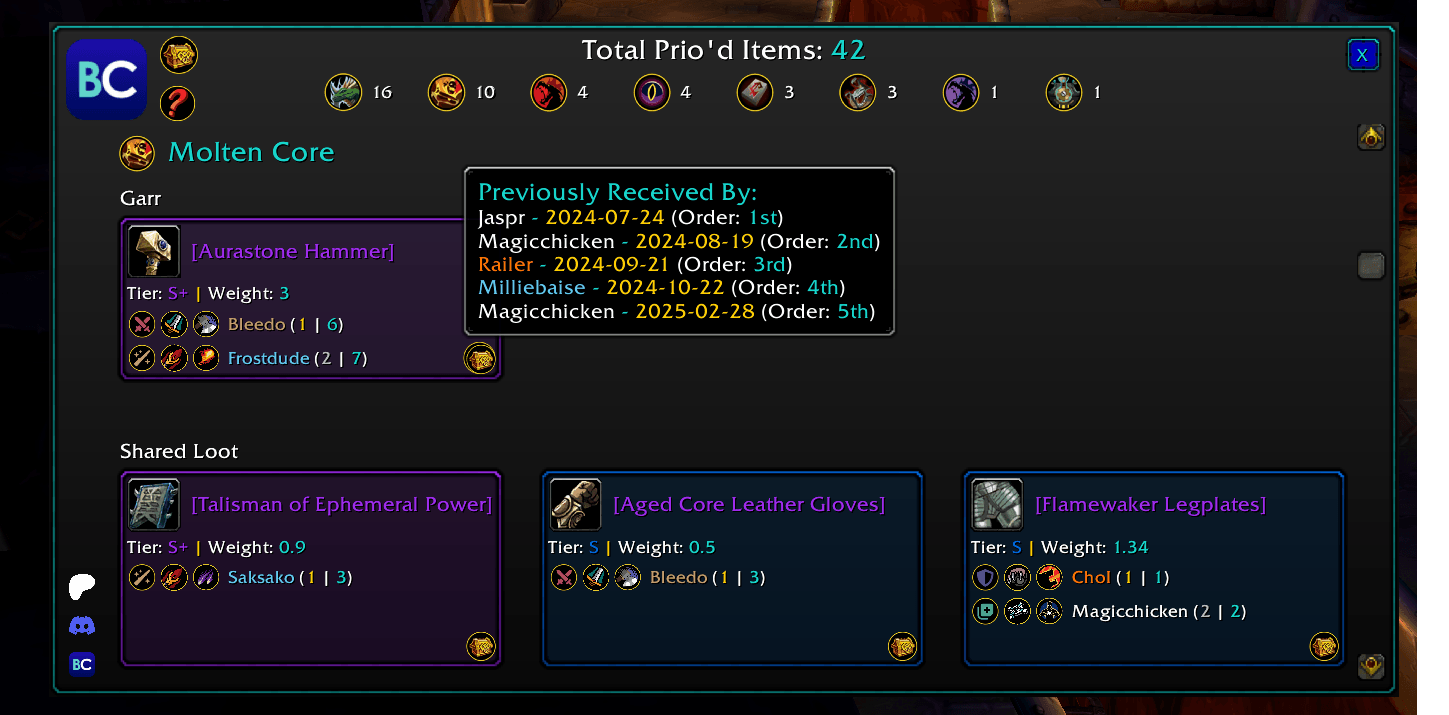
Wishlist and Prios
- Search by item name
- Browse by raid instance
- View order to receive
- Review item notes
- Compare requested items across the roster
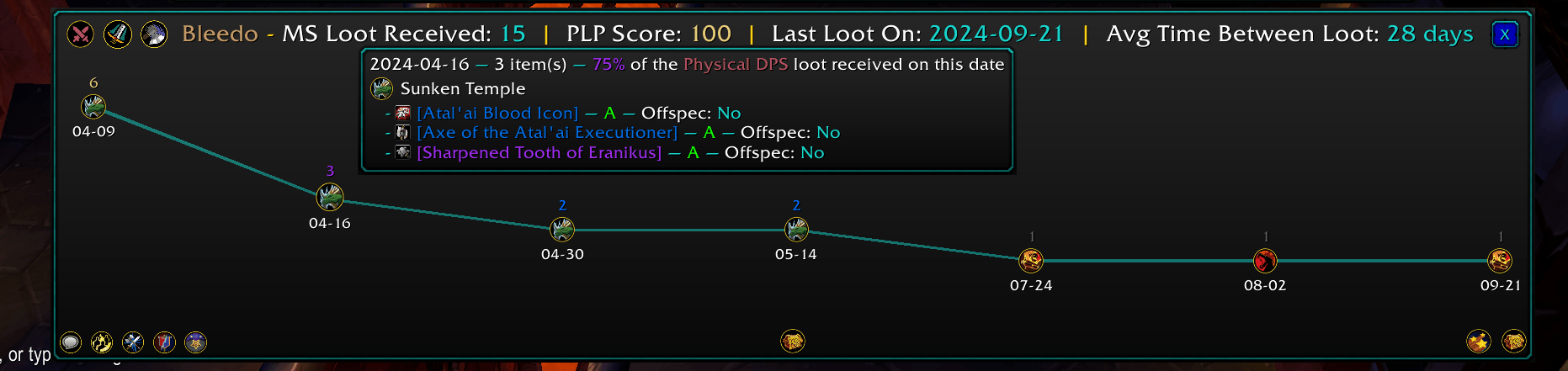
Loot Timelines
- View loot history chronologically to see when and where items were awarded.
- Filter and inspect awards by raider, item, encounter, and date.
Role and Class Insights
- Total loot received
- Item tier distribution
- Loot share
- Raider breakdowns
- Class breakdowns within each role
- Fairness metrics where supported
RCLootCouncil Response Analytics
- Role response distribution
- Class response distribution
- Raider response distribution
- Additional percentages and distribution statistics in tooltips
- Count-based fairness analysis
Gargul Analytics
- Count-based fairness analysis
BisCouncil Analytics
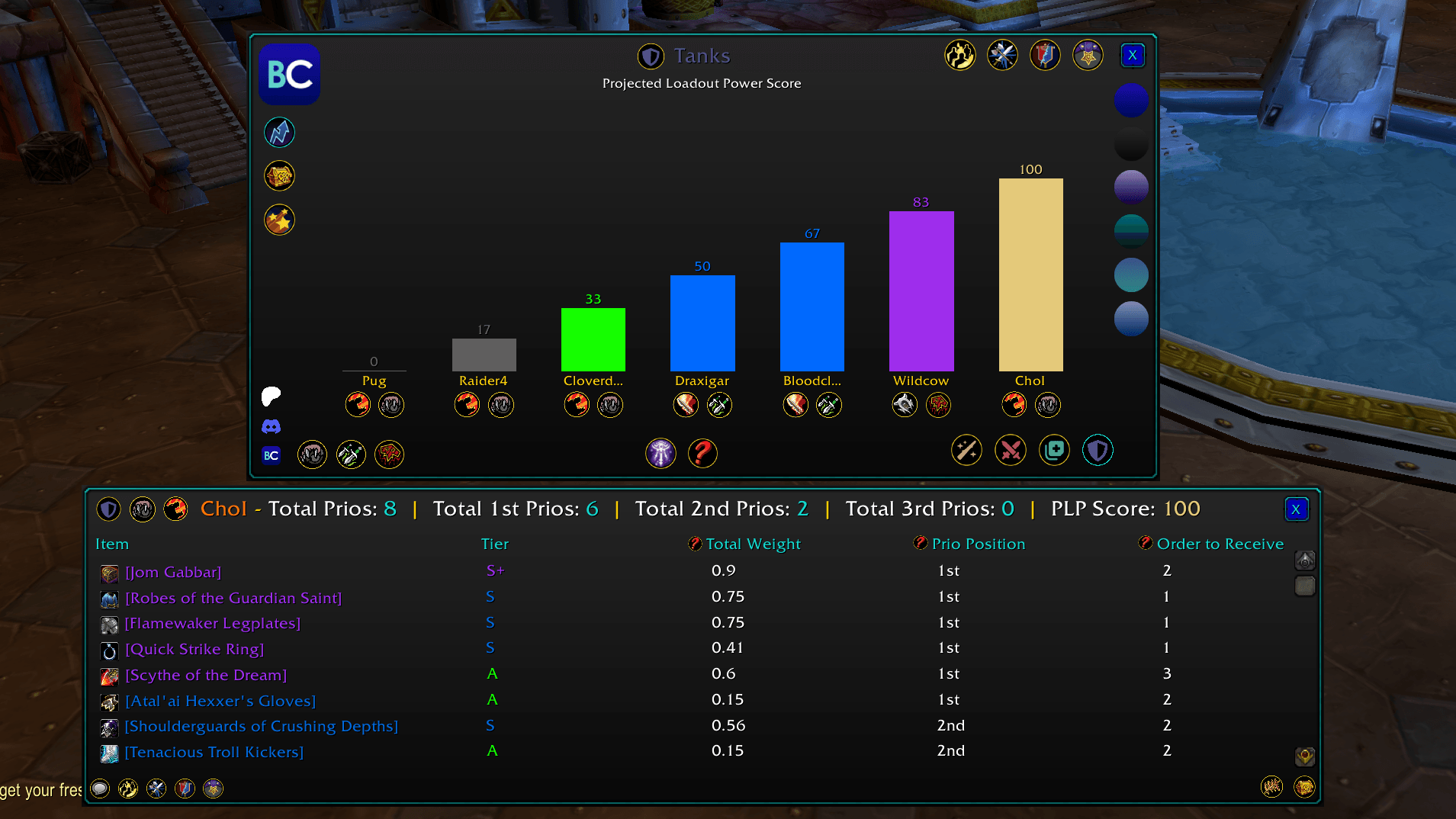
- PLP Score
- Loadout Power
- Projected Loadout Power
- PLP distribution
- Advanced wishlist and prios analysis
- Additional progression and roster analytics
ThatsMyBis Analytics
- Tier weighted fairness scoring
- Projected Loot Score
- Projected Loot Distribution
- Ranked and unranked item controls
- Total loot analysis
- First prios analysis
- Supports S through F item rankings.
Import Settings and Data Mapping
- Spec mapping
- Role mapping
- Automatic class based role mapping
- Case insensitive spec matching
- Spec shorthand support
- Optional loot received date filters
- Scope specific import settings
- Date range filtering
Search and Navigation
- Raider search
- Item search
- Instance based navigation
- Encounter icons
- Class icons
- Role filtering
- Scope filtering
Import History
- Data source
- Imported raiders
- Total loot count
- Import details
Previous imports can be reopened without reloading the data.
Sharing
- Loot distribution reports
- Raider reports
- Item information
- Loot history
- Other supported analytical views
Shared text is kept concise for chat readability.
Interactive Shared Reports
- Clickable BisCouncil report links
- Separate BisCouncil themed shared report window
- No dataset import required for the recipient
- Preserved scope
- Preserved role
- Preserved filters
- Preserved statistics
- Preserved report icons
- Preserved report specific data
Reports are shared as clickable links in chat channels, like how you can link quests or items. The shared reports are snapshots so recipients see the same values that were originally shared.
You must be logged in to leave a comment.