
Archaeology Helper
Helps you to find archaeology fragments easily
Details
Expansion
 Cataclysm
 Categories
Developers

Having issues?
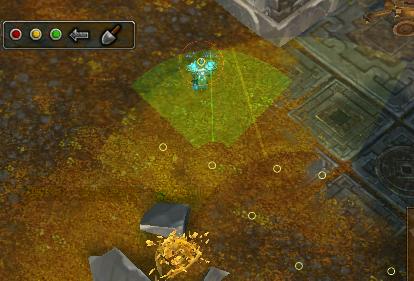
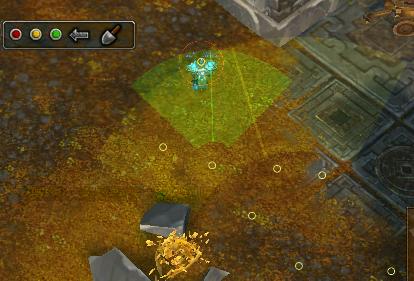
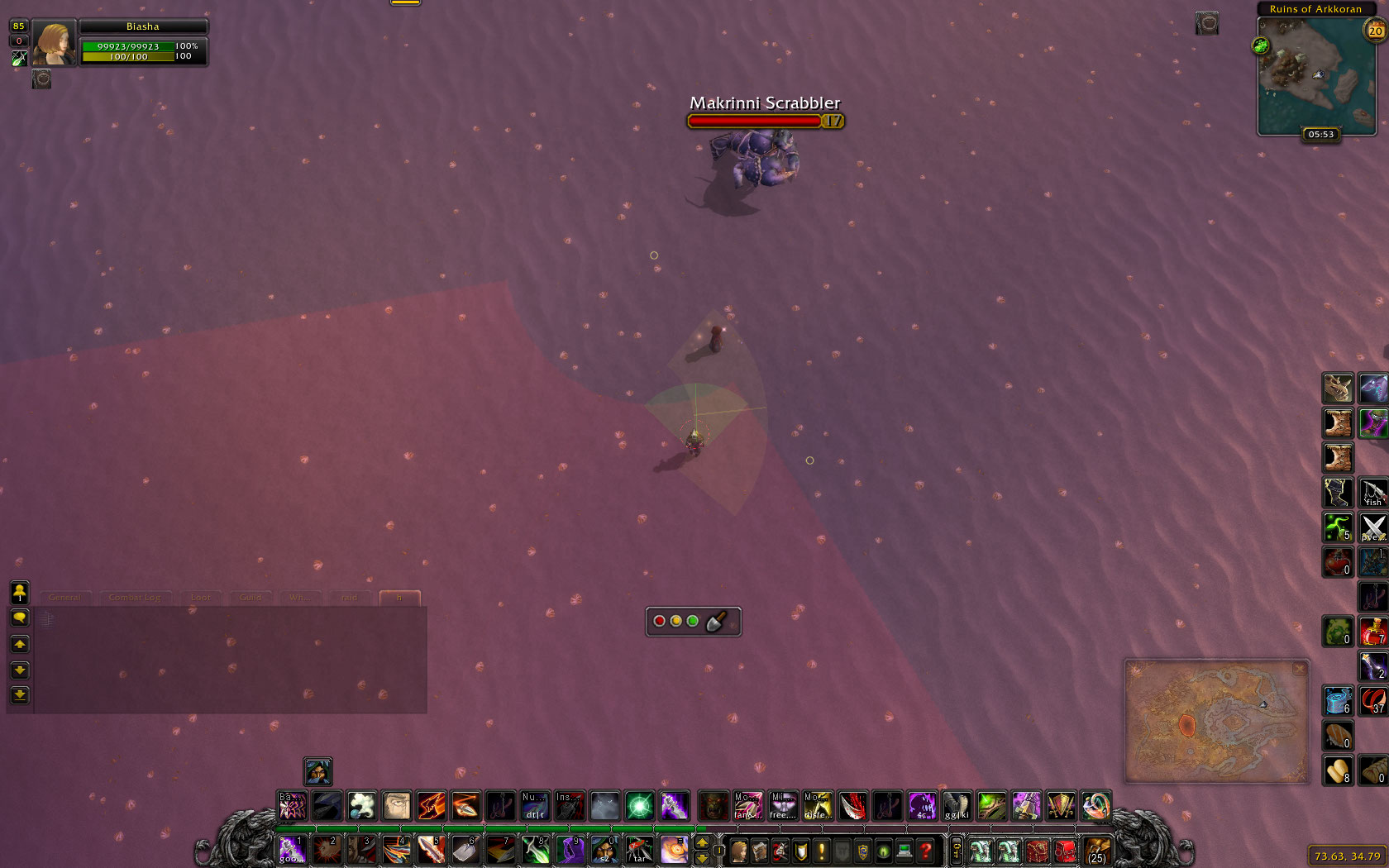
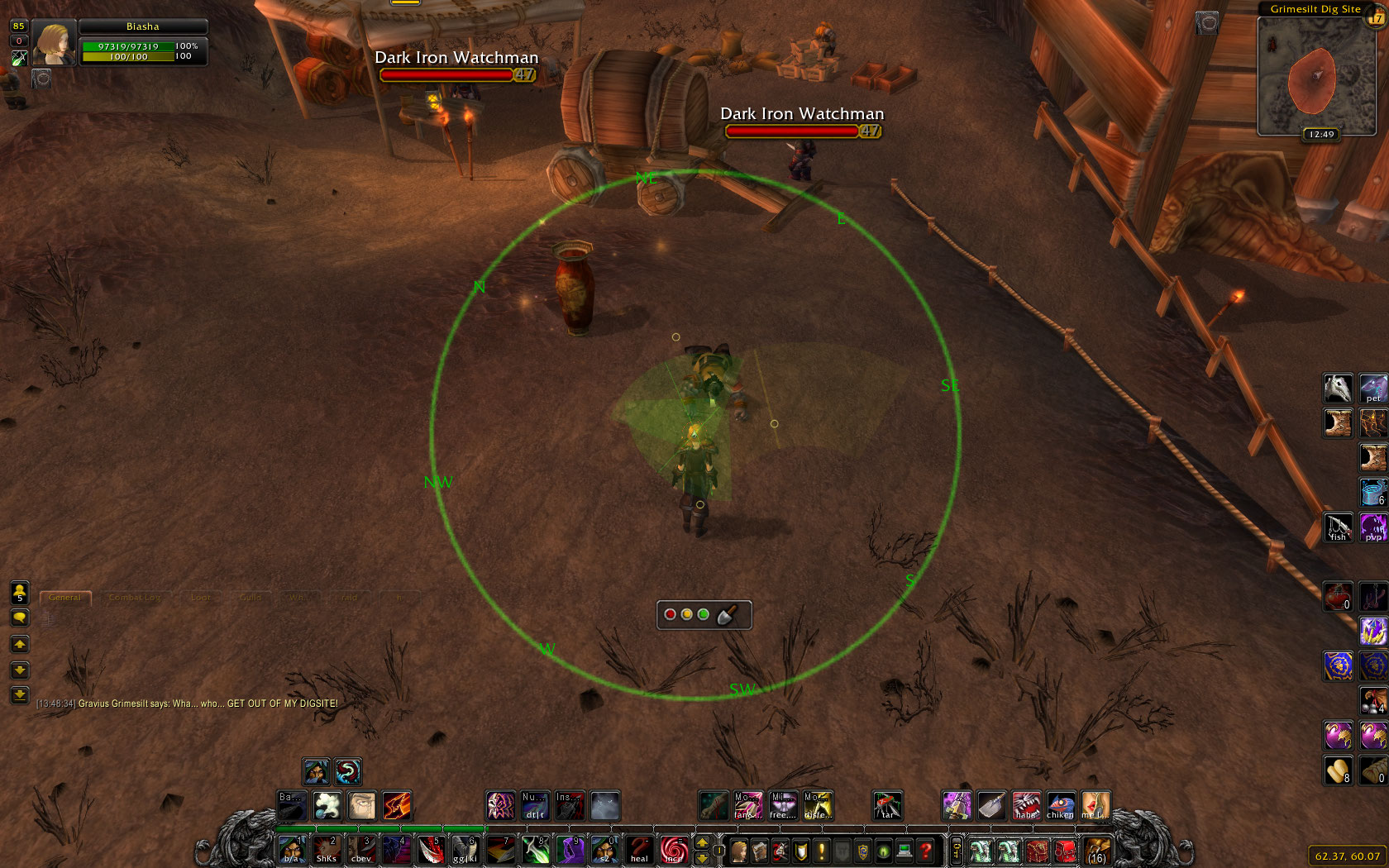
Archaeology Helper accelerates your surveying by providing triangulation on a Heads-Up Display (HUD)
- Survey then press green, yellow or red button to add new sector to the HUD and narrow down the position of your fragment
- HUD optionally includes GatherMate2 pins showing possible fragment positions, further accelerating the process
- Shows Dig Sites on Battlefield Minimap
- Keybindings and various settings
How to use
Go to dig site, Right Click last button (spade) to show HUD and Left Click to cast Survay. Then ROTATE YOUR CHAR, BUT DON'T MOVE in the needed direction and press colored button according to Survey result. Move to other location, do same again.
It is strongly recommended to use in conjunction with GatherMate2, which will show all previous or imported dig-points on the HUD. When using GatherMate2 jump onto fragment before gathering! GatherMate2 data accuracy depends on that. Minimap zoom buttons also zoom the HUD display.
Controls
Left Click main window to move it
Right Click main window: opens config
Left Click on colored button: adds new sector to the HUD
Right Click on colored button: temporarily hide/show that color
Arrow button: undo last sector
Left Click spade: cast Survey
Right Click spade: show/hide the HUD
Middle Click spade: open Archaeology window
Use "/arh" or "/arhcfg" for command line help
HUD
On the HUD you can also see player arrow in the center and very small red circle that represents survey success range. And ofc all colored transparent overlapping areas that were set by you with colored buttons.
How to help
- Bug Reports and Feature Requests - bug reports in comments will be deleted
- Translators Needed! Apply localization here
You must be logged in to leave a comment.